What Is SIEM and How Does It Work?
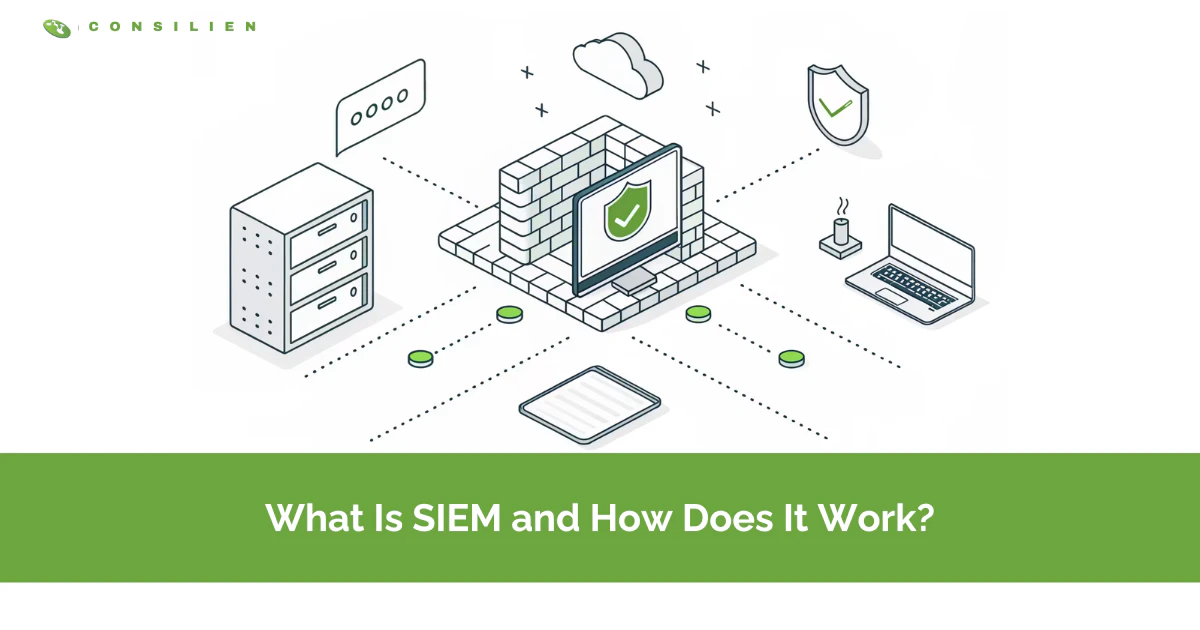
SIEM (Security Information and Event Management) is software that collects log data from across your IT environment, correlates it in real time, and alerts your security team to threats. It also stores that data to prove compliance.
Table of Contents
Think of a SIEM as the sensor grid wired through your entire network. Every server, firewall, laptop, and cloud app reports what it sees. The SIEM pulls those millions of signals into one place and flags the handful that matter. It's the nervous system. It's not the brain, and it's not the guard.
That distinction is where most companies get SIEM wrong. They buy the platform, watch the dashboard light up, and assume they're covered. Then the alerts start. Thousands a day. Most large security teams now field close to 3,000 alerts every 24 hours, and research on alert fatigue shows roughly 40% of them are never investigated at all. A SIEM doesn't keep you safe. The people and process reading it do. Buying managed cybersecurity that actually watches the SIEM is a very different decision than buying the SIEM itself.
So this post explains what a SIEM is, how it works under the hood, what it costs, and the honest question most vendor pages skip. Do you even need one?
What is SIEM, exactly?
SIEM stands for Security Information and Event Management. It's the combination of two older ideas, security information management (long-term log storage and reporting) and security event management (real-time monitoring and alerting), fused into one platform.
In plain terms, a SIEM is the central place where all your security-relevant data lands. IBM defines it as a tool that ingests event data from your whole infrastructure, on-premises and cloud, then analyzes it to spot threats before they disrupt the business. Microsoft frames it the same way, a system that helps teams detect, analyze, and respond to threats from a single dashboard.
Here's the part that trips people up. A SIEM is not antivirus. It's not a firewall. It doesn't block anything on its own. What it does instead is watch every other security tool you own, pull their logs into one place, correlate what they're each reporting, and tell a human exactly where to look when something across those tools starts to line up into an attack. The firewall is a wall. The SIEM is the guard tower watching every wall at once.
How does SIEM work?
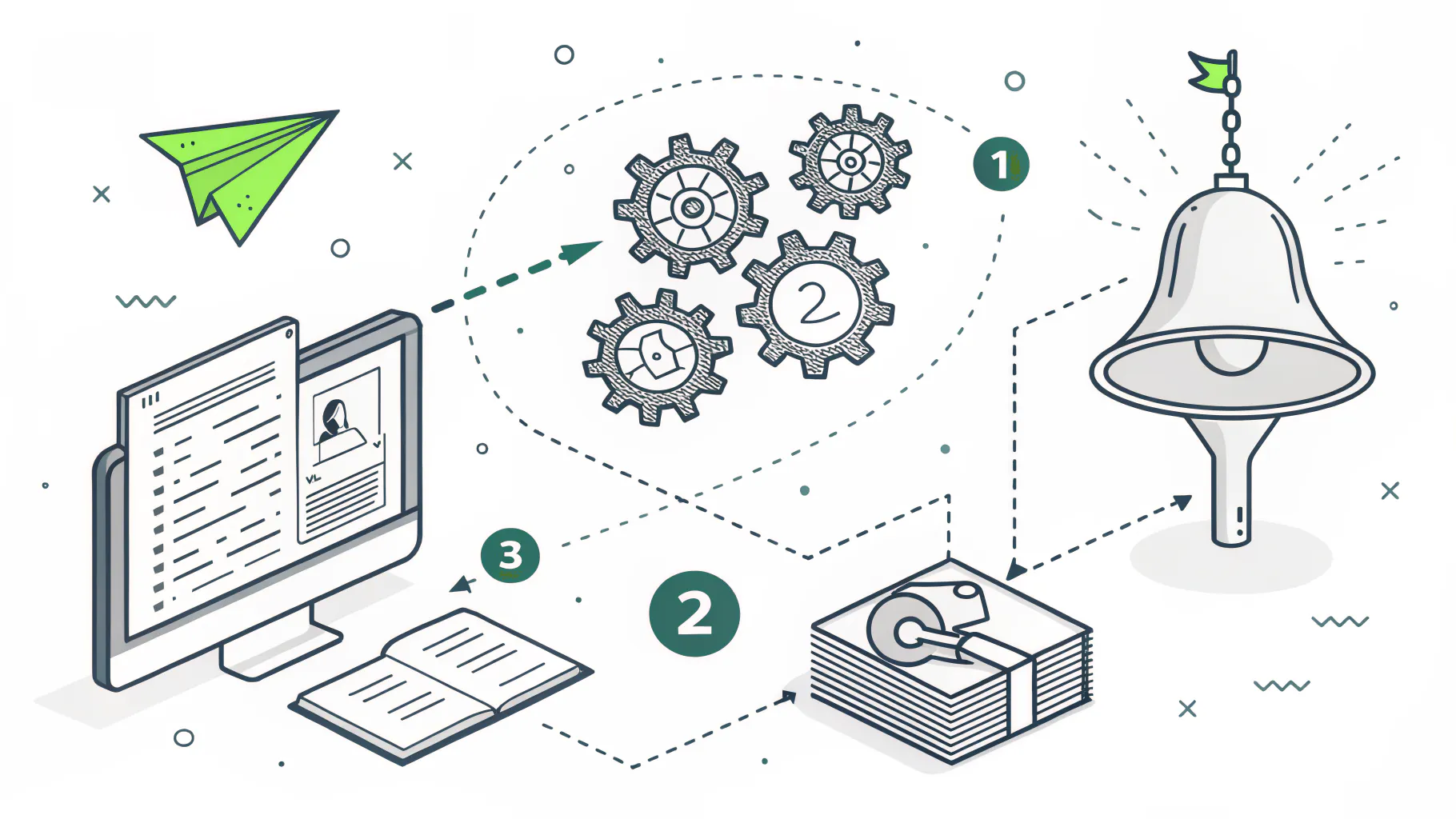
A SIEM works in three stages. It collects log data from every system, normalizes and correlates that data to find patterns, then alerts your team and feeds the response. Collect, correlate, act.
Fortinet breaks the mechanism into those same three moving parts. Here's what each one actually does.
Stage 1: Log collection and normalization
Everything starts with data. Collectors and agents pull event logs from across the environment, servers, firewalls, endpoints, identity systems, SaaS apps, cloud workloads, network gear. Each of those sources speaks its own dialect. A Windows event log looks nothing like a Cisco firewall log.
Normalization is the translation step. The SIEM takes every one of those incompatible formats, from Windows event IDs to firewall syslog to cloud API audit trails, and rewrites them into one common structure so that a login on a laptop and a login on a cloud console can finally be compared side by side. Without it, you'd have a warehouse of logs nobody can read together. Boring work. Also the whole foundation.
Stage 2: Correlation and threat detection
This is where raw noise becomes a signal. Correlation rules connect events that look harmless alone but ugly together. One failed login is nothing. Forty failed logins, then a success, then a privilege change at 2 a.m. from a country you don't operate in? That's a story, and the SIEM is built to tell it.
Modern platforms layer on user and entity behavior analytics, or UEBA, which Exabeam describes as behavioral baselining. The system learns what normal looks like for each user and device, then flags the weird. A finance manager who has opened maybe a dozen files a day for two years and then suddenly downloads 4,000 of them at midnight gets caught not by a rule someone had the foresight to write, but by the simple fact that the behavior no longer matches the person.
Stage 3: Alerting, dashboards, and response
The output lands on a dashboard. Prioritized alerts, ranked by severity, with the supporting evidence attached so an analyst can triage fast. The good SIEMs also kick off automated actions, disabling an account, isolating a machine, opening a ticket, before a human even reads the alert.
And this is exactly where the model breaks for a lot of companies. The SIEM produces the alert. Someone still has to read it, judge it, and act. No one watching the dashboard means the alert just sits there, blinking red at 3 a.m. in an empty office while the thing it warned about keeps moving through your network unopposed. We'll come back to that.
What can a SIEM actually do for your business?
Strip away the marketing and a SIEM earns its keep in five ways. Threat detection, log management, compliance reporting, forensic investigation, and behavioral analytics. Here's how each one shows up in real operations.
- Threat detection correlates events across your tools to catch attacks that single tools miss, like the lateral movement a firewall never sees.
- Log management centralizes and retains logs from every system in one searchable store, so there is one place to look instead of 30 separate consoles.
- Compliance reporting automates the audit logs and reports frameworks demand, turning a two-week audit scramble into a report you export.
- Forensics reconstructs the timeline of an incident after the fact, answering how they got in and what they touched.
- UEBA baselines normal behavior and flags anomalies, catching the insider and the stolen credential.
Notice compliance in that list. For a lot of businesses, that's the reason a SIEM shows up in the first place, not the threat detection. Which is a shame. The audit box gets the budget approved, but the correlation engine quietly watching for the credential that got phished last Tuesday is the part that actually saves the business, and it's the part nobody gets excited about in the buying meeting.
SIEM vs SOC vs MDR vs SOAR vs XDR
The acronym soup is half the confusion. A SIEM is a tool. A security operations center, or SOC, is the team of people who use it. The rest are either narrower tools or delivery models. Here's the whole alphabet, untangled.
- SIEM is software that collects and correlates logs, the broad log-and-alert engine at the center.
- SOC is the team and process running the tools, people rather than software.
- EDR is endpoint detection and response, deep visibility on laptops and servers only.
- XDR is extended detection and response, correlated telemetry with fewer false positives out of the box.
- SOAR is security orchestration, automation, and response, which turns alerts into automated runbooks.
- MDR is managed detection and response, where a provider runs the whole thing for you.
CrowdStrike sums the split cleanly. SIEM gives broad log visibility, SOAR automates the response, EDR delivers endpoint depth, and XDR connects the dots across domains. They're not competitors so much as layers. Most mature security programs end up running several of these at once, with EDR feeding endpoint detail upward, SOAR automating the repetitive response work downstream, and the SIEM sitting in the middle as the collection and correlation hub that ties the whole thing together.
If you're weighing whether to run this in-house or hand it off, the real comparison is how SIEM stacks up against MDR and MSSP models. That's the decision that actually affects your budget.
Does your business actually need a SIEM?
Not every company needs to buy and run its own SIEM. Some are legally required to have the capability. Others are better served by someone else running it. The honest answer depends on your risk, your compliance obligations, and whether you have anyone to watch the thing.
You probably need a SIEM capability if any of these are true.
- A framework like PCI DSS, CMMC, SOC 2, or NIST 800-171 applies to you and requires centralized logging.
- You've grown past 50 or so employees and your attack surface now spans cloud, remote laptops, and SaaS.
- You're handling regulated data, cardholder information, controlled unclassified information, or contractual security requirements from a customer.
- A cyber insurance policy now asks for log monitoring as a condition of coverage.
- You've had a close call, or worse, and we did not see it is no longer an acceptable answer.
Here's the uncomfortable part. Small and mid-sized businesses aren't too small to be targets. Huntress notes that businesses under 1,000 employees absorb the majority of breaches, and roughly 43% of all data breaches hit small business. Attackers don't skip you for being small. They pick you for being soft, because a 60-person manufacturer with one overworked IT generalist and no monitoring is a far easier payday than a Fortune 500 with a staffed security team, and the automated tools scanning the internet for weak spots genuinely do not care how big your logo is.
But needing the capability and needing to build it yourself are two different things. If you don't have someone to run it, buying a SIEM is like installing 40 security cameras and pointing them at an empty chair. Before you decide, a cyber threat assessment will tell you what you're actually defending and against whom.
What does a SIEM cost, and why "buy it and you're covered" fails
Managed SIEM runs most small and mid-sized businesses $3,000 to $5,000 a month, with heavier log volumes pushing toward $10,000. Building and staffing a 24/7 in-house security operation lands very differently. Try $1.5M to $2.5M a year.
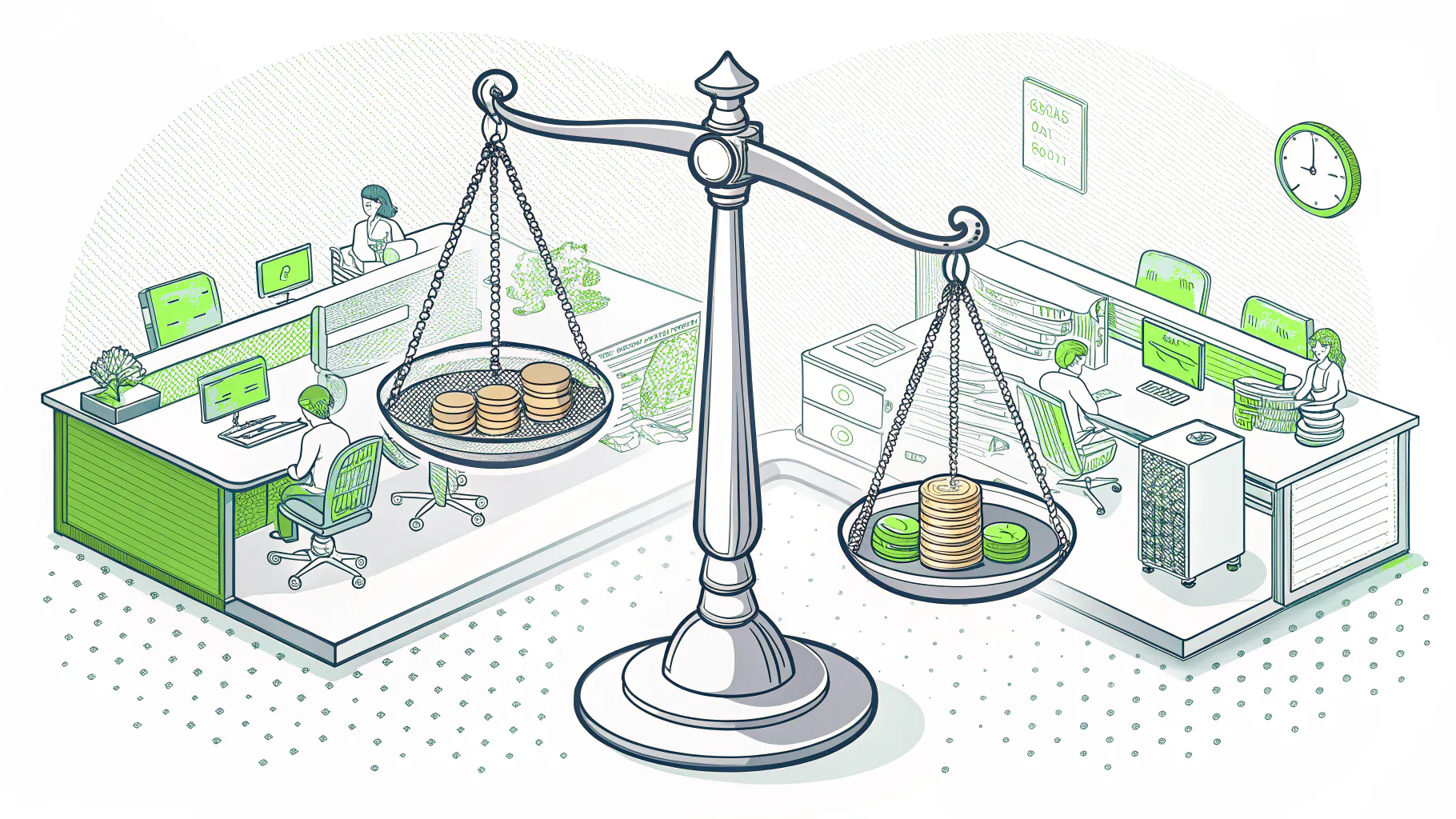
UnderDefense's pricing breakdown puts a managed program in that few-thousand-a-month band, including round-the-clock monitoring, triage, tuning, and reporting. The in-house number is why most companies under a few hundred employees never build their own SOC, because staffing a room with enough analysts to cover nights, weekends, and holidays without anyone burning out is a payroll problem long before it's a technology problem. The math writes itself.
Now the failure mode nobody sells you. A SIEM you own but don't monitor is shelfware with a license fee. This is the single most expensive mistake we see, a company that spent real money on a platform, checked the compliance box, and has nobody reading the alerts at 3 a.m. when the alert actually fires.
And the alerts are relentless. Enterprise teams field close to 3,000 a day. Industry surveys found 61% of teams admitted ignoring alerts that later turned out to be critical, and 71% of SOC analysts report burnout. A tool that generates more work than your team can absorb isn't protecting you. It's just documenting your exposure in high resolution.
Bias disclosed, we run managed security for a living, so read the next line knowing that. For most businesses under a few hundred people, co-managed or fully managed SIEM beats DIY, not because the software is better, but because someone is actually watching it. The platform was never the hard part. The 2 a.m. human was.
SIEM in 2026: AI, consolidation, and the managed shift
SIEM is going through its biggest change since it was invented, and the driver is AI. Gartner projects AI-augmented SIEM will grow 34% through 2027, and expects 60% of SIEM and SOAR functions to fold into converged platforms.
What does that mean on the ground? Faster detection, less manual grunt work. AI-driven correlation now surfaces a genuine threat across endpoint, identity, and network in under a minute, then triggers containment automatically. The best-run programs are reporting time-to-contain measured in minutes, not the 241-day average breach lifecycle that the latest breach data still reports for everyone else.
The other shift is who runs it. As platforms consolidate and AI does more of the first-pass triage, the managed model gets cheaper and stronger at the same time. You get enterprise-grade detection without a million-dollar SOC build. Same visibility. A fraction of the cost. That's the trade a lot of California businesses are making right now, and it's the right one for most of them.
The bottom line on SIEM
A SIEM collects your logs, correlates them into signals, and alerts your team to threats. It's the central nervous system of a modern security program, and for anyone facing PCI DSS, CMMC, or SOC 2, the logging capability isn't optional.
But the tool is only half the equation. A SIEM with nobody reading it protects nothing. The decision that matters isn't which platform to buy. It's who's going to watch it at 3 a.m. For most companies, that answer is a managed team, not a new hire and a hope. Spend the money on the watching, not just the watcher.
If you're weighing whether your business needs a SIEM or a team to run one, start with a real look at your environment. A managed cybersecurity assessment maps what you're exposed to and what's actually worth monitoring, before you spend a dollar on a platform.