What Is Multi-Factor Authentication (MFA)?
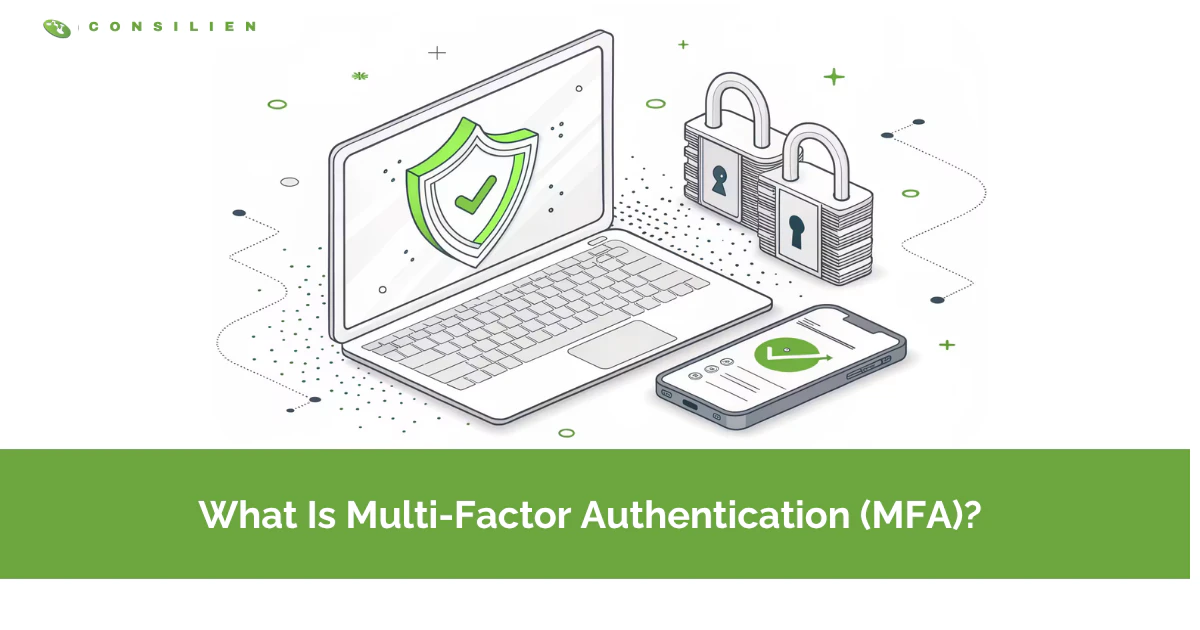
Multi-factor authentication (MFA) is a login method that requires two or more independent proofs of identity, so a stolen password alone won't get an attacker into your account. It combines something you know, something you have, and something you are.
Table of Contents
Short version. MFA adds a second lock to your login. A password is one proof. MFA demands a second, and sometimes a third, before the door opens. That's the whole idea, and it's the single highest-impact security control most companies aren't using correctly.
That's the definition. Here's the part most explainers skip.
MFA works. According to Microsoft, turning it on blocks 99.9% of automated account-compromise attacks. But that number hides a trap. Not all MFA is equal, and attackers now defeat the weak kinds every day. The text-message code you get on your phone? Attackers get around it with a SIM swap or a fake login page that relays the code in real time.
So the real question isn't whether to use MFA. Your managed cybersecurity program should already require it. The question is which kind, because the gap between the strong and weak versions is now the whole game.
What is multi-factor authentication, in plain terms?
MFA is a security method that confirms your identity using two or more separate factors before granting access. Even if a criminal steals your password, they still hit a second checkpoint they can't easily pass.
Think of it like a bank vault. The password is the combination. MFA is the second key the manager has to turn at the same time. One without the other gets you nothing.
Passwords fail constantly. People reuse them, write them down, and hand them over to convincing phishing emails without realizing it. Verizon's Data Breach Investigations Report has named stolen credentials a top way attackers break in, year after year. MFA closes that gap. It assumes the password will eventually leak and puts a second barrier behind it. That's not paranoia. That's just how the numbers have played out.
What are the three authentication factors?
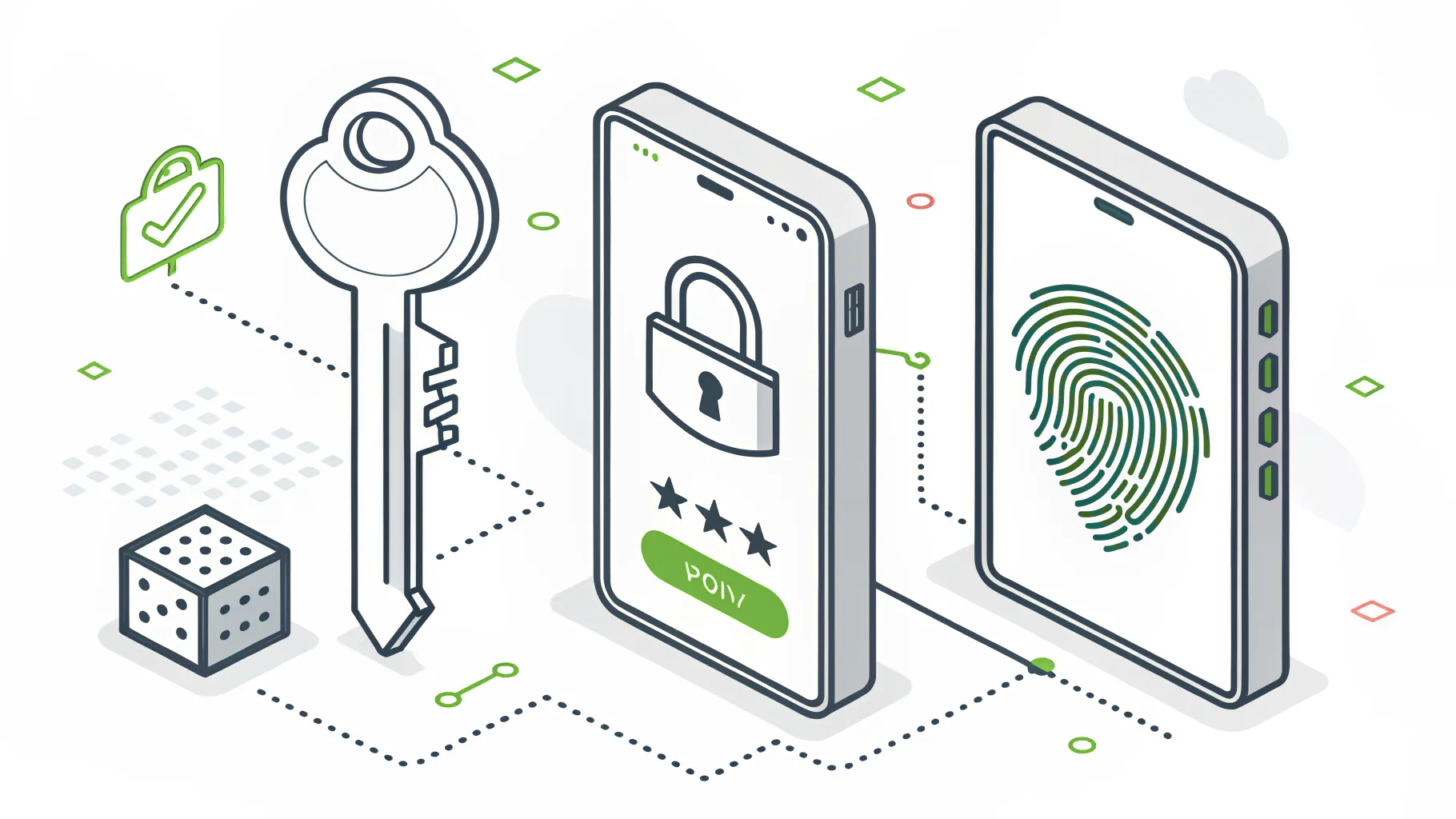
MFA pulls from three main categories of proof. Real MFA uses at least two of them from different categories. Two passwords aren't MFA. They're just two things you know.
- Something you know is a password, a PIN, or the answer to a security question. Weakest of the three, because it can be guessed, phished, or bought on a dark web forum.
- Something you have. A phone running an authenticator app, a hardware key like a YubiKey, or a smart card. The attacker has to physically hold the thing, which is a much bigger ask.
- And something you are. Your fingerprint, your face, your voice. Biometrics. Hard to fake, harder to steal, though not impossible.
There's a fourth category some systems add, somewhere you are. Location and network signals. A login attempt from your office at 2pm looks different from one out of another country at 3am, and the system can weigh that.
How does MFA actually work when you log in?
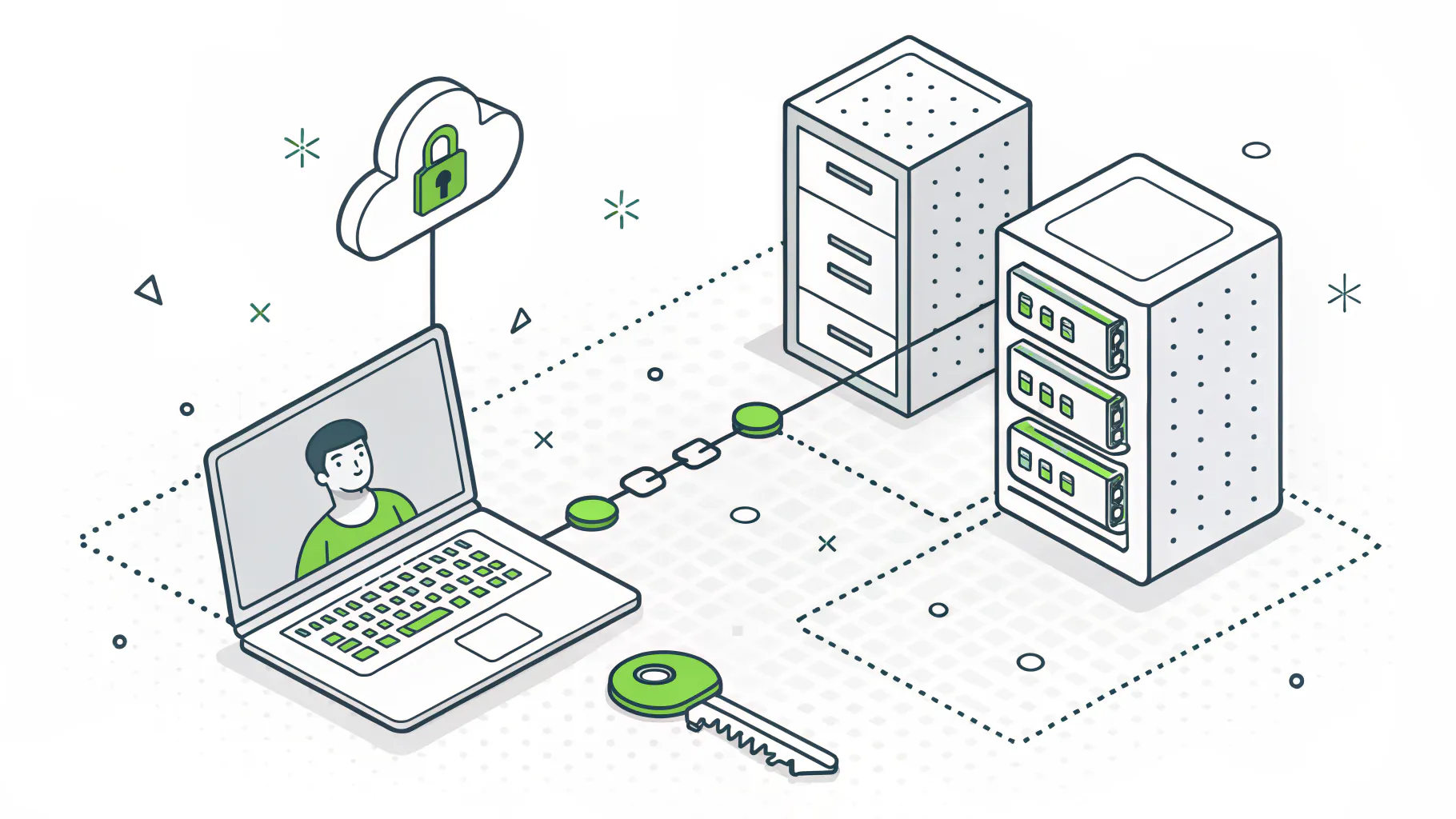
You enter your password as usual. The system then asks for a second factor, a push approval, a six-digit code, or a tap of a hardware key, and only completes the login once both check out.
Here's a normal Monday morning. You open Microsoft 365. You type your password, the first factor, the thing you know. Then your phone buzzes with a Microsoft Authenticator prompt. You tap approve, the second factor, the thing you have. Now you're in. The whole thing took four seconds.
Behind the scenes, the app generated a time-based one-time password using the TOTP standard, a code that refreshes every 30 seconds and is calculated locally on your device. Or, if you're using a passkey, your device signed a cryptographic challenge tied to that exact website. That last detail matters more than it sounds, and we'll get to why.
MFA often rides on top of single sign-on, so you authenticate once and reach several apps. If that combination is new to you, our explainer on how single sign-on works covers the pairing in more depth.
MFA vs 2FA, does the difference matter?
Two-factor authentication (2FA) uses exactly two factors. MFA uses two or more. So all 2FA is MFA, but not all MFA is 2FA. For most businesses, the terms get used interchangeably.
Don't lose sleep over the label. If someone sells you 2FA and someone else sells you MFA, they're describing the same core protection at the entry level. The meaningful difference isn't the count of factors. It's the strength of the second factor you choose, which is the thing almost nobody talks about at the sales stage.
Which MFA methods are strongest?
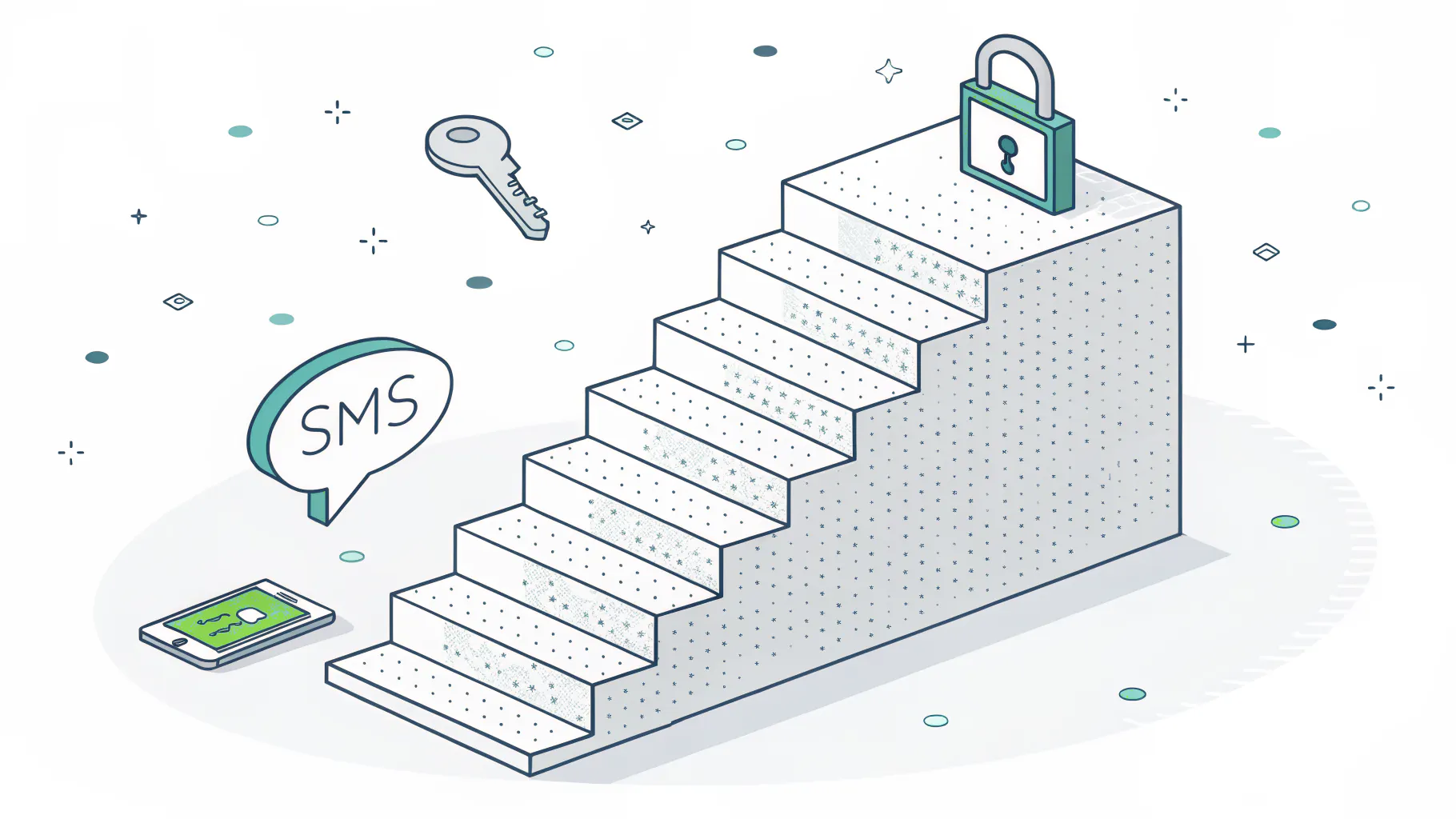
Ranked weakest to strongest, SMS and email codes come first, then authenticator apps, then push notifications, then hardware keys and passkeys. Only the top tier, phishing-resistant MFA, holds up against modern attacks.
This is the section your competitors' definition pages leave out, and it's the one that actually protects you. Every method below counts as MFA. They do not offer the same protection. Not close.
- SMS or email code is the weak end. A one-time code gets texted or emailed to you, and attackers grab it with SIM swaps, intercepted texts, or a fake login page that relays it.
- Authenticator apps like Google Authenticator or Duo sit in the middle. They generate a rotating code on your phone, which is stronger, though a convincing phishing page can still trick you into typing it.
- Push notifications, the tap-to-approve prompts, are also middle-tier. Convenient, but vulnerable to push bombing where attackers spam prompts until someone taps approve.
- Hardware keys, FIDO2, and passkeys are the strong tier. A cryptographic key bound to the real website, so there's nothing to phish. The tradeoffs are cost and planning for a lost device.
Notice the pattern. The weak methods all share one flaw. They pass a secret, a code or a tap, that a clever attacker can capture or trigger. Phishing-resistant MFA from CISA breaks that pattern. A FIDO2 key or a passkey signs a challenge that's cryptographically tied to the legitimate site and your device. There's no code to steal and no prompt to spam. That's why CISA and Microsoft both push it as the gold standard.
If you take one thing from this post, take this. Turning on SMS MFA is better than nothing. Moving your admins to passkeys is the actual win.
Why does MFA still get bypassed?
Attackers bypass weaker MFA through push bombing, adversary-in-the-middle phishing that steals your session token, SIM swaps, and social engineering aimed at your help desk. Strong MFA is enabled, then defeated around the edges.
Here's the uncomfortable part. Security vendors report that a growing share of business email compromise cases now start with a user who had MFA turned on and used it correctly. The attacker didn't crack the MFA. They went around it.
Adversary-in-the-middle phishing is the big one. The attacker sets up a fake login page that quietly passes everything to the real site. You type your password. You complete your MFA. The real site issues a session token, that little pass that keeps you logged in, and the attacker steals it. Now they're inside with a valid session, no second factor needed. Security vendors have reported sharp year-over-year growth in these attacks, and the reason is simple. They work against SMS, apps, and push.
Then there's push bombing, sometimes called MFA fatigue attacks. The attacker already has your password and hammers your phone with approval prompts at 2am until you tap accept just to make it stop. It shows up in a meaningful share of real incidents. And it only works on push and code-based MFA.
See the theme? Every one of these bypasses targets the weak tiers. Passkeys and hardware keys, done right, shut most of them down because there's no code and no prompt to abuse. A zero trust approach tightens the rest by checking device health and context on every request, not just at the front door.
Do you actually need MFA?
Yes, and increasingly you have no choice. Cyber insurers now require MFA as a condition of coverage, and frameworks like CMMC, PCI, and SOC 2 treat it as a baseline control. No MFA can mean a denied claim.
MFA stopped being optional a while ago. Here's who needs to pay attention.
- Any business carrying cyber insurance. Carriers increasingly make MFA a precondition for the policy. Skip it, and a breach claim can get reduced or denied when you need it most.
- Defense contractors and subcontractors. If you handle Controlled Unclassified Information, CMMC requires MFA. It's not a someday item anymore.
- Anyone taking card payments. PCI DSS 4.0 expanded its MFA requirements, and SOC 2 auditors expect MFA on any system touching customer data.
- Frankly, everyone else. CISA lists MFA as a core control for organizations of every size, and adoption backs that up. Okta's Secure Sign-in Trends data put workforce MFA usage around 70% of users, with passkeys climbing fast.
If you handle identity across a lot of apps and users, MFA is really one piece of a broader identity and access management program. The MFA prompt is the visible part. The policies deciding who gets access to what, and under which conditions, sit underneath it.
How to roll out MFA without breaking your team
Start with the accounts that matter most and expand outward. A practical order is admins first, then remote access, then email, then cloud apps, then everyone. Push the strongest method your systems support.
Rolling out MFA to a 200-person company isn't a technical problem. It's a change-management problem. The tech takes an afternoon. Getting people to accept a new step in their morning takes a plan.
The sequence we use with clients looks like this. Admin accounts go first, because they're the ones attackers want and the ones that do the most damage if lost. Then VPN and remote access. Then email, the single most phished surface in any company. Then the rest of your cloud apps. Then the full org. Each wave gives you a chance to fix problems before they hit everyone at once.
One honest caveat. If you're a three-person shop using Google Workspace, you don't need a fancy MFA platform. Turn on the built-in MFA, put your admin on a passkey, and you're most of the way there. The platform conversation starts to matter around 20 to 50 users, when you've got real app sprawl and the manual approach falls apart. I'd rather tell you that than sell you something you don't need yet.
Whatever you deploy, review it. NIST's small business guidance is blunt about this. Check your MFA coverage each quarter, watch the authentication logs for weird patterns, and update recovery steps whenever someone changes roles or loses a device. MFA you set once and forget drifts out of coverage as you add apps.
The bottom line on MFA
MFA is the highest-return security move a business can make, and turning it on blocks the overwhelming majority of automated attacks. But the version matters. SMS and push get you in the door. Passkeys and hardware keys are what actually hold against the phishing and token-theft attacks hitting companies right now.
So don't just ask whether you have MFA. Ask which tier you're running, whether your admins are on something phishing-resistant, and whether your coverage still matches the apps you've added since you set it up. Those three answers tell you more about your real exposure than any checkbox.
If you're not sure where your gaps are, or you're staring down a cyber insurance or CMMC requirement with a deadline, that's worth a conversation. Round-the-clock monitoring catches the bypass attempts MFA alone can't. Speak to a cybersecurity expert about a quick MFA and identity review before the next audit, or the next attacker, forces the issue.