What Is Zero Trust Security? A Guide for SMBs
Zero trust security trusts no user or device by default, inside or outside your network. Every request to reach data or an app gets verified first. It replaces the old idea that being inside the network means safe.
Table of Contents
Zero trust sounds like enterprise jargon. It isn't. For a 40-person company running on Microsoft 365, it's a practical answer to a simple question. Once someone gets a password, what stops them from touching everything? For most small businesses, the honest answer is nothing. This guide covers what zero trust actually is, why it matters more for you than for the Fortune 500, and where to start without buying a single new tool. It's the groundwork under any real managed cybersecurity program, not a separate thing you bolt on later.
Here's the problem with how most networks are built. You have a wall around the outside, a VPN or a firewall, and everything inside that wall is trusted. Get through the front door and you're family. The trouble is that attackers stopped attacking the wall years ago. They log in with a stolen password instead. According to the Verizon 2025 Data Breach Investigations Report, 22% of breaches started with abused credentials. No break-in. Just a valid login and a network that assumes anyone inside belongs there.
That's the gap zero trust closes. Not with a bigger wall. By checking every request, every time, no matter where it comes from. If you run IT for a California business, it's the same principle behind good security done properly, and it's more within reach than most owners think.
What Is Zero Trust Security, Exactly?
Zero trust is a security model built on one rule. Never trust, always verify. No user, device, or connection gets access to your data or applications until it proves it should, every single time, regardless of where it sits.
The longer version. Zero trust treats your internal network as if it were already compromised. It assumes an attacker might already be inside, so it stops handing out blanket trust based on network location. Instead of asking whether a request came from inside the building, it asks whether this specific person, on this specific device, should reach this specific thing right now. Then it decides.
The term isn't new. A Forrester analyst named John Kindervag coined it back in 2010, arguing that the old habit of trust but verify had quietly become trust and forget. The idea sat in enterprise circles for a decade. Then remote work blew up the office perimeter, cloud apps scattered company data across a dozen vendors, and the model went mainstream. In 2020, the federal government made it official when NIST published Special Publication 800-207, the standard that defines zero trust architecture and its core tenets. Government agencies now build to it. So do a growing share of the businesses those agencies work with.
Strip away the standards language and it comes down to this. Verify the identity. Check the device. Grant the least access needed to do the job. Watch what happens next. Assume something will eventually go wrong and design so one failure doesn't become ten.
Why the Old Castle-and-Moat Approach Stopped Working
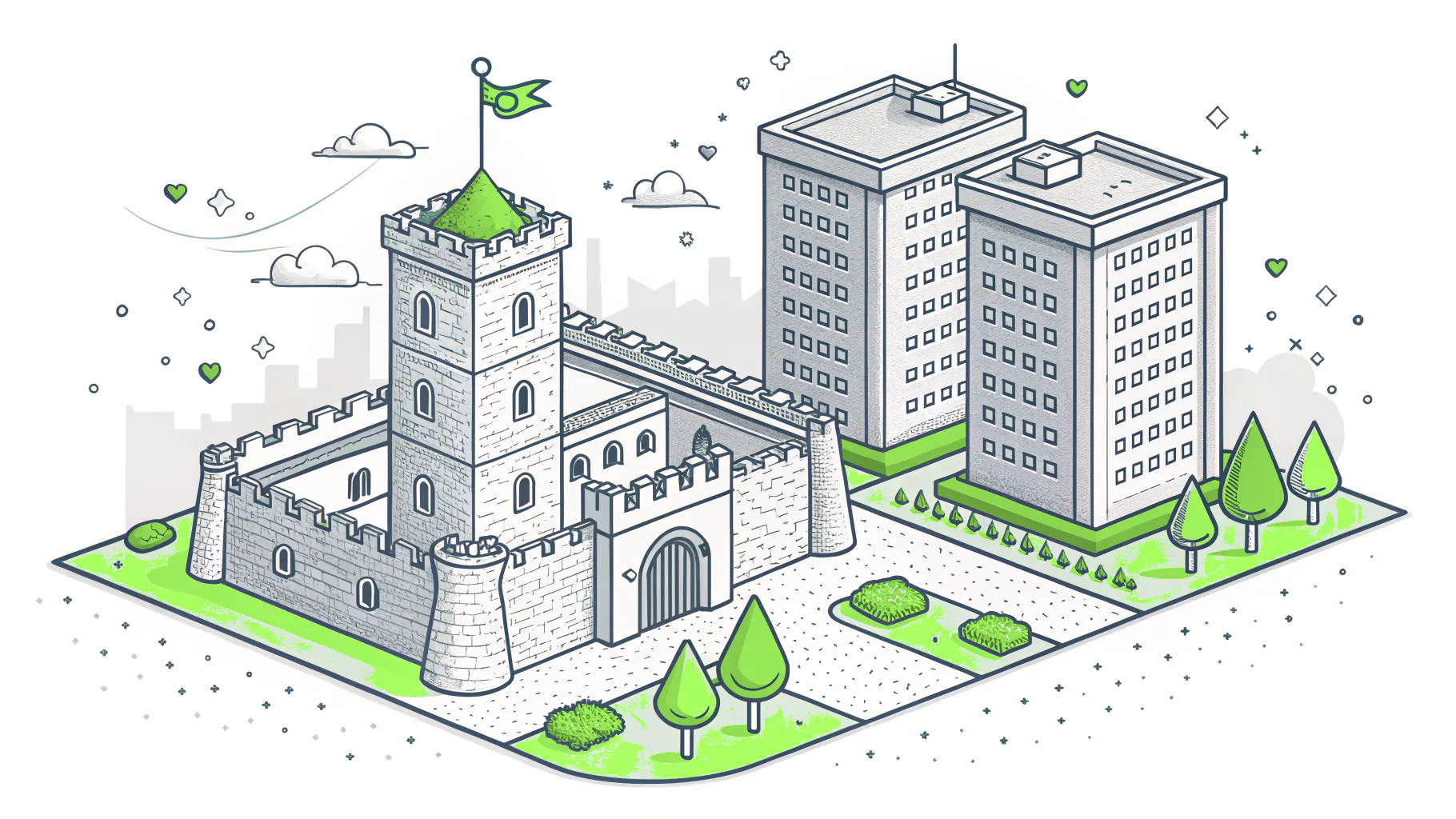
Traditional security worked like a castle. Build a strong wall, dig a moat, guard the gate, and trust everyone inside. Your firewall and VPN were the moat. Once an employee crossed it, they roamed freely.
That model made sense when everyone worked in one office on one network and the data lived in a server room down the hall. It made a lot less sense the day half your team started logging in from home, your files moved to SharePoint and Google Drive, and your network became a spread of cloud apps you don't even host. Where's the wall now? There isn't one. As Cloudflare explains the castle-and-moat problem, the second an attacker gets past the perimeter, they own the run of the place. Nothing inside is watching them.
This is where the difference gets real. A VPN gives someone broad access the moment they connect. Zero trust gives them nothing until each request checks out, and only for what they need. One phished login into a flat, trusted network can reach payroll, customer records, and backups. The same login under zero trust hits a wall at every door it didn't have a reason to open.
Here's the reframe worth keeping. The castle model asks one question. Is this request coming from inside the network? Zero trust asks a better one. Should this request be allowed right now, given everything we know about who's asking and from what? Different question. Very different outcome when credentials get stolen.
Here's the same contrast in plain terms.
- Core question. The old model asks whether a request came from inside the network. Zero trust asks whether it should be allowed right now.
- Default trust. A perimeter network trusts anyone inside it. Zero trust trusts no one by default.
- Access granted. The castle model hands over broad access once you are in. Zero trust grants only what you need, one request at a time.
- A stolen password. Inside a flat perimeter network, the attacker moves freely. Under zero trust, they hit a wall at every door they have no reason to open.
- Built for. Perimeter security fit one office on one network. Zero trust fits remote work, cloud apps, and mixed devices.
Why Zero Trust Matters More for Small Businesses, Not Less
Small businesses tend to assume zero trust is a big-company problem. It's the opposite. You face the same attackers as the Fortune 500, with a fraction of the staff to fight them. The U.S. Small Business Administration warns that smaller companies are attractive targets precisely because they hold valuable data and usually guard it with lighter defenses.
Attackers know this. They aren't picking on small companies out of spite. They're picking on them because a small company is more likely to run a flat network where one stolen login opens everything. The math writes itself. Less friction inside, bigger payoff per break-in.
And the cost of getting it wrong is not evenly distributed. A large enterprise absorbs a breach and keeps going. A 60-person distributor might not. The IBM 2025 Cost of a Data Breach Report put the global average breach at $4.44 million. Most small businesses don't have $4 million lying around. They have payroll to make on Friday.
We saw this play out with a mid-size manufacturer before they came to us. One employee reused a password that had leaked in an unrelated breach. The attacker logged in through the VPN, and because everything inside was trusted, walked straight from a shared drive into the accounting system. No alarms. No segmentation. The login was valid, so the network waved it through. That's not a technology failure. That's a trust failure, and it's exactly what zero trust is designed to stop.
The Core Principles of Zero Trust, in Plain English
Zero trust isn't one setting you flip on. It's a handful of principles working together. Strip the vendor language off the CISA Zero Trust Maturity Model and here's what they actually mean.
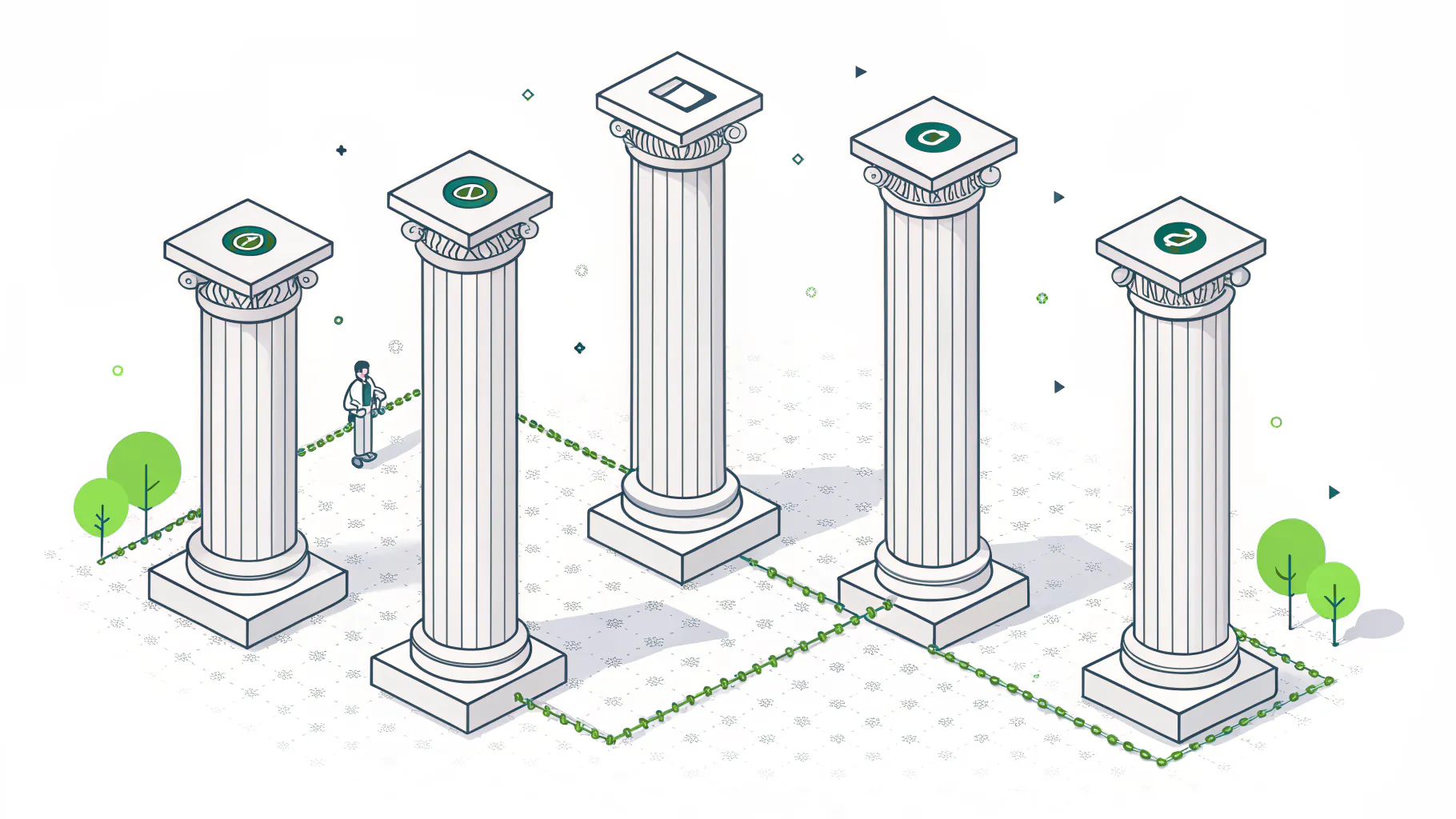
- Verify identity, hard. Every login proves who it is, usually with multi-factor authentication. A password alone is a single point of failure, and passwords leak constantly.
- Check the device too. A verified person on an unpatched, unmanaged laptop is still a risk. Zero trust looks at both.
- Least privilege. People get access to what their job needs and nothing more. Your marketing coordinator has no business reaching the finance database, so she can't.
- Assume breach. Design as if an attacker is already inside. It changes every decision you make about access.
- Segment the network so one break-in doesn't spread everywhere. Security people call this microsegmentation. Think of it as interior walls, not just an outer fence.
- Keep watching. Access isn't a one-time gate. Zero trust checks continuously and pulls the plug when something looks off, like a login from a new country at 3 a.m.
None of these are exotic. Most of them are settings and habits, not products. That matters more than it sounds, and it's the part most guides skip.
How an SMB Actually Starts With Zero Trust
You don't buy zero trust. You build toward it, in phases, starting with what you already own. If you're on Microsoft 365 or Google Workspace, you're closer than you think. Here's a realistic order for a small business without a security team.
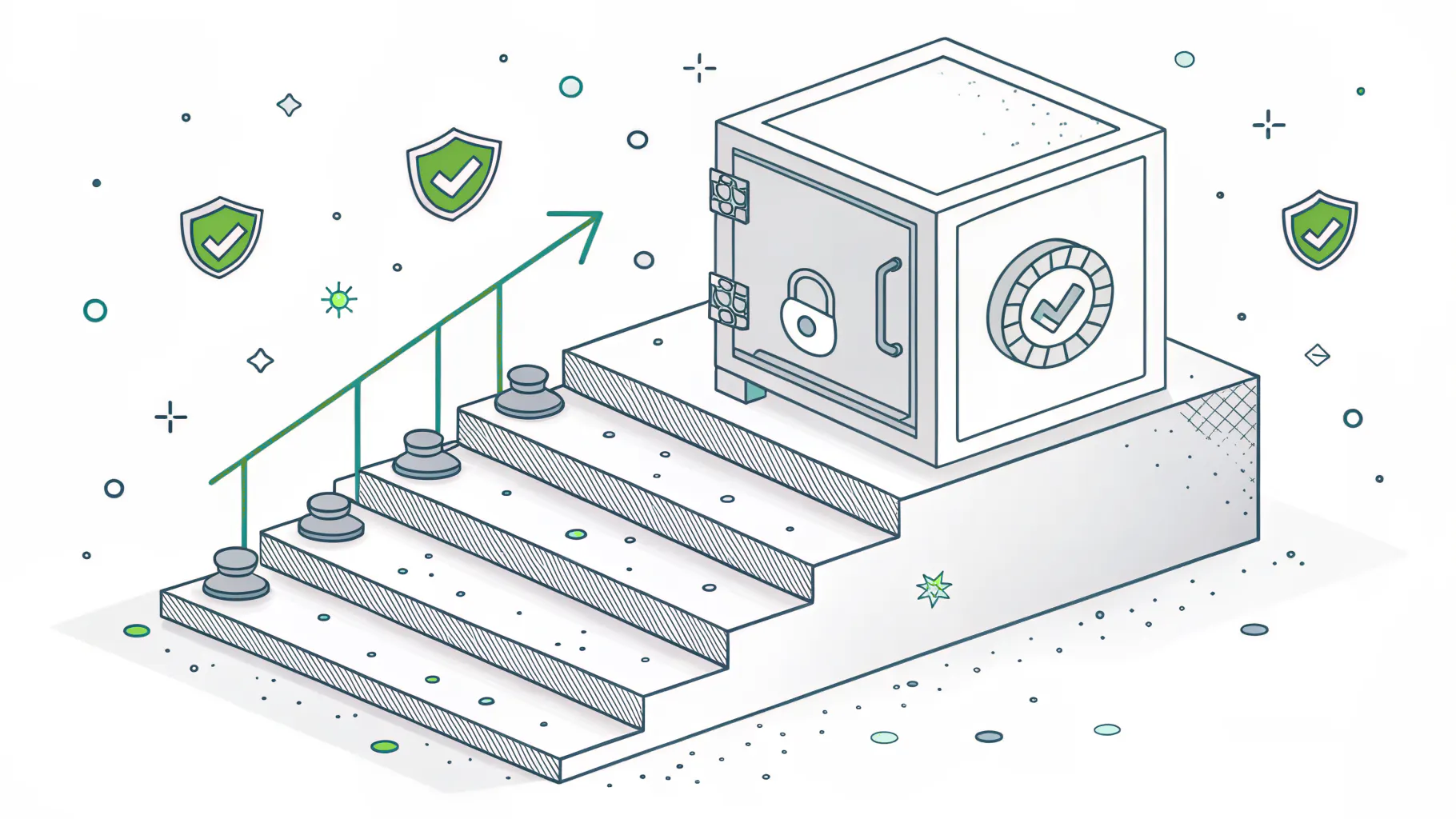
- Turn on MFA everywhere and start with identity. This is the single highest-payoff move, and it's usually free with your existing Microsoft 365 or Google plan. Enforce it on every account, tighten the rules on admins, and block the old legacy sign-in methods attackers love. Identity is step one for a reason. Get it right and you've closed the door most breaches walk through.
- Map who reaches what. You can't protect access you can't see. List your apps, your data, and who currently touches each. Most owners are surprised how many people have keys to rooms they never enter.
- Add device checks. Before a login gets in, confirm the device is managed, updated, and meets a basic security bar. A right person on a wrong device shouldn't get a free pass.
- Cut access down to least privilege. Walk through those permissions you just mapped and strip anything nobody needs. This one costs nothing but attention, and it shrinks your risk immediately.
- Pilot segmentation on one thing. Don't try to wall off the whole company at once. Pick your most sensitive system, finance or customer data, and isolate it first. Prove the model works, then widen it.
Notice what that list didn't include. A big purchase. A rip-and-replace project. A year of consultants. The mistake most small businesses make is treating zero trust as a product to buy instead of a sequence to work through. If you try to do all of it everywhere at once, everyone gets frustrated and the project stalls. Start with identity. Move one step at a time. A phased path built on tools you already have is how this actually gets done, and it's a natural fit alongside managed IT services if you don't have the hands in-house.
What Zero Trust Is Not (Three Myths That Stop SMBs)
Most of the reasons small businesses skip zero trust are based on things that aren't true. Three myths do the most damage.
Myth one. It's a product you buy. It isn't. There's no box labeled zero trust. It's a strategy you apply using identity tools, device policies, and access rules, many of which sit unused inside software you already pay for. Vendors sell zero trust products, sure, and some are useful. But the core of it is decisions, not purchases.
Myth two. It's all or nothing. Also false. Zero trust is a maturity journey, not a switch. You get real protection from the first phase, MFA and identity, long before you've segmented anything. Every step lowers risk on its own. Waiting until you can do it perfectly is how you end up doing none of it.
Myth three. It's too expensive for a small business. This one's backwards. The expensive thing is the breach. IBM found that organizations with a mature zero trust approach saved an average of $1.76 million per breach compared to those without it. And since the first and most important phase usually rides on licenses you already own, the starting cost is closer to an afternoon of configuration than a capital expense. I'll be honest about the bias here. We do this work for a living, so of course I think it's worth doing. But the numbers hold up whether you hire us or not.
Zero trust is also not a finish line you cross once. It's a posture you maintain, which is why it pairs naturally with ongoing compliance frameworks like NIST and CMMC that expect exactly this kind of access discipline.
Do You Actually Need Zero Trust? An Honest Answer
Not every business needs a formal zero trust project tomorrow. Here's a straight read on where you fall.
You should start now if you handle sensitive customer or financial data, have employees logging in from home or the road, run compliance requirements like NIST or CMMC, or store anything you couldn't afford to have stolen. That's most companies between 15 and 250 people, which is exactly who this model was quietly built for.
You can move slower if you're a handful of people, all on one modern cloud platform, with MFA already on every account and almost no sensitive data. In that case you've already taken the biggest step without calling it zero trust. Good. You don't need a project. You need to keep the discipline you've got and add the next phase when you grow.
What no business should do is nothing. Adoption is climbing fast for a reason. The Okta State of Zero Trust report found 61% of organizations have launched a zero trust initiative, up from 24% in 2021. The companies that trust their internal network by default are becoming the easy targets. You don't want to be the one still running a castle when everyone else has moved on.
The Bottom Line for Your Business
Zero trust isn't a purchase or a buzzword. It's a shift from trusting anyone inside your walls to verifying every request, every time. Three things to take away. It matters more for small businesses because you're the target with the thinnest defenses. It starts with identity and MFA, usually on tools you already own. And it works in phases, so you get protection from day one without a giant project.
If you're not sure where your business stands today, a good next step is a plain-language look at how access actually works across your systems, where the flat spots are, and what the first phase would take. That's the kind of thing a security assessment is built to surface, and it's a lot cheaper than finding out the hard way.