What Is Zero Trust Network Access (ZTNA)?
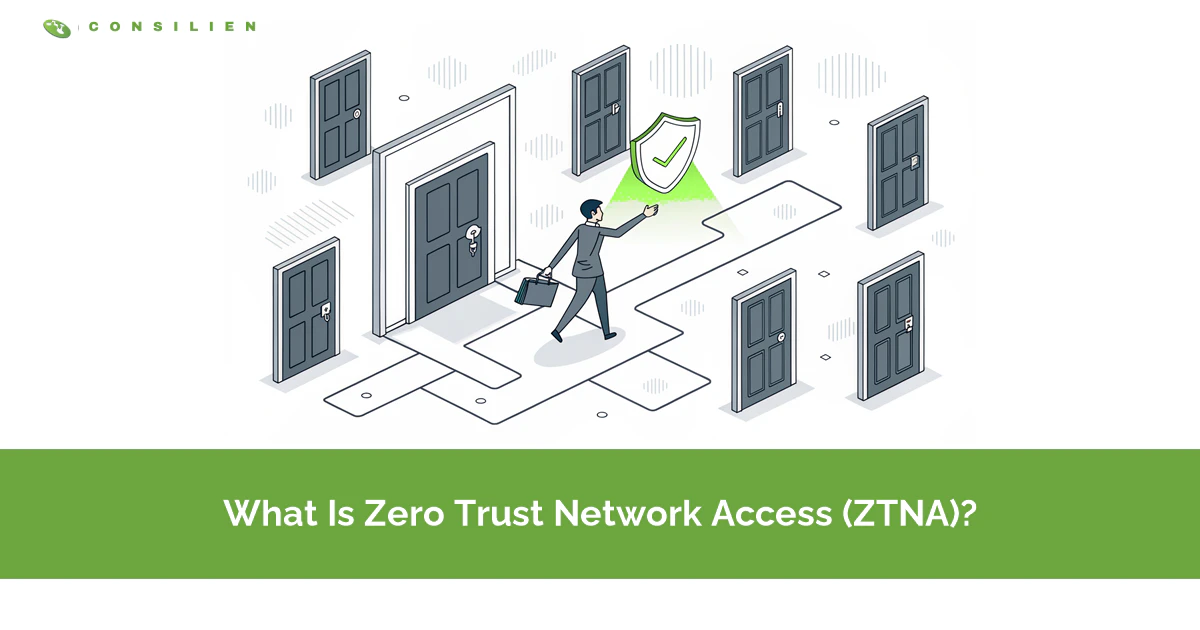
Zero Trust Network Access (ZTNA) is a security model that grants access to specific applications, not your whole network, after verifying identity, device health, and context on every request. The rule is simple. Never trust, always verify.
Table of Contents
For years, remote access meant a VPN. You logged in once, and the network trusted you everywhere after that. ZTNA flips that model. It checks every request before it reaches a single app, which is where modern managed cybersecurity is heading, and why the term keeps showing up in security budgets.
The tool you trust for remote work is the door attackers use most. In Verizon's 2025 Data Breach Investigations Report, exploitation of edge devices and VPNs grew almost eightfold in a single year, from 3% of cases to 22%. Cyber insurer Coalition ranks compromised VPNs as the top ransomware entry point.
So the real question is not whether ZTNA sounds modern. It's whether one stolen login should give someone the run of your entire network. A VPN says yes. ZTNA makes every request prove itself first. This post breaks down what ZTNA is, how it works, how it's different from a VPN, and when you actually need it.
What Is Zero Trust Network Access (ZTNA)?
ZTNA is a way to give people access to individual applications based on who they are and the state of their device, instead of dropping them onto a trusted network. Access is granted per app, per request, and only after verification.
The model comes from zero trust, a framework defined in NIST SP 800-207. The idea is that no user or device earns trust just by sitting inside the network perimeter. Gartner coined the term ZTNA to describe the products that enforce this for remote access.
Think about how a VPN treats you. You authenticate at the front door, and once you're in, you can see the whole building. Servers, file shares, printers, the finance app, systems you have no reason to touch. ZTNA is more like a building where every door has its own lock, and your badge only opens the three rooms you were cleared for. Try a fourth door and nothing happens. That's the shift. A VPN answers one question at login, are you allowed on the network. ZTNA answers a harder one on every request, should this person, on this device, reach this specific app right now.
Why Did ZTNA Replace the VPN?
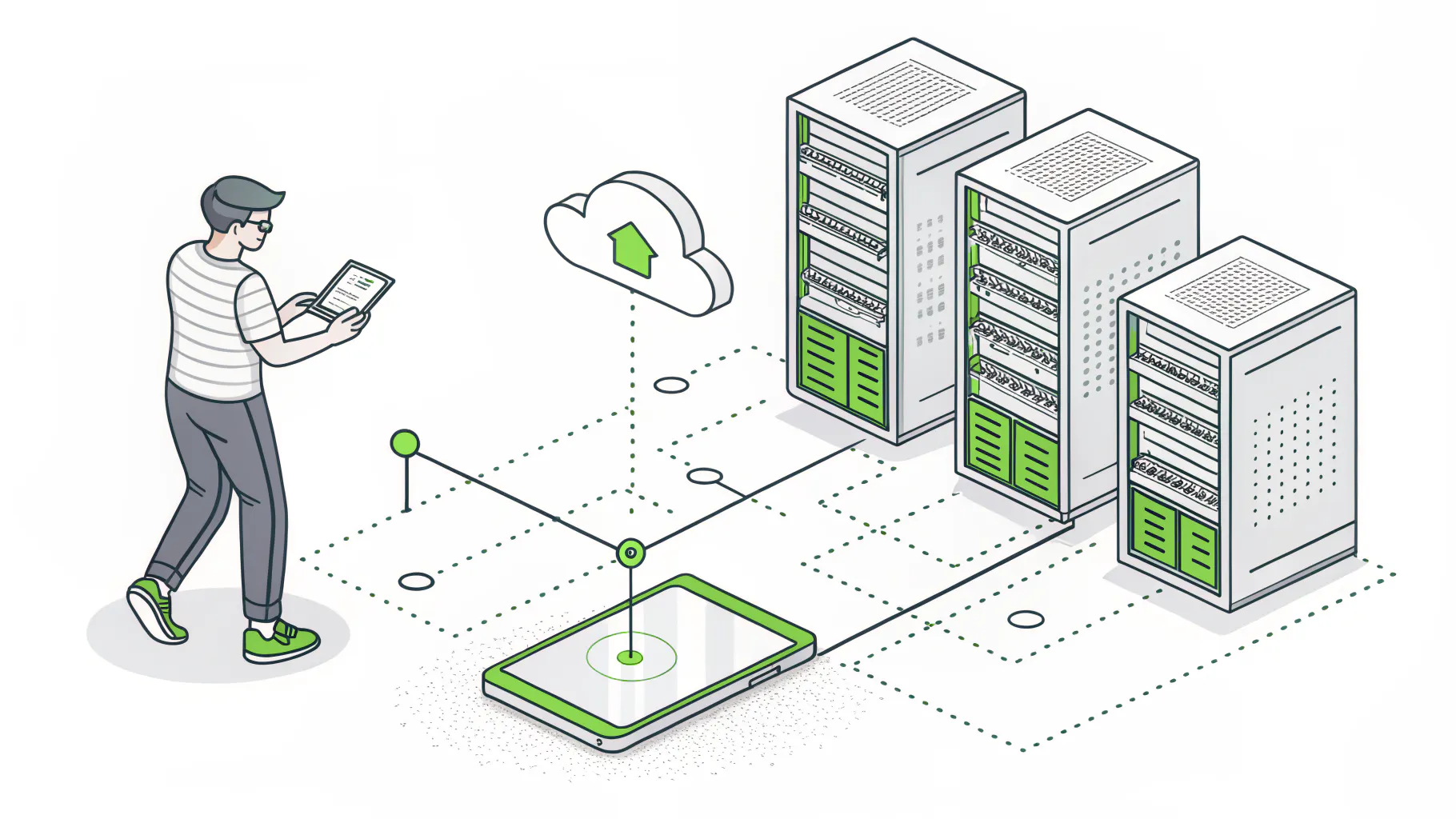
Because the VPN's core assumption broke. VPNs trust anyone who logs in, so a single stolen password can hand an attacker the whole network. As remote work became permanent, that flaw turned into the most exploited path into companies.
The numbers are hard to argue with. Zscaler's ThreatLabz 2025 VPN Risk Report found VPN vulnerabilities grew 82.5% between 2020 and 2024, and 56% of organizations were hit by an attack that exploited one. 81% now plan to adopt zero trust within a year.
Here's what those breaches look like in practice. An employee reuses a password. It surfaces in a credential dump. An attacker logs into the VPN, and now they're inside, drifting from machine to machine looking for something worth encrypting. Nobody stops them, because as far as the network is concerned, they belong there. According to CIO, that pattern is exactly why zero trust went from a nice idea to a budget line. The VPN didn't get outsmarted. It did precisely what it was built to do. Trust the login and get out of the way.
The Blast Radius Problem
Blast radius is the amount of damage one compromised account can do. On a flat network behind a VPN, it's enormous. One login reaches everything.
ZTNA shrinks it on purpose. If a user is only cleared for the CRM and the time-tracking app, that's all a stolen session can touch. The finance server isn't sitting behind a stronger password. It's invisible. You can't attack what you can't see. That containment is the whole point, and it's why IBM's Cost of a Data Breach 2025 report ties zero trust architecture to $1.76 million in average savings per breach.
How Does ZTNA Actually Work?
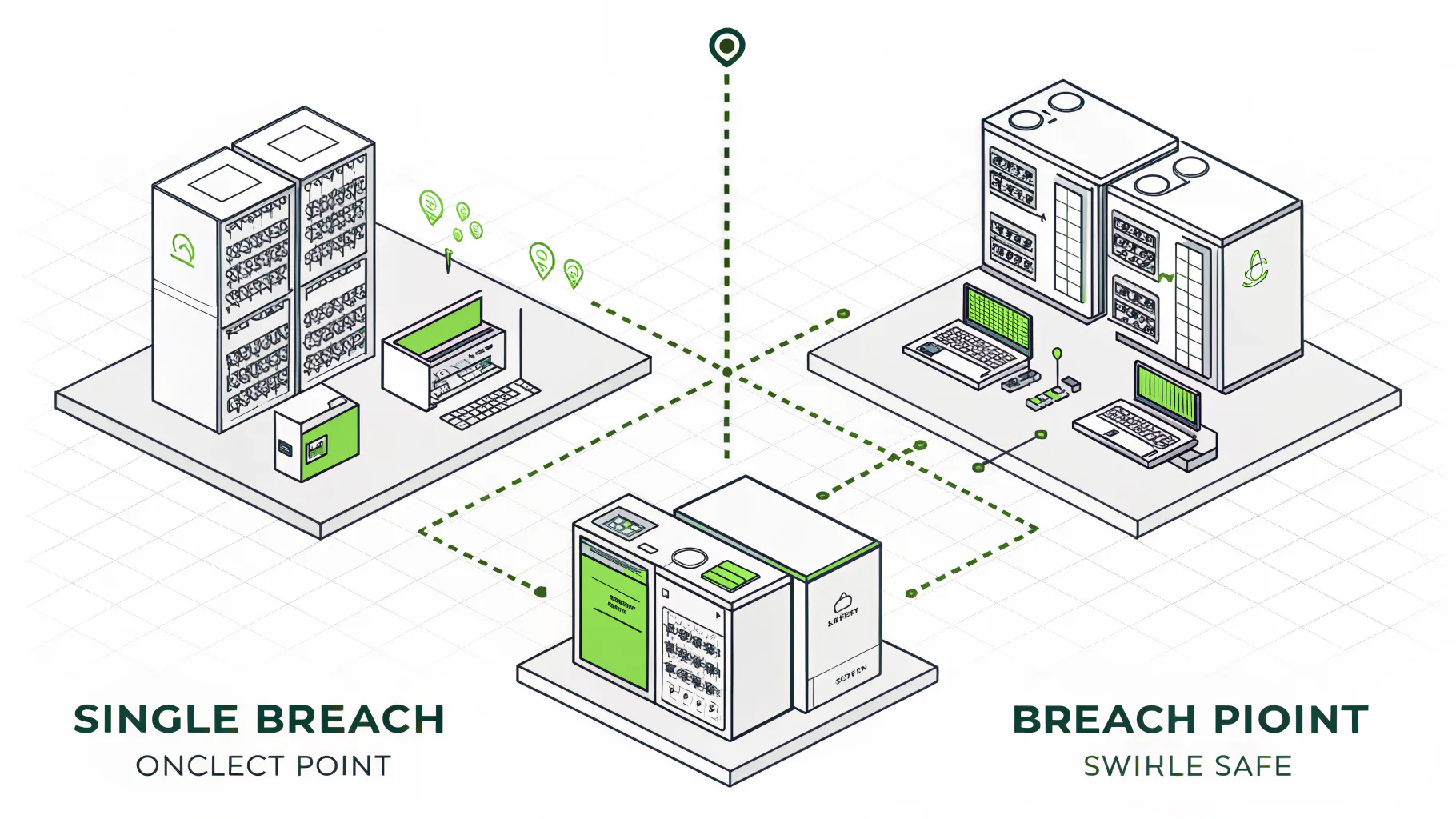
ZTNA sits between your users and your apps as a broker. When someone requests an app, it checks their identity and device, runs the request against a policy, and only then opens a direct, encrypted connection to that one app. Nothing else is exposed.
Underneath, a few pieces do the work.
- Identity provider. Confirms who's asking. Usually your existing single sign-on, tied to multi-factor authentication.
- Device posture. Before access is granted, the system inspects the device. Is it patched, is disk encryption on, is endpoint detection and response running? A compromised laptop gets turned away even with the right password.
- The policy engine is the brain. It weighs identity, device state, location, and how sensitive the app is, then decides yes or no.
- Trust broker. Sits in the middle, enforces that decision, and stitches together the connection.
- Connectors. Lightweight agents that sit next to your apps and dial out to the broker, so you never have to open inbound ports to the internet.
And it doesn't stop at login. The session gets watched. If the device falls out of compliance or the behavior looks off, access can be pulled mid-session. A VPN can't do that.
ZTNA vs VPN, What's the Real Difference?
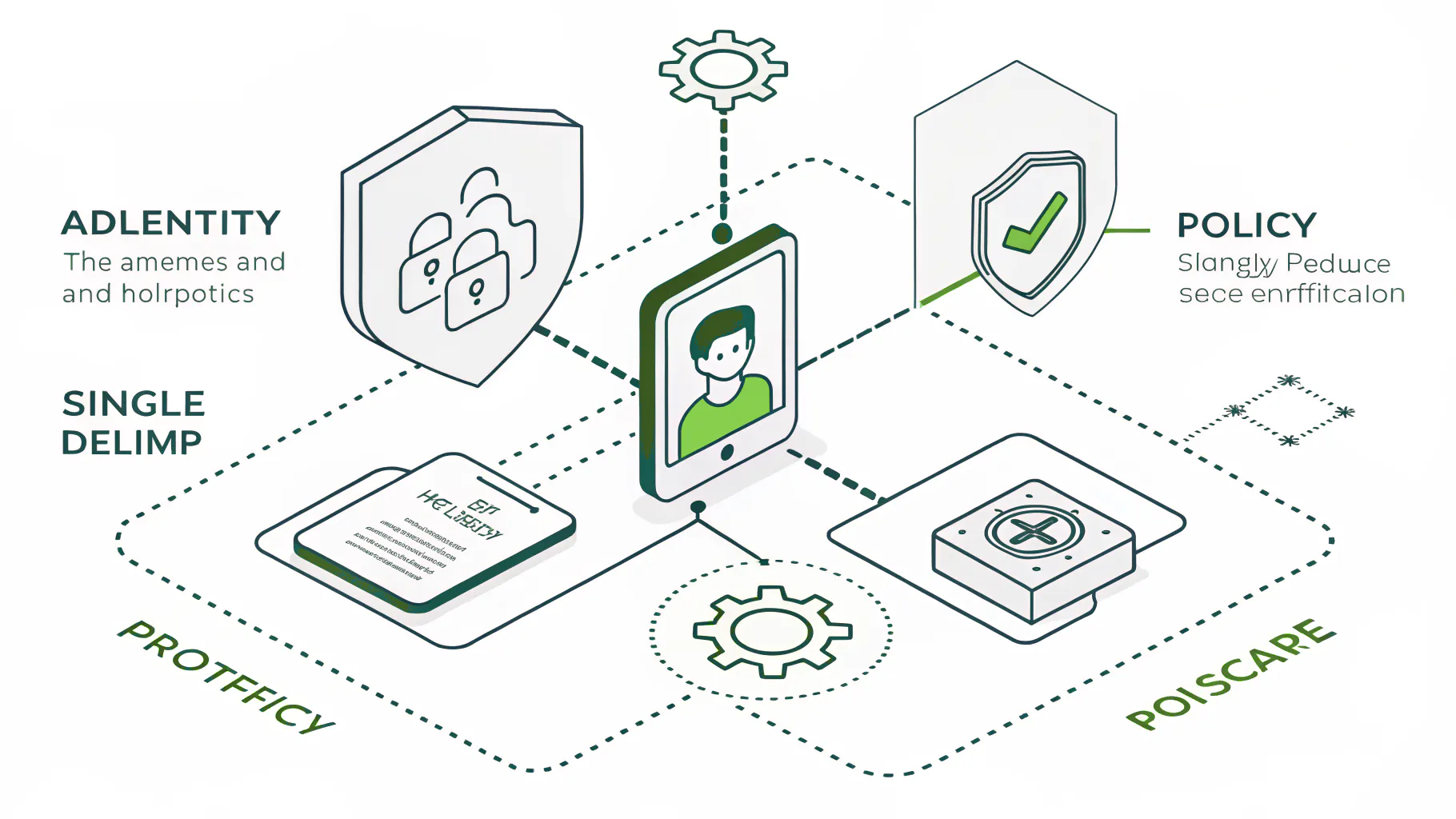
A VPN gives network access after one check. ZTNA gives application access after continuous checks. That single difference changes the attack surface, the performance, and how much damage a stolen credential can do.
- Trust model. A VPN trusts you after one login and assumes you're fine from there. ZTNA trusts nothing and verifies every request.
- Access scope. A VPN drops you onto the whole network. ZTNA connects you only to the apps you're cleared for.
- Verification happens once with a VPN, at the moment you connect. ZTNA checks continuously, every session.
- Attack surface. A stolen VPN session exposes the full network. With ZTNA, one app is reachable and the rest stays invisible.
- Device checks. VPNs rarely look at the device. ZTNA inspects posture before and during access.
- Best fit. VPNs suit legacy internal systems and small flat setups. ZTNA suits remote and hybrid teams, sensitive apps, and compliance work.
Read that list and one thing jumps out. Every line where the VPN checks once, or hands over the whole network, is a place an attacker gets room to work.
ZTNA vs SASE, Which One Do You Need?
This is where a lot of buying goes sideways. ZTNA and SASE get pitched as competing choices. They aren't. ZTNA is one piece of SASE.
SASE, short for Secure Access Service Edge, bundles several tools into one cloud service. Secure web gateway, cloud firewall, data controls, and ZTNA, all in one platform. ZTNA is the part that handles secure access to your applications. So which do you need? Depends on the actual problem in front of you, not the acronym.
- If your pain is remote access and a leaky VPN, start with ZTNA. Fix the access problem first. Biggest risk reduction for the least money.
- Buying full SASE to solve a VPN problem is like buying a new house because one door lock broke. For a 40-person company, it's usually overkill.
- SASE earns its keep when you're also trying to consolidate web filtering, branch networking, and data loss tools, and the sprawl already costs more than the platform would.
Bias disclosed, we help clients stand these up, so weigh that accordingly. But we'd rather fix the VPN and stop there than sell someone a platform they'll use a fifth of.
Does ZTNA Help With Compliance and Cyber Insurance?
Yes, and increasingly it's expected. Least privilege and network segmentation are core requirements in frameworks like NIST 800-171 and CMMC Level 2, and cyber insurers now look for zero trust controls before they write or renew a policy.
ZTNA maps almost directly onto the controls auditors already ask about. Access limited to what a role needs. Verification of identity and device. Segmentation so a breach can't spread sideways. If you're working toward CMMC or SOC 2, it's one of the cleaner ways to satisfy the access-control side, which is why we fold it into compliance readiness work rather than treating it as a separate project.
Insurance is the other pressure. Underwriters have watched VPNs feed ransomware claims for three years running, and they've adjusted. Applications now ask how remote access is controlled. Answer with a flat VPN and one factor, and you feel it, in higher premiums or denied coverage. Our cyber insurance requirements checklist covers what carriers are actually verifying in 2026, and access control sits near the top of the list.
The Mistake Most Companies Make With ZTNA
Buying a ZTNA product isn't the same as having zero trust. It's the easy 20%.
We see it constantly. A company licenses a ZTNA tool, points it at the same flat network they always had, hands everyone broad access because tightening it is tedious, and calls the project done. The agent is installed. The strategy isn't. They've spent money to recreate the VPN with a newer logo.
The work that actually moves risk is the unglamorous part. Mapping which roles need which apps. Writing least-privilege policies and testing them. Segmenting the network behind the tool so the broker has something real to enforce. Deciding what a healthy device means and holding the line on it. Then keeping all of it current as people join, leave, and switch roles. That's not a one-time install. It's an operating discipline.
It's the same lesson as endpoint tooling. A detection tool like XDR only helps if someone tunes it and acts on what it surfaces. ZTNA is no different. The license is the start. The policy work and the ongoing management are where the risk actually drops, which is why a lot of mid-market teams run it through a managed detection and response partner instead of babysitting it in-house. If you've got the staff to own it, own it. Most 50-to-300-person companies don't, and there's no shame in saying so.
The Bottom Line on ZTNA
Zero Trust Network Access comes down to one change in assumption. Stop trusting the network. Verify every request instead. That's it.
Done right, it shrinks what a stolen login can reach from your entire network down to a single app, it holds up under compliance audits, and it answers the questions cyber insurers are now asking. Done as a checkbox, it's an expensive VPN with extra steps. The difference isn't the product. It's whether the policy and segmentation work gets done and stays done.
If you're weighing ZTNA against the VPN you run today, start there. Map who reaches what right now, and how much one compromised account could touch. That number usually settles the question. Want a second set of eyes on it? Speak to a cybersecurity expert and walk through where your remote access actually stands.