Vulnerability Management: A Practical Guide for SMBs
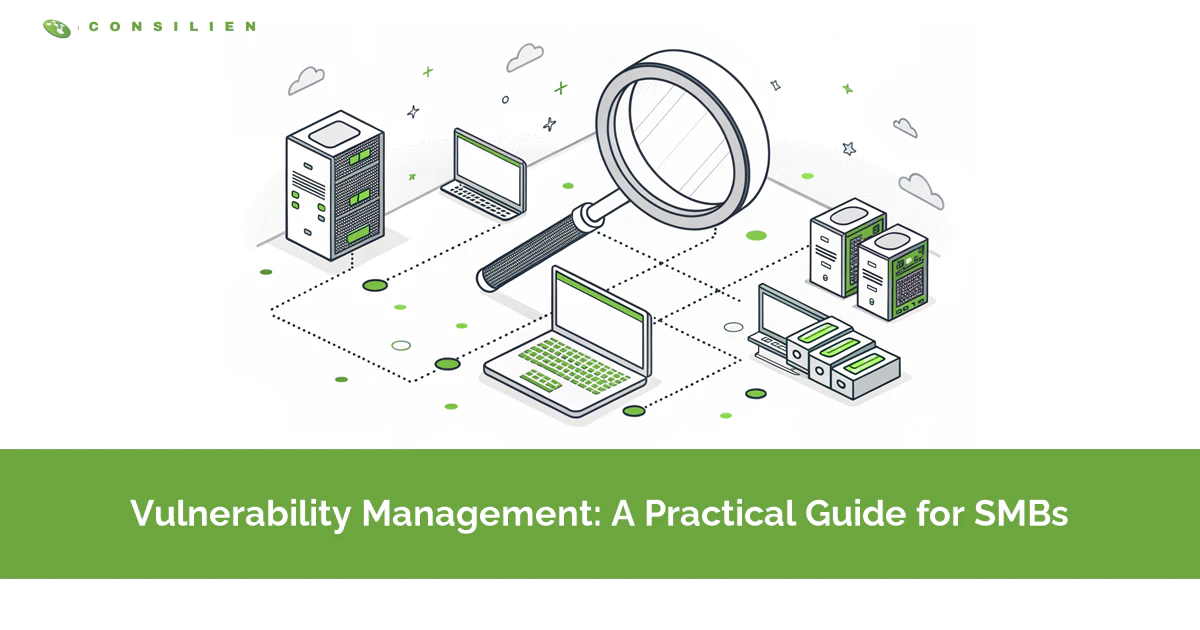
Vulnerability management is the continuous process of finding, prioritizing, fixing, and verifying security weaknesses across your systems. It's not a one-time scan. It's an ongoing cycle that shrinks your attack surface before attackers reach it.
Table of Contents
Vulnerability management is how you find the weak spots in your systems and close them before someone else finds them first. Not once. Continuously. This guide covers what it actually involves, how it differs from a one-off scan, how a small team on a small budget can run a real program, and where it fits inside a broader cybersecurity risk assessment. The part most guides skip? Finding vulnerabilities is easy. Fixing the right ones is the whole game.
In 2025, a record 48,185 new vulnerabilities were logged in the national database, roughly 131 every day. Your scanner will happily find thousands of them across your environment. It won't tell you which ones an attacker actually uses on Tuesday.
That gap, between what you can find and what you can fix, is where most small and mid-sized businesses lose. Not because they don't scan. Because scanning was never the hard part. If you run IT for a company of 20 to 500 people, you already know the feeling. A report lands with 4,000 findings on it, all flagged urgent, and you have a team of one and a half people to deal with it. This post is about what to do with that report.
What is vulnerability management, really?
Vulnerability management is the ongoing practice of identifying security weaknesses in your systems, deciding which ones matter, fixing them, and confirming the fix worked. Then doing it again. The goal is to reduce risk over time, not to hit zero.
Think of it as a maintenance routine, not a project with an end date. A vulnerability is any flaw an attacker can use to get in or move around. A missing patch. A default password nobody changed. A firewall rule someone opened for a vendor in 2022 and forgot. Software ships with these flaws constantly, and your environment changes every week, so the weaknesses never stop appearing.
The word people trip over is "management." A scan tells you what's wrong. Management is everything that happens after. Who owns the fix, what gets patched first, what you accept as a risk, and how you prove it's done. That's the work. The scan is the easy 10%.
Vulnerability management vs assessment vs scanning
These three terms get used like they mean the same thing. They don't. A scan is a tool. An assessment is a snapshot. Management is the ongoing program that contains both.
Getting this straight matters, because vendors sell all three under the same banner and SMBs end up paying for a scanner when they needed a program, or vice versa. Here's the clean version.
- Vulnerability scanning is an automated tool that checks your systems against a database of known flaws. It runs in minutes and hands you a raw list of findings, nothing more.
- Vulnerability assessment is a point-in-time review that scans, then interprets and reports what it found. It has a start and end date, and you walk away with a snapshot that has context and severity attached.
- Vulnerability management is the continuous cycle that runs those assessments, prioritizes, fixes, and verifies, and never ends. What you get out of it is falling risk over time.
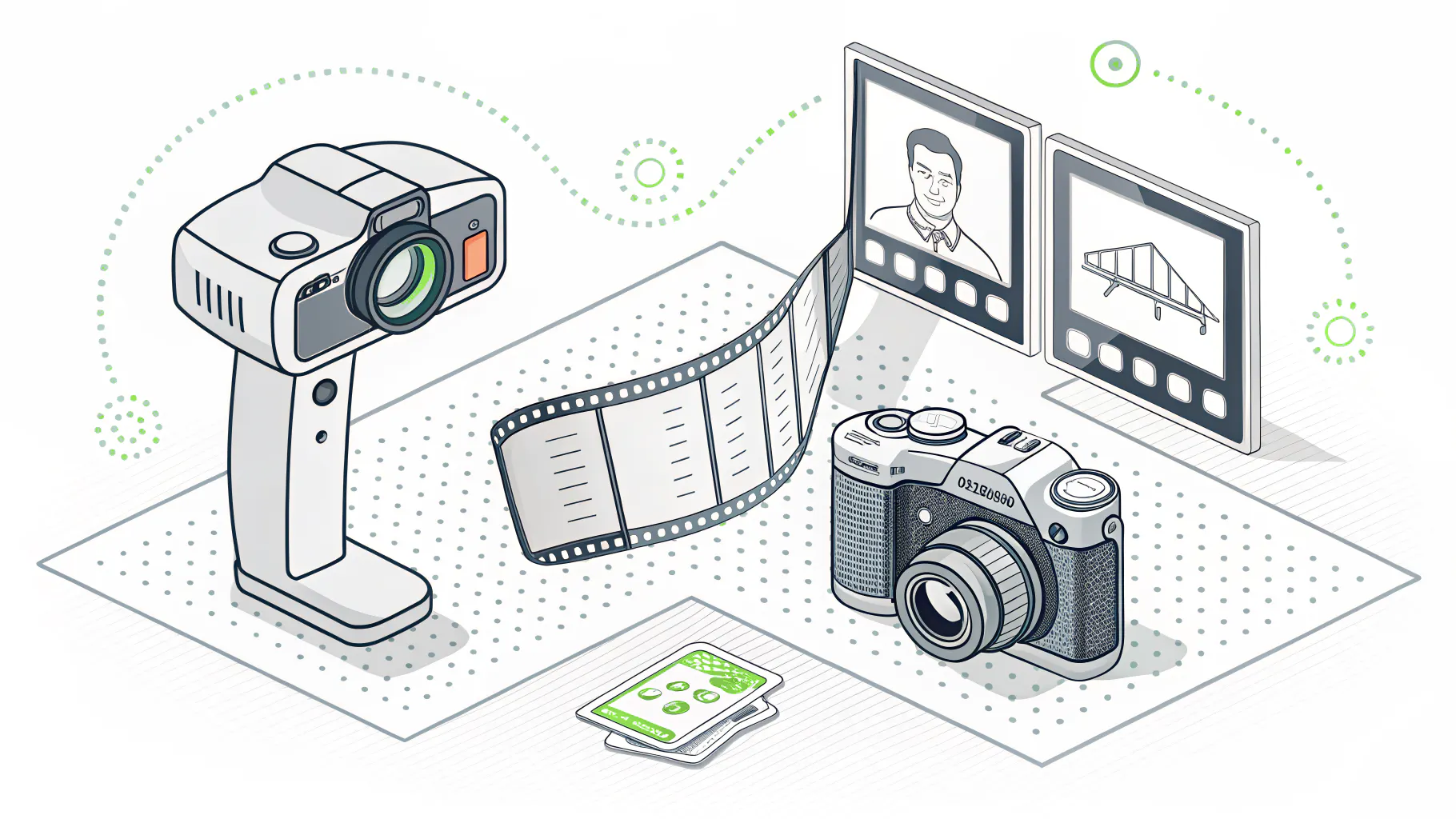
A vulnerability assessment is a great starting point. It tells you where you stand today. But standing still isn't the point, because tomorrow there are 131 new flaws and half your servers got a config change. An assessment is a photo. Management is the film.
And penetration testing? Different animal again. A scan asks "is this door unlocked?" A penetration test hires someone to actually walk through it and see how far they get. You want both, but they answer different questions. Scanning finds the known holes at volume. Pen testing shows you what a real attacker would chain together.
Why this got harder in 2026
Vulnerability exploitation is now the number one way attackers break in. According to the Verizon 2026 Data Breach Investigations Report, exploiting a known flaw caused 31% of breaches, up from 20% the year before. For the first time in the report's history, it beat stolen passwords as the top entry point.
Sit with that for a second. The thing breaking into companies most often isn't a clever phishing email anymore. It's an unpatched box someone meant to get to.
Three forces made this worse, fast.
- Volume. 48,185 CVEs published in 2025, about 131 a day, and 38% rated high or critical. Nobody hand-triages that.
- Speed. The median time from a vulnerability going public to being exploited is now under 5 days. Your monthly patch window doesn't cover that. Neither does your quarterly one.
- Backlog. Roughly 32% of found vulnerabilities sit unpatched for more than 180 days, and close to 60% of breaches exploit a flaw where a patch already existed. The fix was available. It just never got installed.
The cost of getting this wrong keeps climbing too. The average U.S. data breach now runs $10.22 million. That number isn't built for a 60-person manufacturer, but the point holds at any size. Downtime, recovery, and lost trust cost far more than the patch would have.
The vulnerability management lifecycle, minus the buzzwords
Most frameworks describe five or six stages. The names vary. The shape doesn't. It's a loop, and every trip through it feeds the next one. NIST's guidance frames it as identify, prioritize, acquire, install, verify. Here's the plain-English version.
- Discover. You can't protect what you don't know you own. Build an asset inventory first, then scan it. The forgotten test server running an old Windows build is the one that gets you.
- Prioritize. Rank the findings by real risk, not raw severity. This is the stage that separates a program from a pile of reports, and it's covered in its own section below because it's where SMBs win or lose.
- Fix. Patch it, reconfigure it, isolate it, or formally accept the risk. Not every vulnerability gets patched. Some get mitigated. Some you decide to live with, on purpose, in writing.
- Verify. Rescan and confirm the fix landed. Patches fail silently more often than people think. A change that "should have" applied and didn't is worse than knowing you're exposed.
- Repeat and report. Feed what you learned back in, track your trend line, and show leadership the risk is going down. Then start over, because the environment already changed.
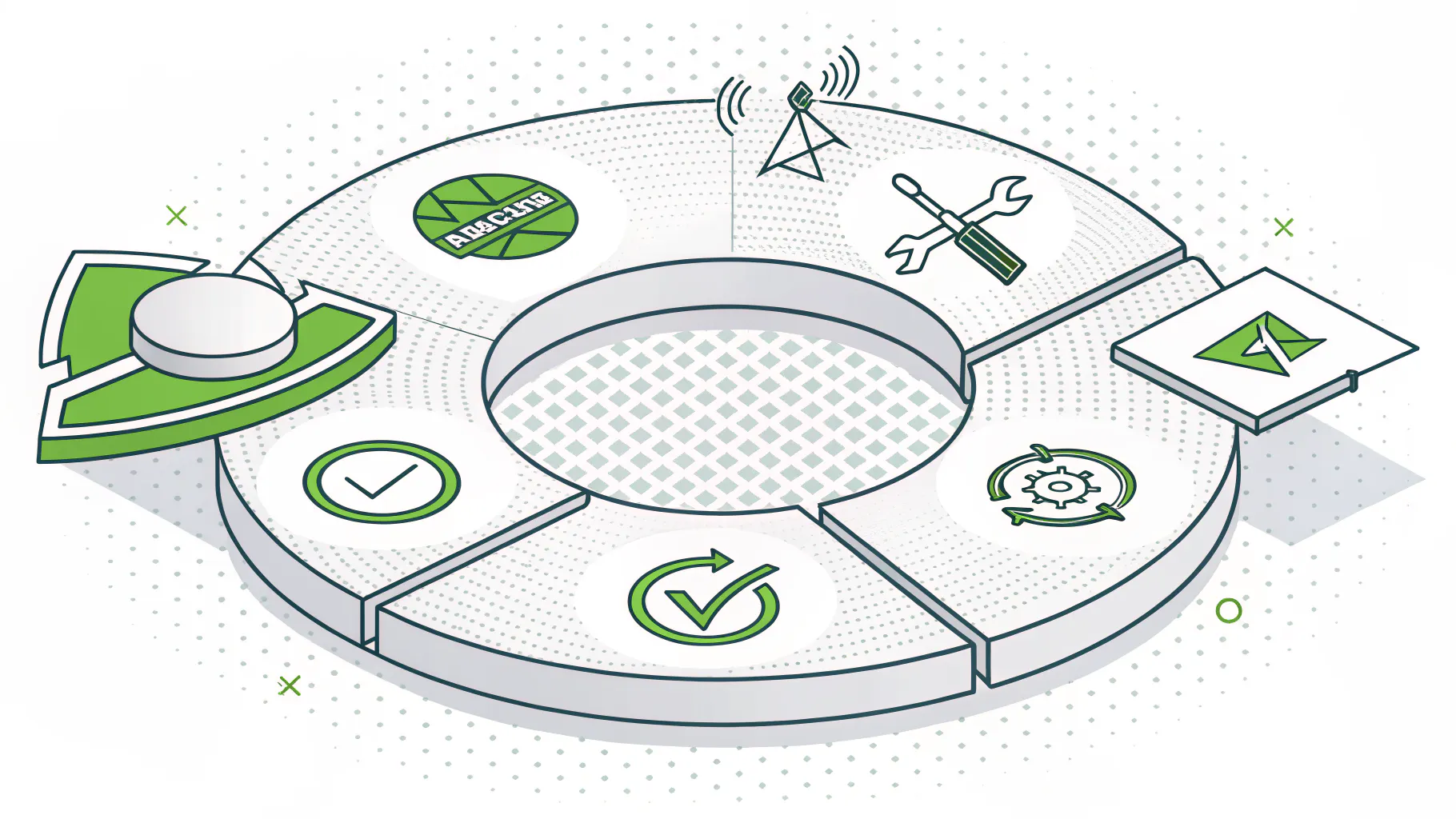
The trap is treating this as a project. You run it once, tick the box, and feel covered. Six weeks later the report is a work of fiction. A real program runs the loop on a schedule, weekly or continuously, so the picture stays current.
The part everyone gets wrong is prioritization
Prioritization is deciding which vulnerabilities to fix first based on how likely they are to actually hurt you, not just how scary they score. This is where lean teams either win or drown. Get it right and a team of two outperforms a team of ten that patches by severity.
The old way has a problem. Most teams sort by CVSS, the severity score from 0 to 10, and start at the top. Sounds reasonable. It isn't. CVSS tells you how bad a flaw could be in theory. It says nothing about whether anyone is exploiting it. So you burn a week on a "critical" that no attacker has ever touched while a "medium" that's being weaponized right now sits in the queue.
Risk-based prioritization fixes this by layering three signals. Think of it as a funnel that turns 4,000 findings into a to-do list you can finish this week.
- CISA KEV answers one blunt question. Is this flaw being exploited in the wild right now? If it's on the list, fix it first. No debate.
- EPSS estimates how likely exploitation is within the next 30 days. Anything scoring a high probability jumps the line, right behind the KEV list.
- CVSS tells you how severe a flaw would be if exploited. Use it to schedule the long tail, once the urgent stuff is handled.

The math on this is stark. In one analysis of 922 vulnerabilities, 352 rated "critical" by CVSS. Apply EPSS and only a small fraction had a real chance of being exploited. That's the difference between 352 fire drills and maybe 30 that matter. For a team without a dedicated security hire, that's the difference between a working program and giving up.
One more factor the scores skip. Context. A critical flaw on a database holding customer records is not the same as the identical flaw on a lab machine with no network access. Layer your own business context on top of the scores. What lives on that asset, and who can reach it? A managed detection and response setup helps here, because it tells you which exposed systems are actually being probed.
What's different when you're an SMB
The lifecycle is the same at 40 people or 40,000. The constraints aren't. Enterprises throw a team and a six-figure platform at this. You've got a couple of people, a mixed environment, and a budget that has to justify itself. So you run the same loop, smaller and sharper.
What matters most for a small team, in order.
- Get the inventory right before you buy anything. Half of SMB exposure is stuff nobody remembered was still running.
- Automate the scan and the triage. Manual prioritization dies the day the report crosses 500 lines, and yours will.
- Fix your patch cadence before you buy a fancier scanner. A weekly patch rhythm beats a better tool with a monthly one, every time.
- Skip the enterprise features you'll never staff. You don't need a full risk-scoring platform with custom dashboards if nobody has time to read them.
On tooling, the market has caught up to smaller teams. For a company that wants a modern, cloud-first scanner without hiring a security engineer to run it, Intruder starts around $149 a month and stays readable. Nessus Pro is a solid, cheaper option if you're comfortable driving it yourself. Rapid7 InsightVM and Qualys VMDR are stronger, but they're built for teams scaling toward a formal security program, and the price and complexity climb with them. Buy for the team you have, not the one on the org chart you wish you had.
The honest tradeoff? A cheap scanner plus a disciplined weekly patch habit will protect a small business better than an expensive platform that generates reports nobody actions. The tool was never the bottleneck. The follow-through is.
Do you need a tool, an MSP, or both?
Short version. If you have the time and someone who owns it, a tool plus discipline works. If you don't, the tool becomes shelfware and you're paying for a false sense of safety.
Run yourself through this honestly.
- You have an IT person with real time to own the loop, and patching is already consistent? A scanner you run in-house is probably enough. Start there.
- You have a tool but the reports pile up unread, and last quarter's "critical" list is still open? That's not a tool problem. You need someone to own remediation, whether that's a new hire or a partner.
- You're under a compliance requirement, or you're in manufacturing or distribution where downtime is measured in real dollars per hour? Co-managed or fully managed makes sense, because verification and reporting are half the job and they're the half that slips.

Bias disclosed, we run vulnerability management for clients, so of course I think it's worth doing well. But I'll say the quiet part. If you're a 25-person shop with a sharp IT lead and a steady patch habit, you may not need us for this. Buy a good scanner and keep the discipline. The businesses that actually need help are the ones where the reports have been piling up for a year and everyone's been too buried to look. If that's you, that's the signal.
The takeaway
Vulnerability management isn't a scanner you buy. It's a habit you keep. Find the weaknesses, fix the ones that actually matter first, prove the fix worked, and do it again next week. The teams that get breached rarely got there because they couldn't find the flaw. They got there because the fix sat in a queue while the clock ran out.
For a small or mid-sized business, the winning move is simpler than the vendors make it sound. Get your inventory straight. Prioritize by real-world exploitation, not raw severity. Patch on a rhythm you can actually keep. And be honest about whether you have the time to own it, or whether you need a hand.
If your vulnerability reports have been piling up faster than your team can work them, that's the sign the finding part is solved and the fixing part needs help. Speak to a cybersecurity expert about turning that backlog into a program that actually closes it.