How to Build a Disaster Recovery Strategy with RTO and RPO Tiers
A disaster recovery strategy is the plan that decides what your business brings back online first when something breaks, how fast it comes back, and how much data you're willing to lose getting there. Most companies treat it as a backup question. It is not. Backup is one input. The strategy is the set of decisions about which systems matter, in what order, and at what cost.
Table of Contents
Here's the way to think about it. Your backups are the parts. Your disaster recovery strategy is the assembly instructions, written before the building is on fire. Without the instructions, you have a pile of recovery options and no agreed answer to the only question that matters at 2 a.m.: what comes back first? A complete backup and disaster recovery program answers that question on paper, long before you need it.
The numbers behind this aren't subtle. According to FEMA, roughly 40% of businesses never reopen after a disaster, and another 25% fail within a year. The companies that survive almost always share one trait. They did the unglamorous prioritization work first. Not with the technology. With the analysis.
Start With Business Impact, Not Technology
Most companies build disaster recovery backward. They start with the tools, the backup appliance, the cloud replication license, the failover site, and then assume the technology is the strategy. Then a real outage hits, and they discover they protected the wrong things in the wrong order.
The correct first step is a business impact analysis. A BIA answers a single operator question for every system you run: if this stopped right now, what breaks, how badly, and how fast does it get worse? Order entry going dark for an hour is a different problem than the marketing blog going dark for a day. The BIA forces you to say so, in writing, before a crisis makes the decision for you.
This is also where recovery priorities should come from. FEMA's Ready program is blunt about the sequence: identify the processes with the greatest operational and financial impact, then restore those first. Recovery order is a business decision. It isn't an IT preference, and it isn't whatever the backup software happens to do by default.
RTO and RPO, Defined Plainly
Two numbers drive every disaster recovery decision you will make. Get these right and the rest of the strategy mostly designs itself. Get them wrong and you'll overspend on systems that don't matter and underspend on the ones that do.
Recovery Time Objective (RTO)
RTO is the maximum time a system can be down before the damage is unacceptable. It's a clock. If your order system has an RTO of two hours, you have two hours from the moment it fails to get it back before you've broken a promise to the business. The shorter the RTO, the more money and infrastructure it takes to hit it, so you don't assign a tight RTO to everything. You assign it to what earns it.
Recovery Point Objective (RPO)
RPO is the maximum amount of data you can afford to lose, measured in time. An RPO of 15 minutes means you can lose at most the last 15 minutes of work. That single number sets your backup frequency. As Veeam puts it, if your RPO is four hours, you back up at least every four hours. RPO looks backward at data. RTO looks forward at downtime. They aren't the same thing, and confusing them is one of the most common planning errors we see.
A Worked Example
Take a manufacturer running production scheduling, payroll, and an internal wiki. Production scheduling might get a 1-hour RTO and a 15-minute RPO, because every hour the line is idle costs real money. Payroll might get an 8-hour RTO and a 24-hour RPO, because it runs on a cycle and a half-day delay is survivable. The wiki gets a 72-hour RTO and whatever RPO is cheap. Same company, three completely different answers. That spread is the entire point.
Build Your Recovery Tiers
You can't assign a unique RTO and RPO to every application by hand. You'd never finish, and nobody would maintain it. Instead, you group systems into tiers, and each tier carries a defined recovery target. There's no single industry-standard tier model, so the labels matter less than the discipline of sorting. A practical four-tier structure looks like this:
- Tier 0, mission-critical. Revenue systems, anything compliance-gated, and core transaction databases. Typical RTO: minutes to 1 hour. Typical RPO: near zero.
- Tier 1, business-critical. Systems that cause material disruption when down, but not immediate revenue or regulatory loss. Typical RTO: 1 to 4 hours. Typical RPO: under 1 hour.
- Tier 2, important. Operational systems the business can run without for part of a day. Typical RTO: 4 to 24 hours. Typical RPO: 4 to 24 hours.
- Tier 3, non-critical. Internal tools, archives, and anything with no cascading impact. Typical RTO: 24 to 72 hours or more. Typical RPO: 24 hours or more.
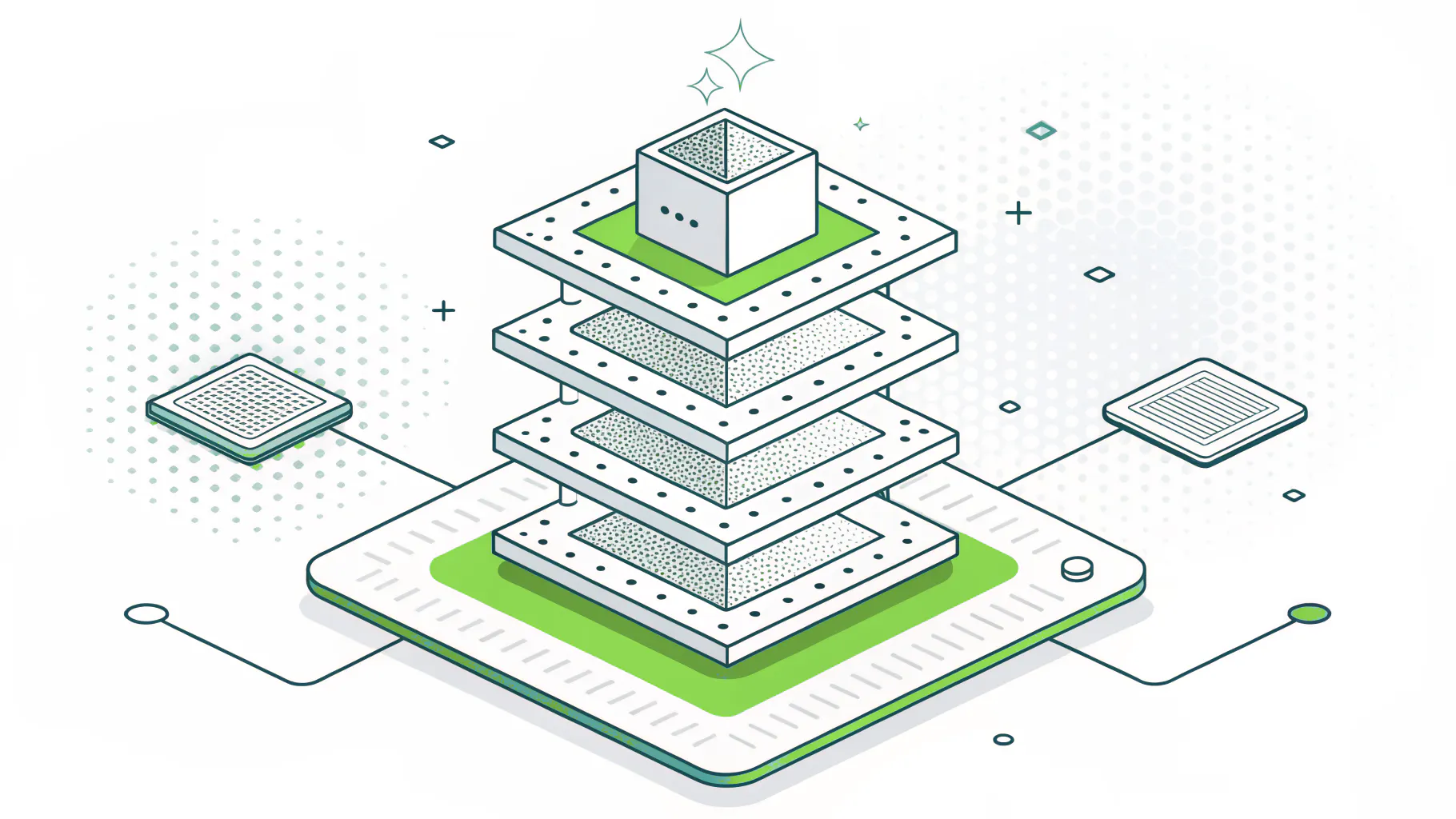
The hard part isn't the table. It's the sorting. Every system owner believes their system is Tier 0. Your BIA is what settles those arguments with evidence instead of volume. When the work is done well, most of your applications land in Tier 2 or Tier 3, and a small, defensible handful sit at the top. If everything is Tier 0, you haven't prioritized. You've just made a list.
Match Each Tier to a Recovery Method
Once systems are tiered, you match each tier to a recovery method that can actually hit its numbers. This is where the budget conversation gets honest, because faster recovery costs more, and you only buy speed where the tier requires it.
The classic options are hot, warm, and cold recovery sites, with pilot light as a cloud-era hybrid. They trade cost against recovery speed in a straight line.
- Hot site. A live mirror of production with near-instant failover. Realistic RTO: minutes to hours. Highest cost, often 5 to 10 times a cold site.
- Warm site. Preconfigured hardware with partial replication. Realistic RTO: hours. Moderate cost.
- Pilot light. Core data kept live, with critical services spun up on demand. Realistic RTO: hours. Moderate cost, often cloud-metered.
- Cold site. A bare facility where systems get provisioned after the event. Realistic RTO: days to weeks. Lowest cost.
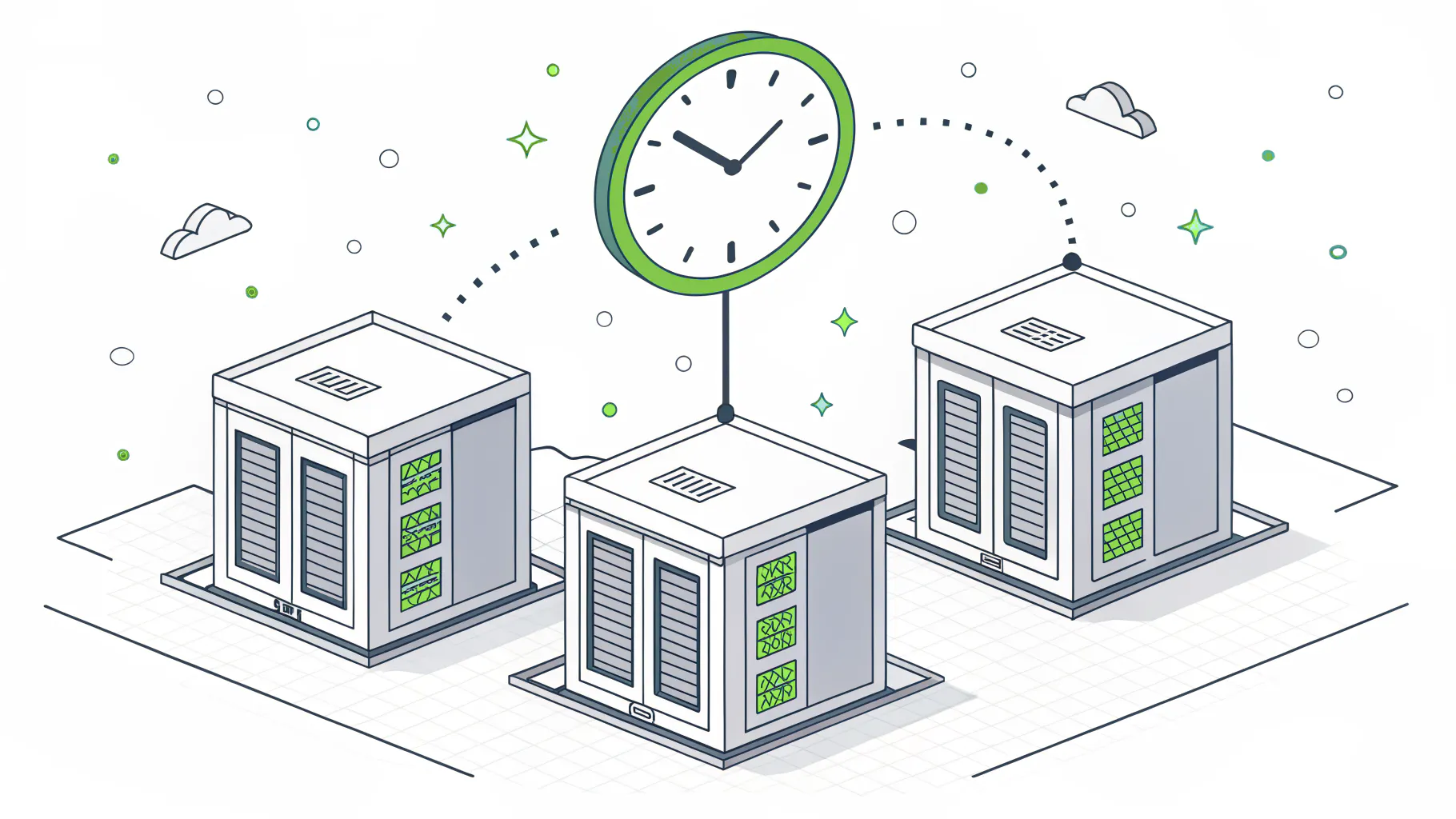
The mapping is the strategy. Tier 0 systems earn a hot site or hot standby. Tier 1 usually fits a warm site or pilot light. Tier 2 and Tier 3 can often live on solid backups and a cold recovery path, because their RTOs give you room. For many businesses, a cloud-integrated disaster recovery model now does what a dedicated hot site used to, at a fraction of the standing cost.
Underneath all of it sits your backup discipline. The current standard is the 3-2-1-1-0 rule: three copies of your data, on two media types, with one off-site, one immutable or air-gapped copy, and zero errors on a verified restore. That immutable copy isn't optional anymore. Ransomware now targets backups first, attacks rose 37% year over year in 2025, and IBM puts the average breach at $4.44 million. A backup you can't trust isn't a recovery plan. It's a hope.
Write It Down, Then Test It
A strategy that lives in one person's head isn't a strategy. It's a single point of failure with a pulse. Every tier needs a runbook: the exact steps to recover those systems, who runs them, who they call, and in what order. Tier 0 runbooks should be detailed enough that the person on call at 2 a.m. who didn't build the system can still execute them.
Then you test, because an untested plan is just a document. Best practice is to test at least annually, run disaster recovery drills on Tier 0 and Tier 1 systems quarterly, and re-test after any significant infrastructure change. TechTarget's guidance is to tie testing frequency to your rate of change, because every change you make is a risk you haven't validated yet.
The 2024 CrowdStrike outage made this concrete. A single faulty update took down roughly 8.5 million machines and cost an estimated $5 billion across the affected companies. Delta alone canceled 7,000 flights and lost around $500 million. The organizations that recovered fastest were not lucky. They had tested runbooks and a way to fail over, so a global event became a bad afternoon instead of a bad quarter.
What Most Companies Get Wrong
In our disaster recovery engagements, the gap is rarely the technology. It's almost always one of these:
- They confuse backup with recovery. Backup copies data. Recovery brings the business back. Having the first doesn't mean you've figured out the second. This is the single most common mistake in disaster recovery planning.
- They set RTOs nobody funded. A two-hour RTO written on a slide means nothing if the infrastructure under it can only deliver eight. The number has to match what you actually bought.
- They never test, or test once. A plan validated three years ago, on infrastructure that has changed a dozen times since, is fiction.
- They make everything Tier 0. When every system is critical, nothing is, and the recovery team freezes deciding what to touch first.
None of these are technical failures. They are decision failures. Which is good news, because decisions are fixable, and they're a lot cheaper to fix before the outage than during it.
Where Consilien Fits
Building this well takes someone who can sit on the business side of the table and the technical side at the same time. That's the work. Translating what would actually hurt us into RTOs, RPOs, tiers, and a tested recovery path that the budget supports.
At Consilien, that is how we run disaster recovery for the manufacturers, distributors, and professional services firms we work with. We start with the business impact analysis, set recovery targets by tier, match each tier to the right method, and test the plan on a schedule so it holds when it's needed. If you aren't sure your current plan would survive a real outage, that's exactly the conversation to have before one arrives.