Hot vs. Warm vs. Cold Disaster Recovery Sites Explained
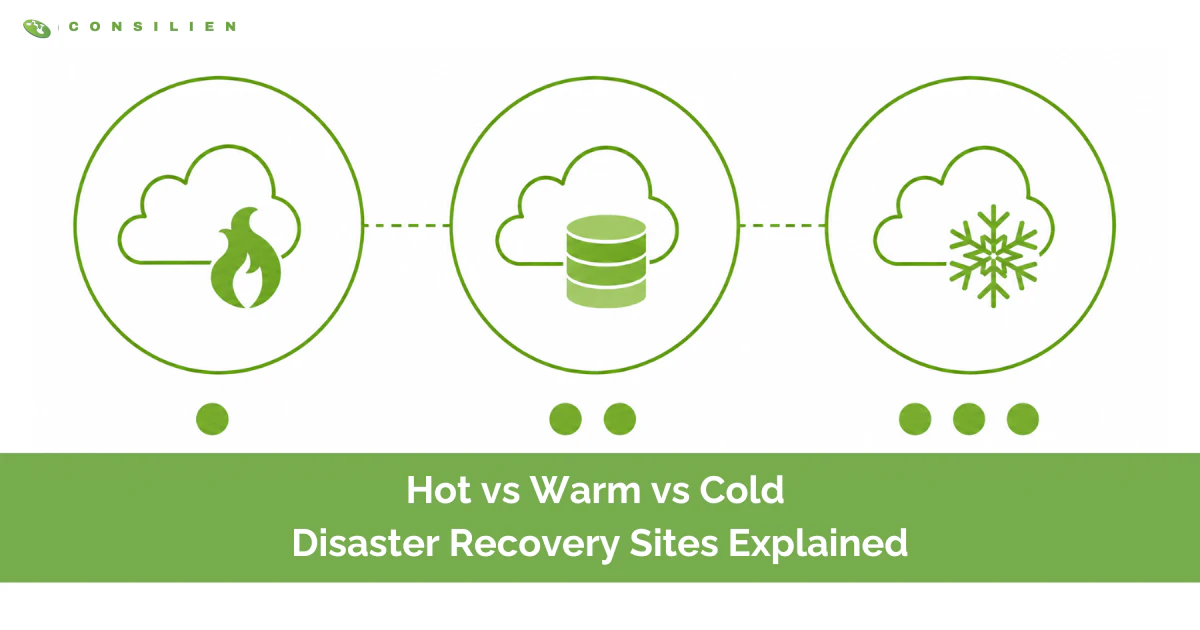
Hot, warm, and cold are not three products. They are three answers to one question: how fast does your business need to be running again, and how much are you willing to spend to buy back that time? A hot site is a second copy of your environment that is already running. A warm site is built but idle, waiting to be switched on. A cold site is an empty room with power, cooling, and a network drop. Most companies pick a temperature before they've done the math that tells them which one they actually need. Then the outage hits, and they learn the difference the expensive way. According to FEMA's Ready.gov, roughly 40% of small businesses never reopen after a disaster. The ones that do reopen almost always share one trait. They decided what "recovered" meant before anything broke. Your backup and disaster recovery plan is where that decision lives.
Table of Contents
The short version: A cold site is the cheapest and slowest, with recovery measured in days. A warm site sits in the middle, with recovery in minutes to hours and roughly half the cost of a hot site. A hot site is the fastest and most expensive, with failover in minutes and almost no data loss. The right one is not the hottest you can afford. It is the coldest one that still meets the recovery time your business can survive.
The one question that decides everything: RTO and RPO
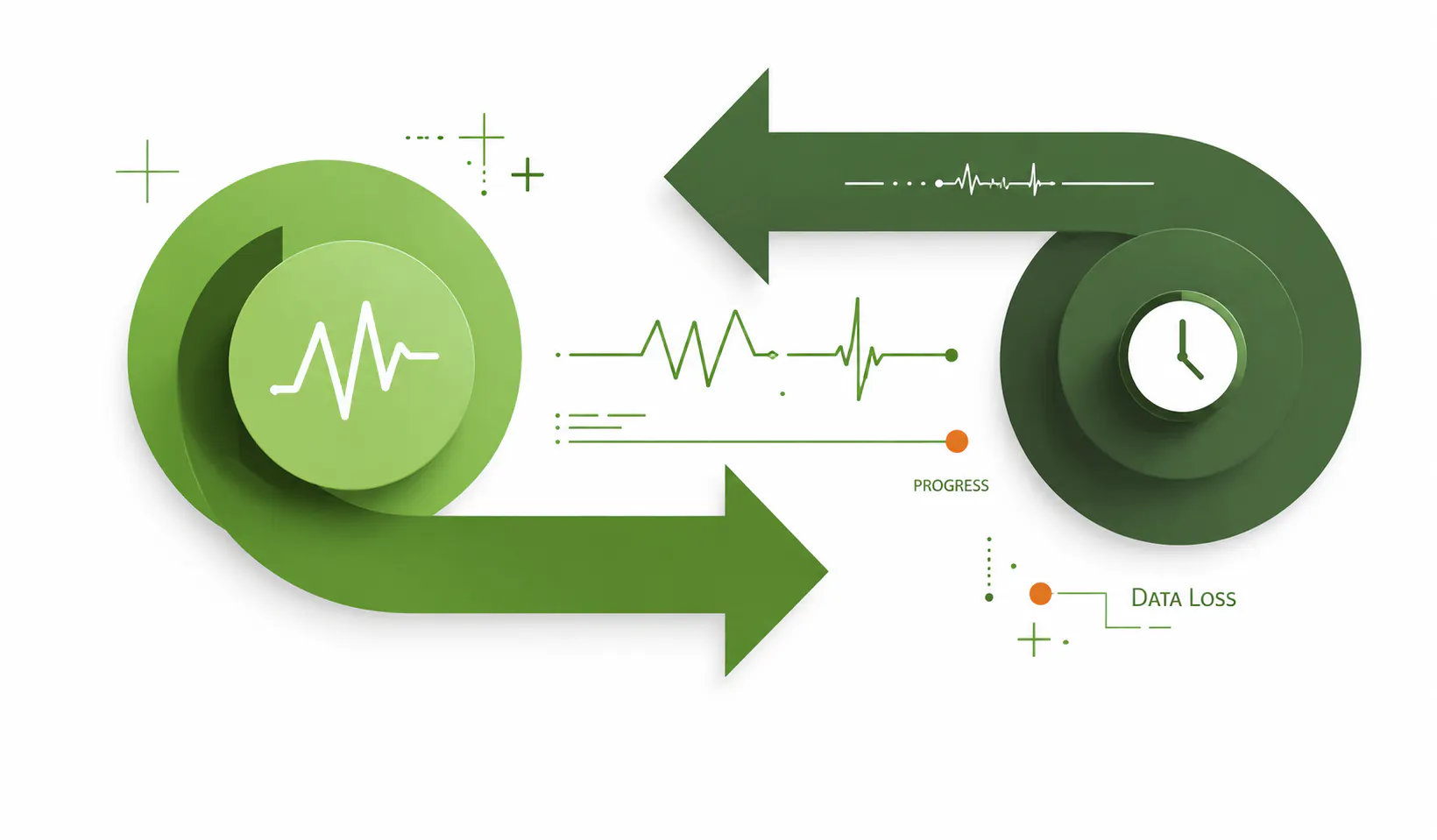
Before you compare site types, you need two numbers. Get these wrong and every dollar after them is misspent.
Recovery Time Objective (RTO) is the forward clock. It is the maximum time a system can be down before the damage becomes unacceptable. If your order entry system can be dark for four hours but not eight, your RTO is four hours.
Recovery Point Objective (RPO) is the backward clock. It is how much data you can afford to lose, measured in time. An RPO of one hour means that if you go down at 2:00, you need to be able to restore to no earlier than 1:00. Anything created in that lost hour is gone.
Here is the part most companies do backward. They shop for a recovery site first, then reverse-engineer their RTO to fit what they bought. The order is supposed to run the other way. The numbers come from a business impact analysis, which tells you what each process is worth per hour of downtime and how fast it has to come back. NIST SP 800-34, the federal contingency planning guide, is direct about this: your alternate site strategy has to reflect the outcome of that analysis, not your gut and not your budget.
And there is an inverse relationship you cannot negotiate around. The shorter your RTO, the more the recovery costs. Cutting recovery time from a day to a minute is not a small upgrade. It is a different category of spend. That trade is the entire reason hot, warm, and cold exist.
Cold disaster recovery sites
A cold site is a facility, and not much more. You get physical space, power, cooling, and network connectivity. What you don't get is running infrastructure. The servers, storage, and applications aren't there, or they're racked and powered off. When disaster strikes, your team shows up, installs equipment, restores data from backups, and stands the environment up from scratch.
That makes the cold site the cheapest option by a wide margin. You're paying for a lease and utilities, not for duplicated hardware or live replication. It also makes it the slowest. Recovery realistically runs days to weeks, and your RPO is only as good as your last backup. If you back up nightly and the building floods at 4:00 p.m., you've lost a full business day of work.
A cold site fits tier-three systems. The internal wiki. The archive nobody touches for weeks. The reporting tool that can wait until Thursday. Pick a cold site for anything where a multi-day outage is an inconvenience, not a crisis. The mistake is using one for a system that quietly turns out to be critical. Cheap until you need it is the honest tagline for a cold site.
Warm disaster recovery sites
A warm site is the middle ground, and for a lot of mid-market companies it's the right answer for most of the environment. The hardware is already in place. Servers, networking gear, and storage are racked, powered, and waiting. Data replicates on a schedule, often hourly, so the copy at the recovery site is recent but not live to the second.
When something fails, you are not building from nothing. You are switching on a system that is mostly staged, loading the most recent data, and bringing applications online. That drops recovery time to minutes or hours instead of days. The trade is that a warm site costs more than a cold one, because you are now paying to keep real hardware ready, but it typically runs 40–60% less than a hot site because nothing is processing live production traffic.
Warm sites fit tier-two systems. Essential business applications that hurt when they're down, but don't bleed revenue by the minute. For a manufacturer, that might be production scheduling or inventory. For a professional services firm, the document management system. The work can survive a few hours offline. It cannot survive a few days.
Hot disaster recovery sites
A hot site is a fully operational mirror of your production environment, running in parallel right now. Data is continuously replicated, so the recovery copy is current to the second or close to it. When primary goes down, workloads fail over in minutes, sometimes automatically, with almost no data loss. RTO in minutes. RPO near zero.
You pay for every bit of that readiness. A hot site means duplicated hardware, duplicated software licenses, and continuous replication running around the clock. It is the most expensive disaster recovery posture there is, and the cost is ongoing whether or not you ever fail over.
A hot site is for tier-one systems, the ones where minutes of downtime translate directly into lost revenue, broken compliance, or a customer walking. The e-commerce checkout. The trading platform. The patient-facing system in a regulated environment. If the question "what does an hour of downtime cost here" has a six-figure answer, you're looking at a hot site.
The trap is paying for hot when warm would clear your RTO. If your business can tolerate a two-hour recovery, a warm site meets that target for a fraction of the price. Buying a hot site anyway is not extra safety. It is money set on fire to solve a problem you don't have.
Hot vs. warm vs. cold: side-by-side
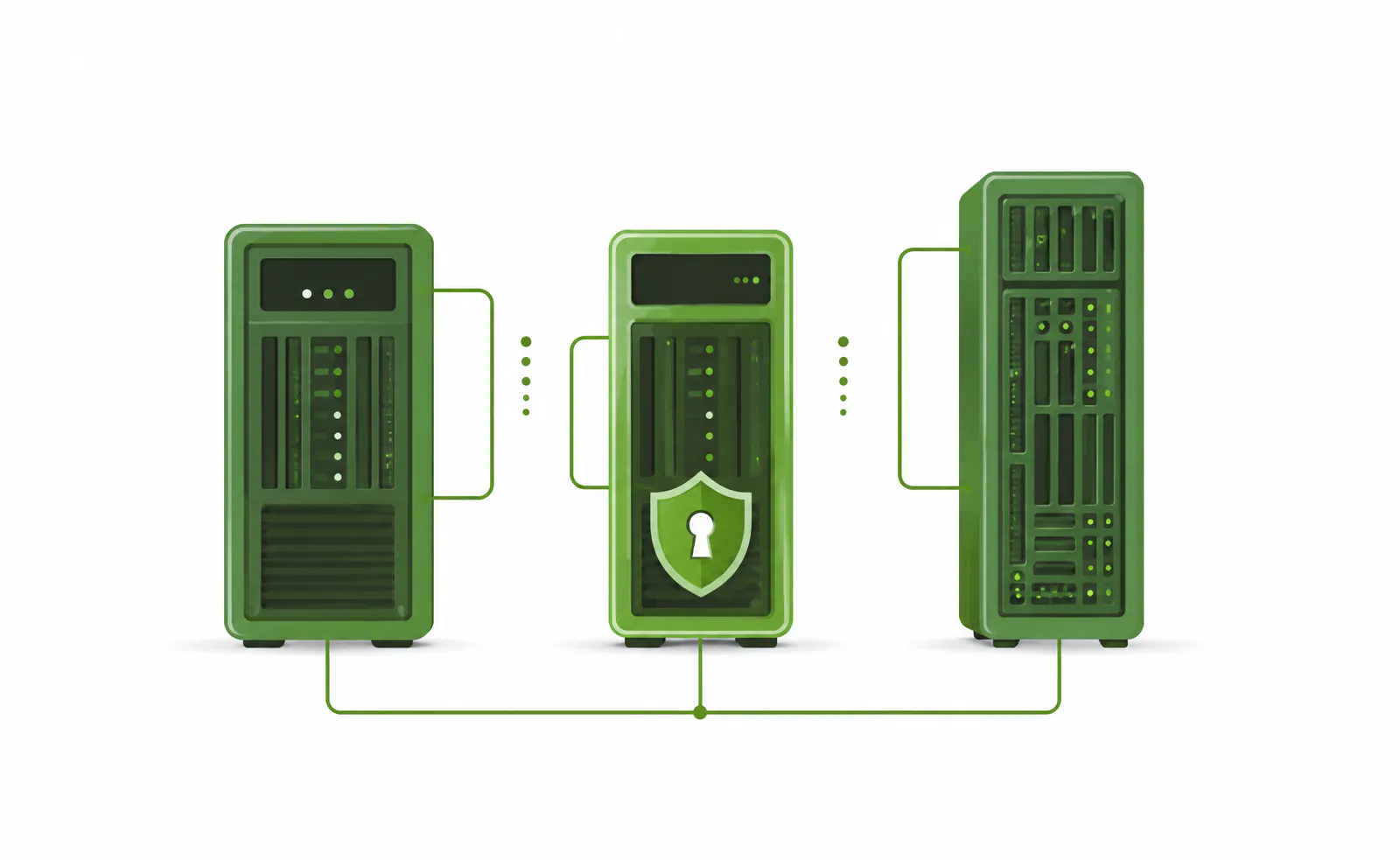
Here is the same comparison at a glance.
- Cold site. Readiness: space, power, cooling, and network only. RTO: days to weeks. RPO: your last backup. Cost: lowest. Best fit: tier-3, non-critical systems.
- Warm site. Readiness: hardware racked with scheduled replication. RTO: minutes to hours. RPO: last replication, minutes to hours. Cost: roughly 40-60% of a hot site. Best fit: tier-2, essential business systems.
- Hot site. Readiness: full live mirror with continuous replication. RTO: minutes, often automated. RPO: near zero. Cost: highest and ongoing. Best fit: tier-1, revenue or compliance critical.
The cloud changed the conversation
The hot, warm, cold model came from a world of physical buildings and shipped hardware. The cloud did not erase it. It turned the temperature into a dial instead of three fixed boxes.
The AWS Well-Architected framework describes four strategies that map almost cleanly onto the old vocabulary. Backup and restore is your cold site: data is safe, but you rebuild on demand. Pilot light keeps a minimal core of your infrastructure always running with data replicating, then spins the rest up when you trigger it. Warm standby is a scaled-down but always-on copy of production that you scale up at failover. Multi-site active-active is the hot site, running full capacity in a second region, ready to absorb traffic the instant primary fails.
The practical shift is that disaster recovery as a service now lets you set a different temperature per workload without leasing a second building. That market is growing fast, projected to expand at a 7.4% annual rate through 2032, and a lot of that growth is mid-market companies that could never have justified a physical hot site. We dig into the mechanics of this in our piece on cloud-integrated disaster recovery. The point for now: you're no longer forced to buy one temperature for the whole company.
Ransomware broke the old assumptions
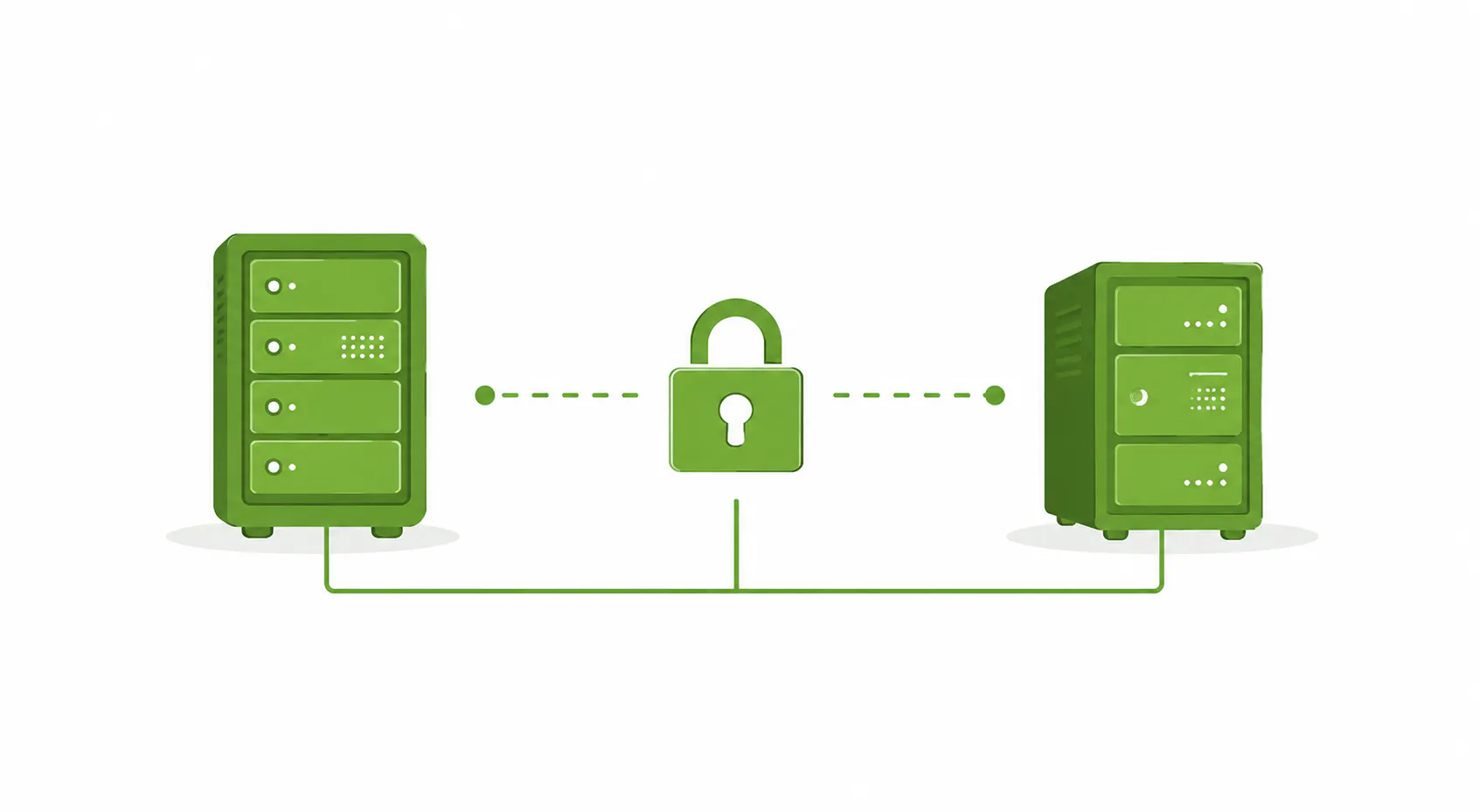
There is a failure mode the classic model never planned for, and in 2026 it is the one that catches people. A hot site replicates production in real time. That's the feature. It's also the vulnerability. If ransomware encrypts your primary environment, a hot site faithfully replicates the encryption to your recovery copy. You now have two mirrored disasters and zero clean systems to fall back on.
This is why a recovery site, at any temperature, is not a backup strategy on its own. Attackers know it too. Research cited by security vendors shows that the large majority of organizations have had backup repositories deliberately targeted in an attack. The recovery layer is the thing the adversary goes after.
The answer is the 3-2-1-1-0 rule: three copies of your data, on two different media, with one copy offsite, one copy immutable or air-gapped, and zero errors verified through testing. Immutable means the copy can't be altered or deleted, even with stolen admin credentials. Air-gapped means it sits on a storage plane your production network can't reach under normal operation. Whatever site temperature you choose, you need at least one recovery point that the attack can't touch. That's a managed cybersecurity requirement now, not a nice-to-have.
How to actually choose

The decision is not "which temperature." It's "which temperature for which workload." Here's the path we walk clients through.
- Run the business impact analysis first. Quantify what each process costs per hour of downtime and how fast it has to return. This is the step that produces real RTO and RPO numbers instead of guesses.
- Tier your systems. Sort everything into critical, essential, and non-critical. Most companies find the truly critical tier is smaller than they assumed.
- Set RTO and RPO per tier, not per company. A single target for the whole environment either overspends on the bottom or underprotects the top.
- Map each tier to a temperature. Tier one gets hot or warm standby. Tier two gets warm. Tier three gets cold or backup-and-restore.
- Build at least one immutable, isolated recovery point regardless of temperature, so ransomware can't follow you into recovery.
The insight most vendors will not lead with: almost no mid-market company needs a single temperature. You need a blend. Hot or warm standby for the handful of systems that bleed money when they stop, warm for the essential middle, cold for the long tail. Paying for hot across the board is the most common form of disaster recovery overspend we see. Underprotecting the critical tier to save money is the most expensive mistake.
One more thing, and it's the one people skip. A recovery site you've never tested is a theory, not a plan. The industry baseline is to test failover at least annually, and quarterly for critical systems, because untested recovery is where confident plans quietly fail. Walk through how to do that without taking down production in our guide to disaster recovery drills.