What Is Infrastructure as a Service (IaaS)?
Infrastructure as a Service (IaaS) is a cloud model where you rent computing infrastructure, servers, storage, and networking, from a provider and pay only for what you use. The provider runs the hardware. You run everything above it. That includes the operating system, your applications, and your data. IaaS gives you the most control of any cloud model, and the most responsibility.
Table of Contents
IaaS sounds like the cloud takes care of everything. It doesn't.
Think of it like leasing an empty building instead of buying one. The landlord handles the foundation, the power, and the structure. What happens inside, the locks, the alarm, the inventory, the people you let through the door, is still on you. Swap building for server and you have IaaS.
Most companies skip past that part. They move a workload to managed cloud services in Los Angeles, assume they're covered, then learn the operating system they were running still needed patching. By them.
By the end you'll know whether raw IaaS fits your business, or whether you want someone else running it. No jargon. Just the version that helps you make a decision.
So What Is IaaS, in Plain Terms?
IaaS is renting IT infrastructure instead of buying it. You get virtual servers, storage, and networking on demand, billed by the hour or the gigabyte. Need more, you provision it in minutes. Don't, you turn it off and stop paying.
The term traces back to a 2011 NIST definition that still holds up. Cloud computing splits into three service models, and IaaS is the ground floor, the raw compute and storage everything else gets built on. Providers like Amazon Web Services, Microsoft Azure, and Google Cloud run enormous data centers, slice them into virtual pieces, and rent those pieces out by the minute.
Before IaaS, growth meant a purchase order. You bought a physical server, waited weeks for it to ship, racked it in a closet, and prayed you sized it right. Guess too small and you were buying again in six months. Guess too big and you paid for capacity that sat idle. That whole gamble is what IaaS removes. You rent what today needs and change it tomorrow. If you're weighing that against keeping hardware in-house, the on-premise versus cloud tradeoffs deserve a real look before you commit.
IaaS vs PaaS vs SaaS, What's the Actual Difference?
The three cloud models differ by one thing, how much you manage. With IaaS you manage the most, from the operating system up. With PaaS, the provider also handles the OS and runtime, so you just ship code. With SaaS, you manage nothing but your login. It's finished software, like Microsoft 365 or Salesforce.
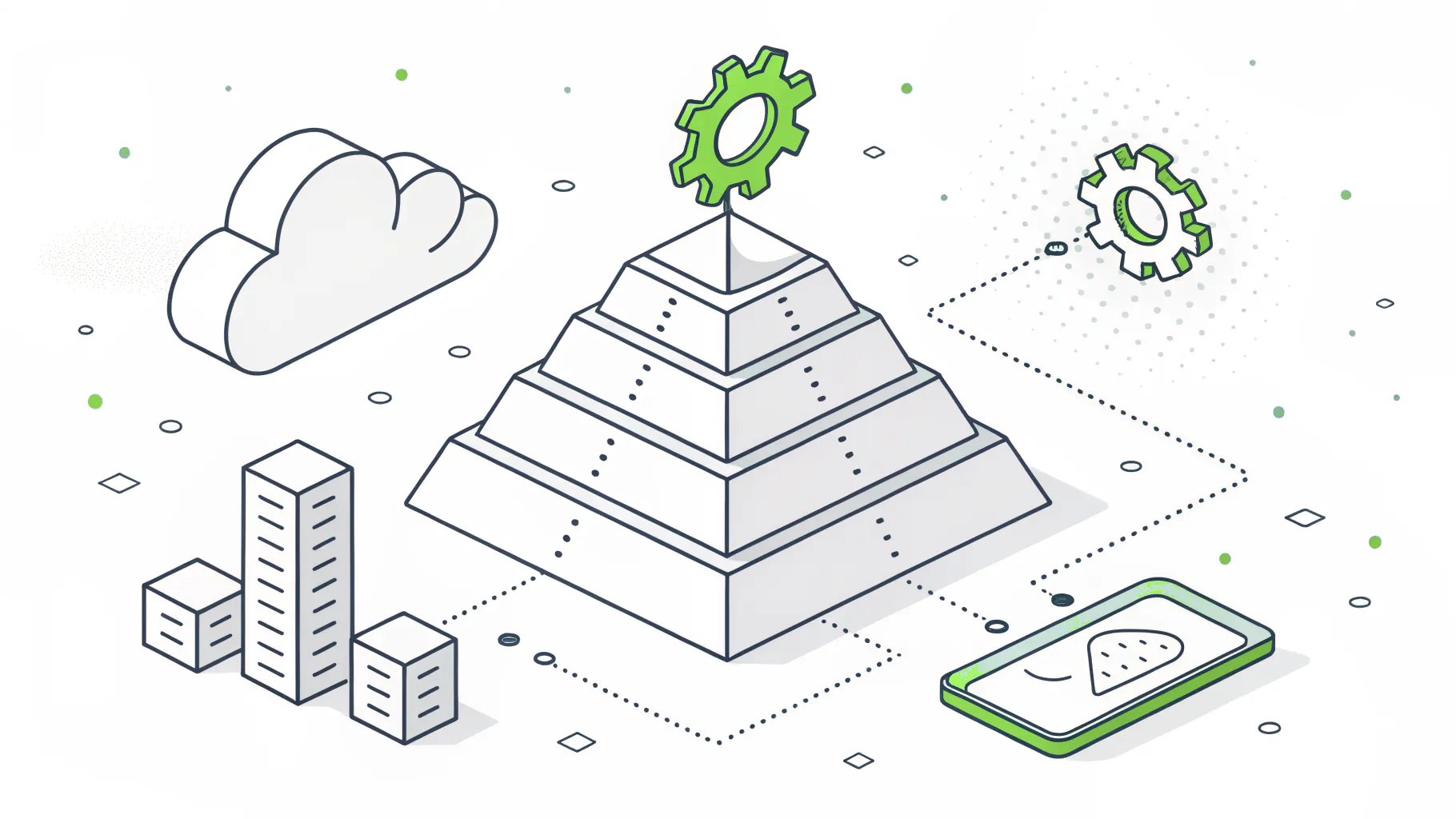
- IaaS, you manage the operating system, patching, apps, data, access, and config. The provider manages the servers, storage, network, virtualization, and data center. Think AWS EC2, Azure VMs, or Google Compute Engine.
- PaaS, you manage your app and its data. The provider manages everything below the app, including the OS and runtime. Think Azure App Service, Google App Engine, or Heroku.
- SaaS, you manage your login and settings. The provider runs the entire stack, top to bottom. Think Microsoft 365, Salesforce, or Dropbox.
The common way to picture it is pizza. SaaS is delivery, you just eat. PaaS is take-and-bake, they made it, you finish it in your oven. IaaS is a stocked kitchen, they supply the space and the equipment, and you cook. As IBM lays out the responsibility split, the further up the stack you go, the more the vendor takes on and the less you do. IaaS keeps the most on your plate. That's the tradeoff for control.
What Does IaaS Actually Include?
IaaS bundles the core building blocks of a data center and hands them to you as rentable, on-demand resources. Four pieces do most of the work.
- Compute. Virtual machines you spin up and size to the workload. This is the headline product. AWS calls it EC2. Azure calls it Virtual Machines.
- Storage that scales without you buying another drive. Object storage for files, block storage for databases, archive tiers for the stuff you rarely touch.
- Networking. Virtual networks, load balancers, firewalls, and the IP addressing that ties it together.
- Then virtualization underneath all of it, the hypervisor layer that lets one physical machine act like many. You never see it. The provider runs it.
Practically, a 90-person distribution company might run its ERP on a couple of Azure VMs, keep nightly backups in cloud storage, and route staff through a virtual firewall. No server closet. No hardware refresh every four years. When the warehouse adds a shift and the load climbs, they resize the VM and move on.
The Part Providers Gloss Over, What You Still Manage
In IaaS, the provider secures the infrastructure and you secure everything you put on it. They own the building. You own the locks, the data, and the mistakes. This is called the shared responsibility model, and misreading it is how most cloud incidents start.
Every major provider publishes this line, and they all draw it the same place. AWS calls it security of the cloud versus security in the cloud. Microsoft draws the same boundary for Azure. CrowdStrike sums up the rule of thumb better than anyone. If you can touch it, you're responsible for it. Your data and your user access are always yours, in every model.
- On the provider's side, the physical data centers and power, the virtualization layer, the hardware, storage, and core networking, and the uptime of the infrastructure itself.
- On your side, operating system patching and updates, firewall and network configuration, your applications and their vulnerabilities, and identity, access, and your data.
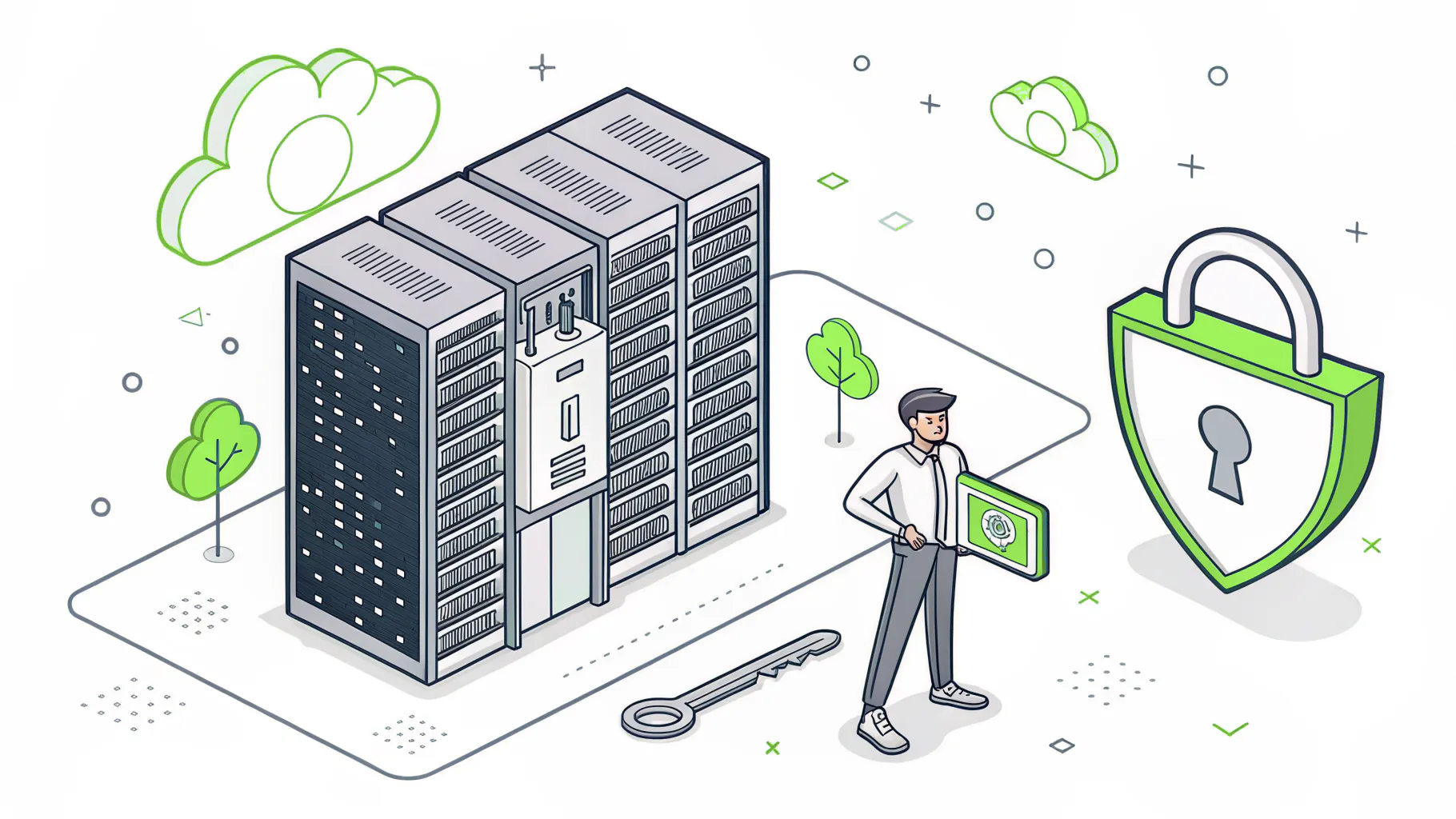
Here's where it bites. A developer spins up a storage bucket for a project, leaves the default permissions open, and moves on. The provider did nothing wrong. The infrastructure worked exactly as configured. But the data inside is now public, and that's a breach the customer owns, not the vendor. A single misconfiguration does this. We see it most in companies that treated IaaS as a hosting bill instead of an environment someone has to run. Nobody was assigned the OS patching. So it didn't happen. Then a known vulnerability that was fixed months ago becomes the way in.
What Is IaaS Good For, and What It Really Costs?
IaaS earns its keep when your needs move, up, down, or fast. It's a strong fit for workloads you can't predict and projects you don't want to buy hardware for. The demand is real and still climbing. Gartner projects IaaS as the fastest-growing cloud segment, with AI-optimized infrastructure alone reaching $37.5 billion in 2026.
The workloads where it earns that keep look like this.
- Development and test environments you stand up for a sprint and tear down after.
- Backup and disaster recovery, where you keep a recovery target ready without a second building to house it. If uptime is the goal, pair it with a real backup and disaster recovery plan, not just a copy of the data.
- Seasonal or spiky demand, the retailer whose traffic quadruples in December and drops in January.
- Cloud bursting, running normally on-site and overflowing into the cloud only when you exceed local capacity.
Now the part nobody quotes in the sales call. IaaS is pay-as-you-go, which sounds like a discount and behaves like an open bar tab. Costs creep. The biggest surprise is egress, the fee to move your own data out of the provider's network. According to Backblaze research on hidden cloud fees, roughly 95% of IT leaders have hit unexpected cloud charges, and egress alone can run 10% to 15% of a bill, more for data-heavy work. Idle VMs someone forgot to turn off. Storage tiers priced wrong for how often you read them. It adds up quietly. Getting ahead of it is its own discipline, and worth reading up on how to control cloud spend before the first bill shocks you.
Who Should Use Raw IaaS, and Who Shouldn't?
Raw IaaS fits teams that have the technical staff to run it and workloads that genuinely move. It's a poor fit for a lean company that just wants email, files, and a few line-of-business apps to work. Those buyers usually want SaaS, or IaaS that someone manages for them.
Good fit if you see yourself here.
- You have engineers who can configure, secure, and patch a cloud environment.
- Your compute demand is unpredictable, seasonal, or growing fast.
- You're avoiding a six-figure hardware purchase and want to trade CapEx for OpEx.
Think twice if this sounds more like you. No in-house IT depth. Steady, predictable workloads that a fixed server would handle fine. A team whose actual job is making product, not administering infrastructure. For that last group, raw IaaS becomes a second job nobody applied for.
There's a middle path most articles skip. Managed IaaS. You get the flexibility and pay-as-you-go economics of the cloud, but a partner handles the patching, the security configuration, the cost monitoring, and the parts of the shared responsibility model that were quietly becoming yours. That's what Consilien does for mid-market and SMB companies across California, security-first managed cloud and IT for the 15-to-500-employee businesses that need enterprise-grade infrastructure without an enterprise IT department. If you're already comparing hybrid and multi-cloud setups, the managed question belongs in the same conversation.
Full disclosure, we benefit when a company decides it doesn't want to run this alone. So weigh it yourself. If you have the team and the appetite, raw IaaS is a fine choice. If your people are already stretched, handing the infrastructure to someone whose job it is usually costs less than the outage that finds the gap you didn't staff.
The Short Version
IaaS is renting infrastructure instead of owning it. You get servers, storage, and networking on demand, and you trade the upfront cost of hardware for the flexibility to scale. That's the win. The catch is responsibility. From the operating system up, the security, the patching, the data, and the bill, it's on you. Most companies underestimate that line until something breaks along it.
So before you move a workload, get honest about who's going to run it. If that's your team, great. If it isn't, talk to a managed IT partner who can own the parts you can't, and price it against the risk of leaving them unowned.