Network Security Risk Assessment for SMBs
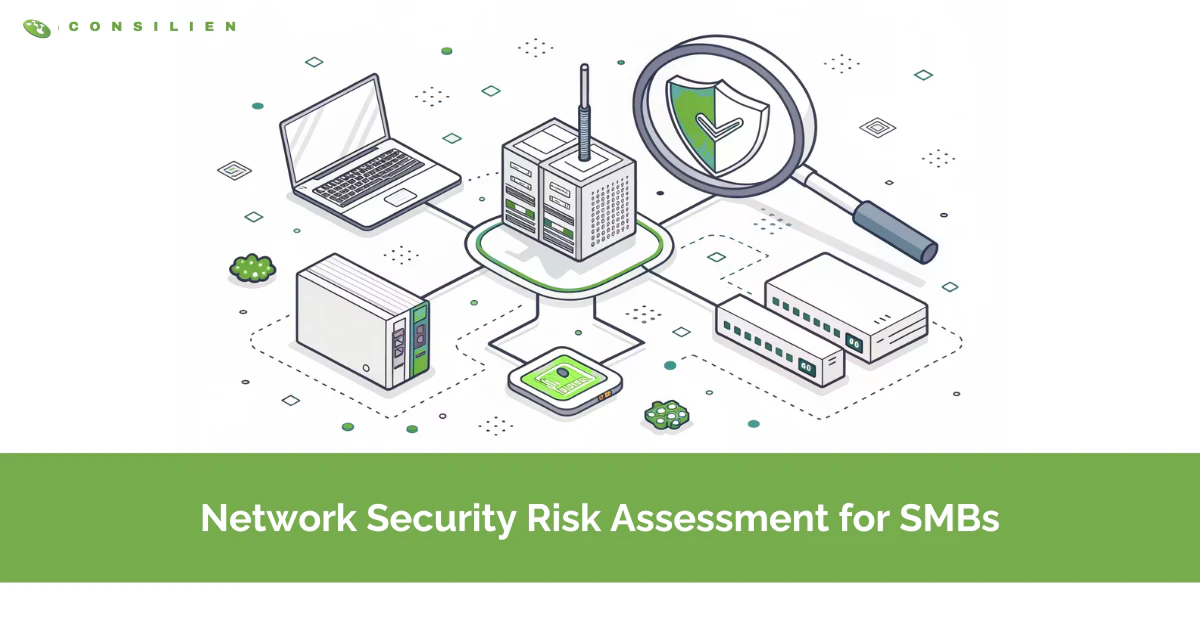
A network security risk assessment is a structured review of your network, the firewalls, ports, devices, remote access, and connections that tie your business together, to find where an attacker could get in and rank those gaps by how much damage they would do. It answers one question before a breach forces it: if someone targeted us tonight, where would they get through, and what would it cost? The assessment is the map. Your firewall, your endpoint software, your free cybersecurity risk assessment score, all of it is the route you plan on top of it.
Table of Contents
Most small businesses do this backward. They buy the tools first, a firewall here, an antivirus subscription there, and assume the spend equals security. Then an attacker walks in through a port nobody knew was open, and they find out the thing they protected wasn't the thing that mattered.
In short: a network security risk assessment identifies the weak points in your business network, scores each one by likelihood and business impact, and hands you a prioritized list of what to fix first. For an SMB it covers your firewall and open ports, network segmentation, remote access, wireless, and device configurations. Run one at least once a year, and again after any major change to your systems.
What a network security risk assessment actually is
A broad cybersecurity risk assessment looks at everything: your people, your policies, your vendors, your physical security. A network security risk assessment zooms in on one layer, the infrastructure that moves your data. Routers and switches. The firewall. Open ports and the services behind them. How your network is segmented, or whether it is segmented at all. How remote staff connect. What devices are allowed to touch the network, and how they are configured.
That narrower focus is the point. The network is where most attacks actually land, and it is the layer SMBs understand the least. You can have a written security policy and still run a flat network where one infected laptop reaches every server. The assessment finds that gap and tells you how bad it is. If you want the wider organizational view, that is a separate exercise, and we cover it in our guide to the full risk assessment process.
Assessment vs. vulnerability scan vs. penetration test
These three terms get used as if they mean the same thing. They do not, and confusing them is how SMBs overpay for the wrong service or underbuy and stay exposed.
- Vulnerability scan: an automated check of your systems against a database of known weaknesses. It runs in software, takes minutes to hours, and is best for routine hygiene and finding the obvious gaps fast.
- Penetration test: a person actively tries to exploit weaknesses and break in. It is manual and hands-on, takes days to weeks, and is best for proving whether a real attacker could get through.
- Risk assessment: inventories assets, identifies threats and vulnerabilities, then scores and prioritizes the risk to the business. It is the broader process, and a scan is just one input to it. Best for deciding what to fix first and where to spend.
The short version, drawn from SentinelOne's breakdown: a scan finds weaknesses, a pen test proves they are exploitable, and a risk assessment decides which ones matter to your business. You need the assessment first. It tells you whether the scan and the pen test are even worth running yet.
Why SMBs are the target, not the exception
The myth that keeps small businesses exposed is "we are too small to be worth attacking." The data says the opposite. Small businesses are small enough to lack real defenses and valuable enough to be worth the effort, which is exactly why attackers prefer them.
According to the Verizon 2025 Data Breach Investigations Report, 88% of breaches at small and medium businesses involved ransomware, compared with 39% at large enterprises. The same report found stolen credentials remain the most common way in, used in 22% of all breaches. Read that again. The most common entry point is not some exotic zero-day. It is a working username and password an attacker bought or guessed, walking through your remote access like a customer.
There's a second forcing function now, and it's financial. Cyber insurance carriers have stopped taking your word for it. Multi-factor authentication, endpoint detection, tested backups, and network segmentation are baseline requirements for a quote or a renewal, and underwriters want proof the controls are real, not promised. As Embroker outlines for 2026, businesses that can't show this fail their assessments and face denied coverage or premium hikes. The risk assessment is no longer optional paperwork. It's what stands between you and an uninsurable, unrecoverable incident.
What the assessment looks at: the SMB network attack surface
Every assessment starts with an inventory. You cannot protect what you have not counted. That means every server, workstation, firewall, switch, access point, printer, and the growing pile of devices nobody officially approved. Most SMBs are surprised by this step. The asset list is always longer than the one in their head.
Once you know what you have, the assessment hunts for the weak spots. On SMB networks, the same handful show up again and again:
- Open ports running exposed services. Port 445, the one behind Windows file sharing, is a favorite. Barracuda found that the EternalBlue exploit alone accounts for the overwhelming majority of attacks against that port, years after a patch existed.
- Flat networks with no segmentation. One infected machine reaches everything. No internal walls means an attacker who gets a foothold owns the whole building.
- Unpatched systems. Known vulnerabilities, sitting open, often more than a year after the fix shipped.
- Exposed remote access. Remote Desktop facing the open internet, or a VPN with no MFA. This is where those stolen credentials get used.
- Default and weak configurations. Hardware installed and never hardened. Admin passwords left at the factory default.
- Unmanaged Wi-Fi and shadow IT. A guest network bridged to the main one. A cloud app a department signed up for without telling anyone.
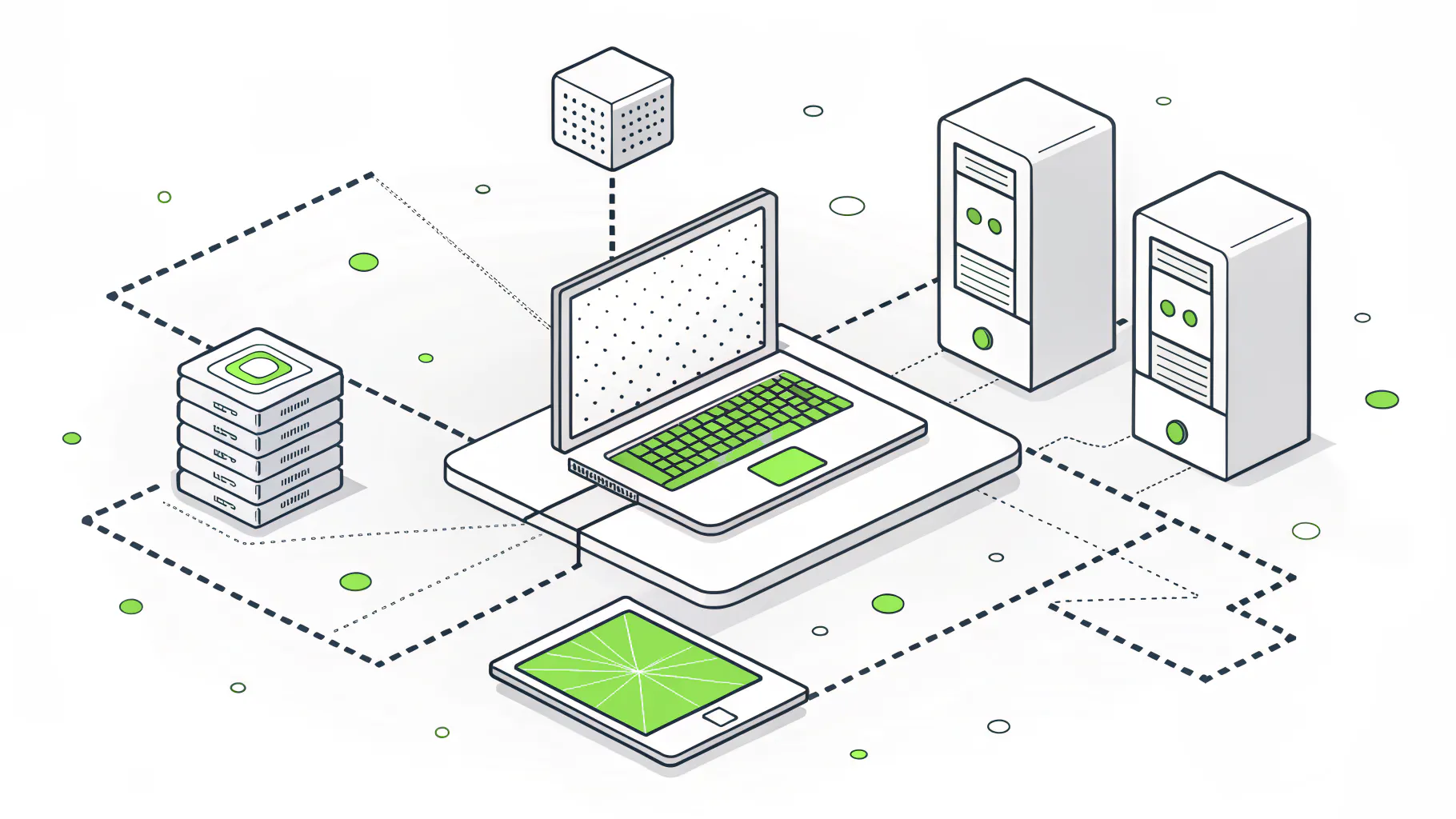
None of these are sophisticated. That is the uncomfortable part. The breaches that close SMBs usually come through gaps the business could have closed for very little, if it had known they were there.
How to run a network security risk assessment, step by step
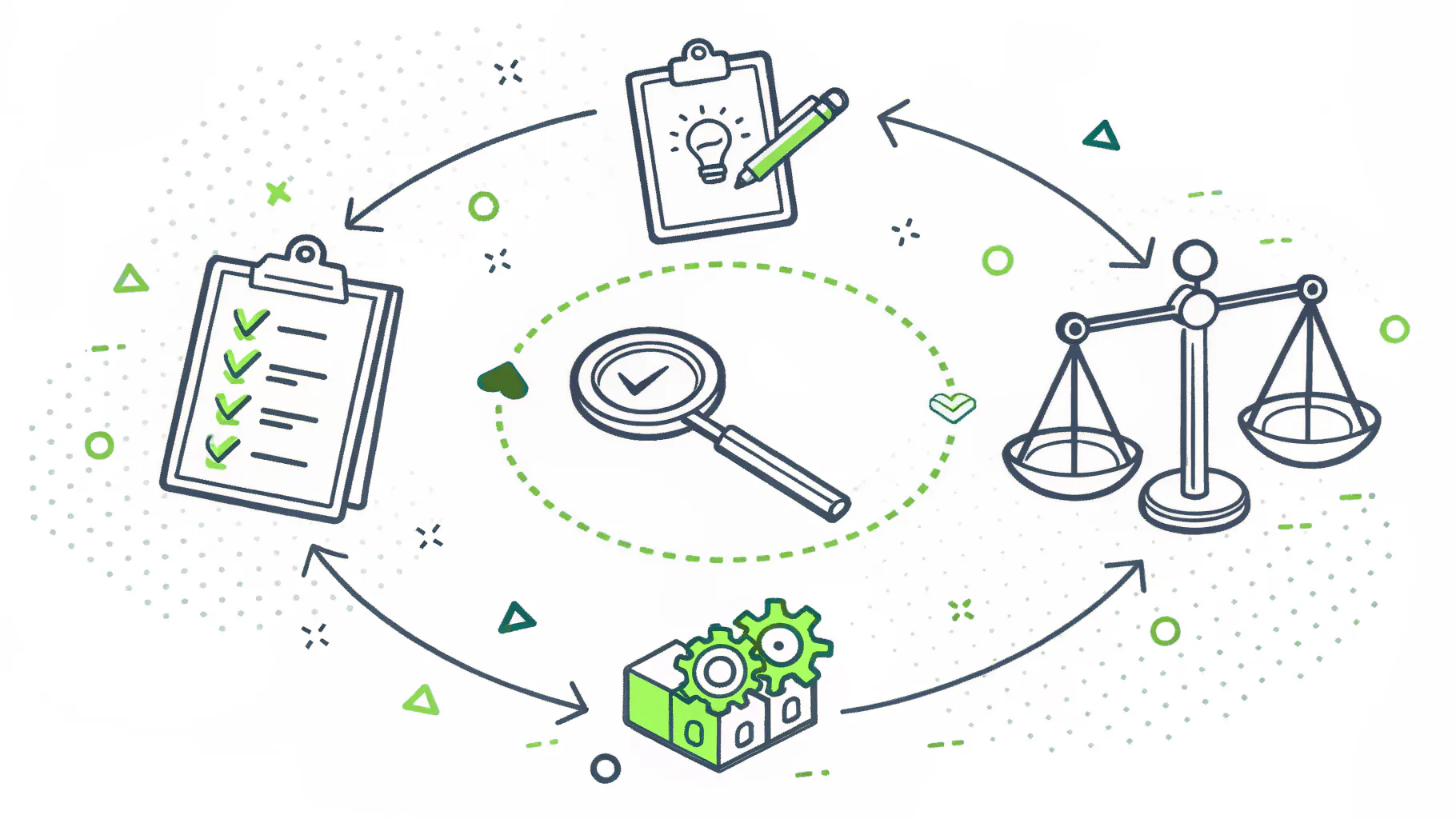
The repeatable method here is NIST SP 800-30, the federal standard for conducting risk assessments. It was written for government systems, but it scales down cleanly, and pairing it with the five functions of the NIST Cybersecurity Framework, identify, protect, detect, respond, recover, gives you a structure you can actually run.
- Inventory your assets. List every device, system, and data store on the network. Flag the ones that would hurt most if they went down or got stolen: customer data, financials, anything that stops production.
- Identify the threats. Who would come after you and how. Ransomware crews, credential thieves, a careless insider, a compromised vendor connection.
- Find the vulnerabilities. This is where the scan earns its place, paired with a manual review of firewall rules, access permissions, and configurations. The scan finds the known holes. A human finds the ones a tool misses.
- Score likelihood and impact. For each gap, how likely is it to be exploited, and what does it cost you if it is. Multiply the two. Record everything in a simple risk register so the list is ranked, not random.
- Remediate by priority. Fix the high-likelihood, high-impact items first, mapping each control back to a CSF function. Patch the exposed service, segment the network, put MFA on remote access. You will not close everything at once. Close what matters first.
- Monitor and reassess. A risk register is a living document, not a one-time report. Watch for new exposures and re-run the assessment on a schedule.
If you want a sense of scope and cost before you start, our breakdown of what an assessment includes and what it costs walks through it for a California SMB.
How often should an SMB reassess?
Once a year, at the absolute minimum. That is the floor, not the goal. The threat picture moves faster than an annual cycle, so the stronger practice is a yearly full assessment backed by continuous monitoring in between.
You also reassess on events, not just dates. Stand up a new office or VPN. Acquire another company. Move a workload to the cloud. Suffer an incident, even a near miss. Each one changes your attack surface, and the old report no longer describes the network you actually have. If your environment is changing constantly, your assessment cannot be a once-a-year ritual.
Do it yourself, or bring in a partner
You can start a network security risk assessment yourself, and for a very small business with a handful of devices, you should. The free, credible resources are genuinely good. CISA offers no-cost cyber hygiene services, including vulnerability scanning and a self-guided Cyber Resilience Review. The FCC's Small Biz Cyber Planner builds you a starter plan, and the SBA and FTC both publish solid baseline guidance.
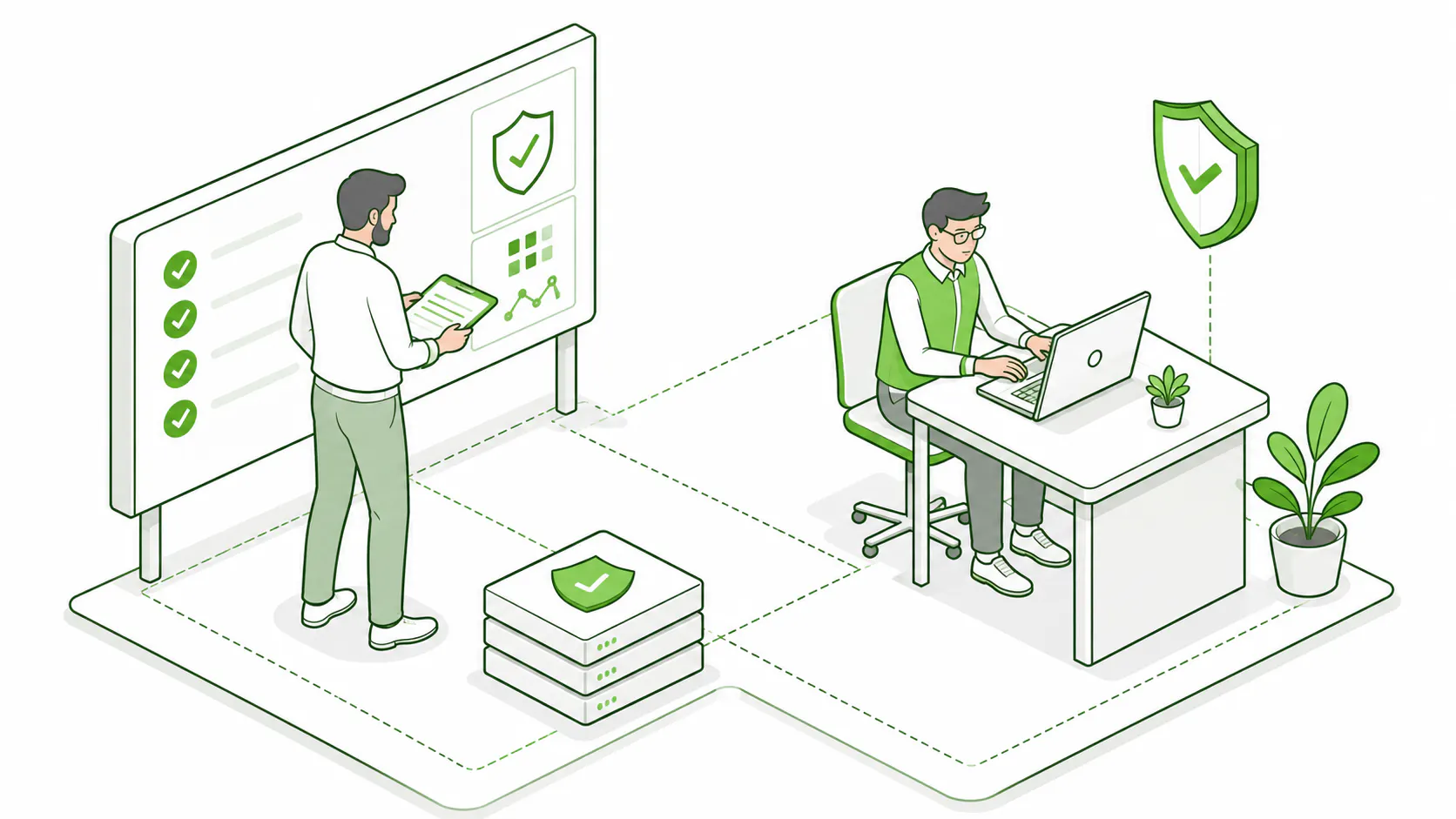
DIY breaks down at two points. The first is interpretation. A scan returns hundreds of findings, and knowing which three actually threaten your business takes experience the tool does not provide. The second is segmentation and remote access. Designing those correctly is architecture work, not a checklist. That is the line where most growing SMBs bring in a partner.
A security-focused provider gives you the inventory, the scan, the manual review, and the prioritized remediation plan, then helps you execute it. For companies that need strategy as much as execution, a virtual CISO (vCISO) sets the direction and owns the roadmap. This is where Consilien starts every engagement, with cybersecurity assessment services that map your real risk before anyone recommends a tool, backed by ongoing managed cybersecurity. Security-first, not tool-first. The analysis comes before the spend.
Whichever route you take, the order matters more than the budget. Find out where you are exposed, rank it by what it would cost you, and fix the top of the list. That is the whole discipline. The businesses that survive are not the ones with the most tools. They are the ones that did the unglamorous work of looking first.