What Is Identity and Access Management (IAM)?
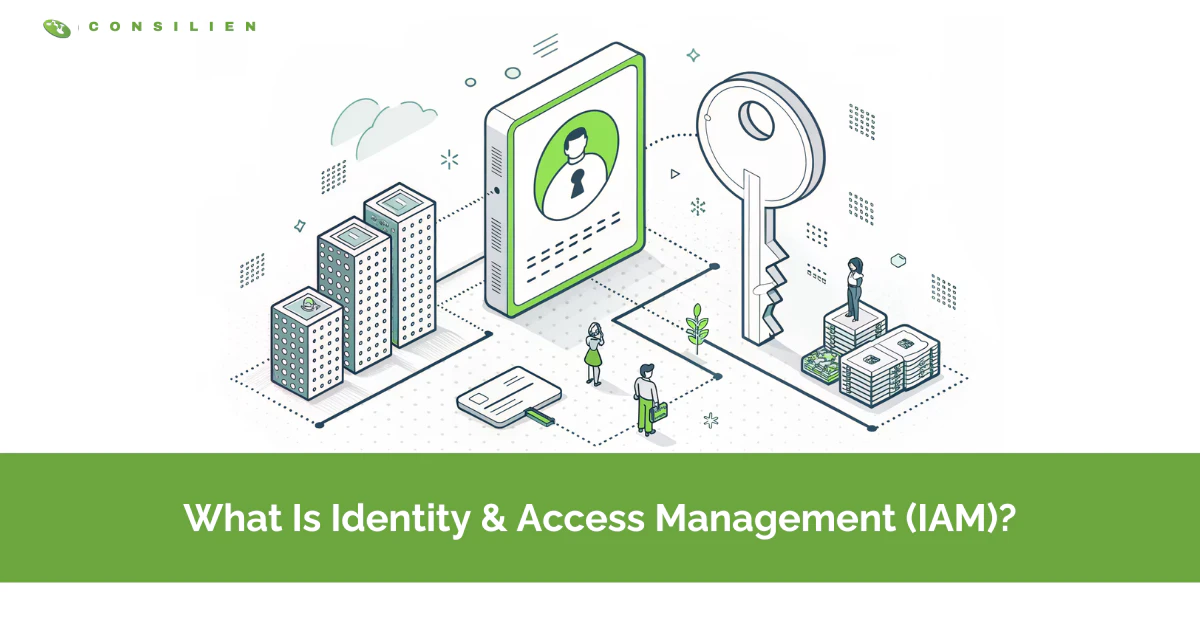
What Is Identity and Access Management (IAM)?
Identity and access management (IAM) is the security discipline that makes sure the right people and systems get the right access to the right resources, and everyone else stays locked out. It combines authentication, authorization, and governance.
Table of Contents
That's the textbook answer. Here's the part that matters.
Most companies still picture a breach as someone breaking in. Kicking down a door. Cracking a firewall. That's not how it happens anymore. Attackers log in. They use a real username and a real password that someone handed over in a phishing email or bought off a list. Verizon's 2025 data breach report pins stolen credentials as the single most common way into a network, two years running. Which means your managed cybersecurity program is only as strong as your control over who gets to log in, and what they can reach once they're inside.
That control is what IAM gives you. This post covers what it actually is, how it works, how it differs from the other identity acronyms you'll hear thrown around, and where it tends to break in real companies. Written for growing businesses in California that have outgrown the honor system but haven't figured out what replaces it.
So What Is Identity and Access Management, Exactly?
IAM is the framework of policies and tools that decides who can access what in your environment, and proves that decision every time someone logs in. NIST defines it as the programs and processes for managing digital identities and their access to resources. Plain version. It's the bouncer, the guest list, and the security camera, all at once.
Split it in two and it gets easier to hold in your head. Identity management is the record of who exists. Every employee, contractor, service account, and app that has a reason to touch your systems. Access management is what happens next. Once the system knows who you are, it checks what you're allowed to do and lets you through to exactly that much, no more. IBM frames it the same way, as two halves of one job.
Why bother naming it as a discipline at all? Because the alternative is chaos you can't see. Passwords shared over Slack. A former employee whose email still works four months after they left. Nobody can tell you who has admin rights, so nobody touches anything. IAM replaces that with a system. One place where access is granted, changed, and pulled back on purpose.
How IAM Actually Works
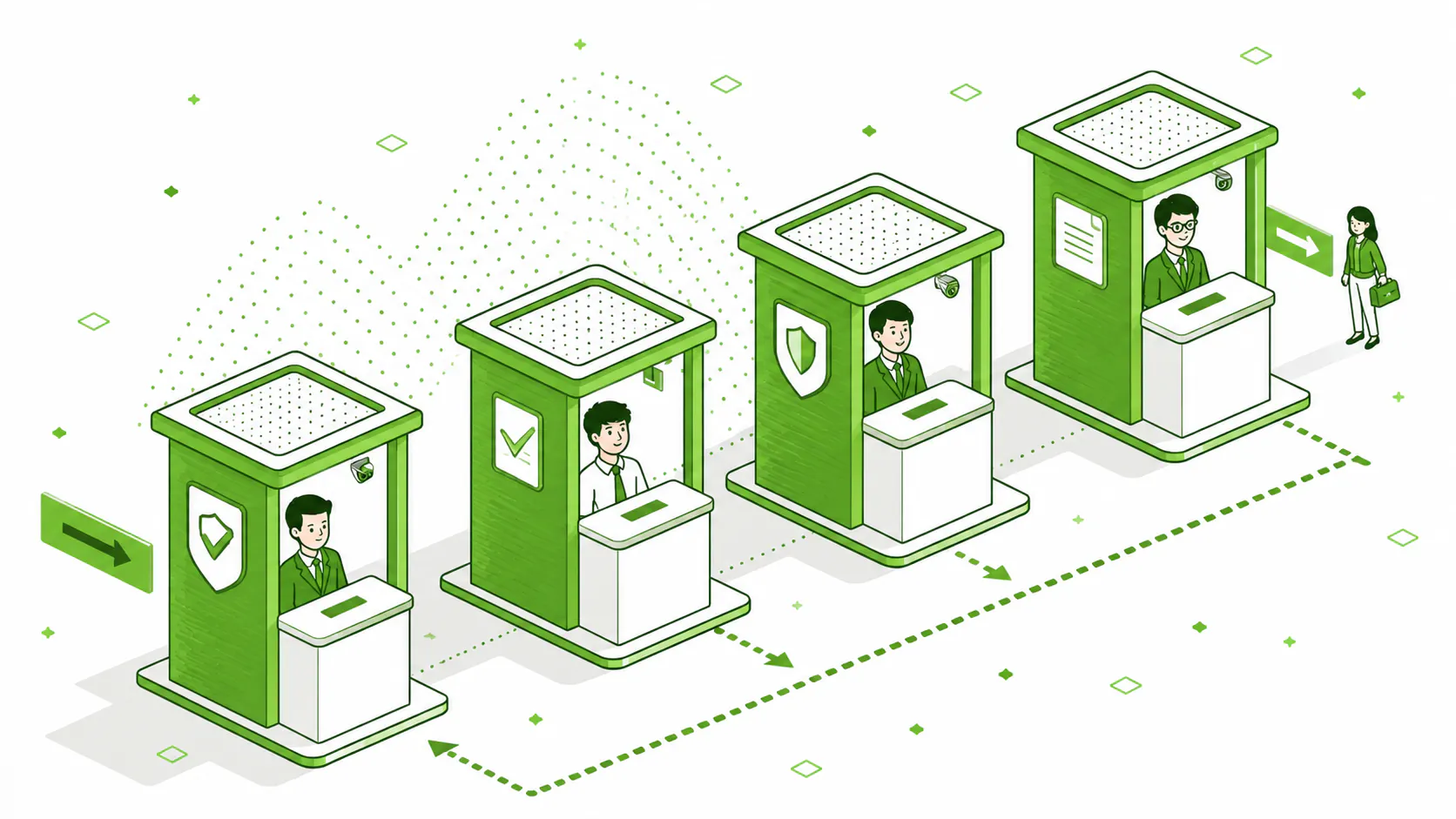
IAM runs on four jobs that happen in order. Prove who you are, decide what you get, keep that current as roles change, and check the whole thing regularly. Miss any one and the other three get shaky.
Here's the fuller version. Microsoft groups a complete IAM program into authentication, authorization, user lifecycle management, and access governance. Most people know the first two. The last two are where the real work lives, and where most small IT teams fall behind.
Authentication: Proving You Are Who You Say
Authentication answers one question. Are you actually you? A password alone is a weak answer, because passwords get phished, reused, and leaked. That's why multi-factor authentication (MFA) exists. It asks for a second proof, something you have or something you are, on top of something you know. A code from your phone. A fingerprint. A hardware key.
Single sign-on (SSO) sits next to this. It lets someone log in once and reach every app they're cleared for without typing a fresh password ten times a day. Fewer passwords floating around means fewer to steal. And the direction of travel is passwordless entirely. Passkeys built on the FIDO2 standard are replacing passwords in banking and other high-risk sectors, because you can't phish a credential that never leaves the device.
Authorization: What You're Allowed to Touch
Authorization is the part companies get wrong most often. Proving identity is step one. Deciding what that identity reaches is where the risk actually lives. A sales rep should see the CRM, not the payroll files. A contractor should see one project folder, not the whole drive. Authorization is the rulebook that draws those lines, and enforces them without someone having to remember to.
The other two jobs get less attention and cause more damage. Lifecycle management keeps access current as people join, move roles, and leave. Governance is the review layer that catches what slipped through. We'll get to why both fail in a minute.
IAM vs PAM vs IGA: Does the Difference Matter?
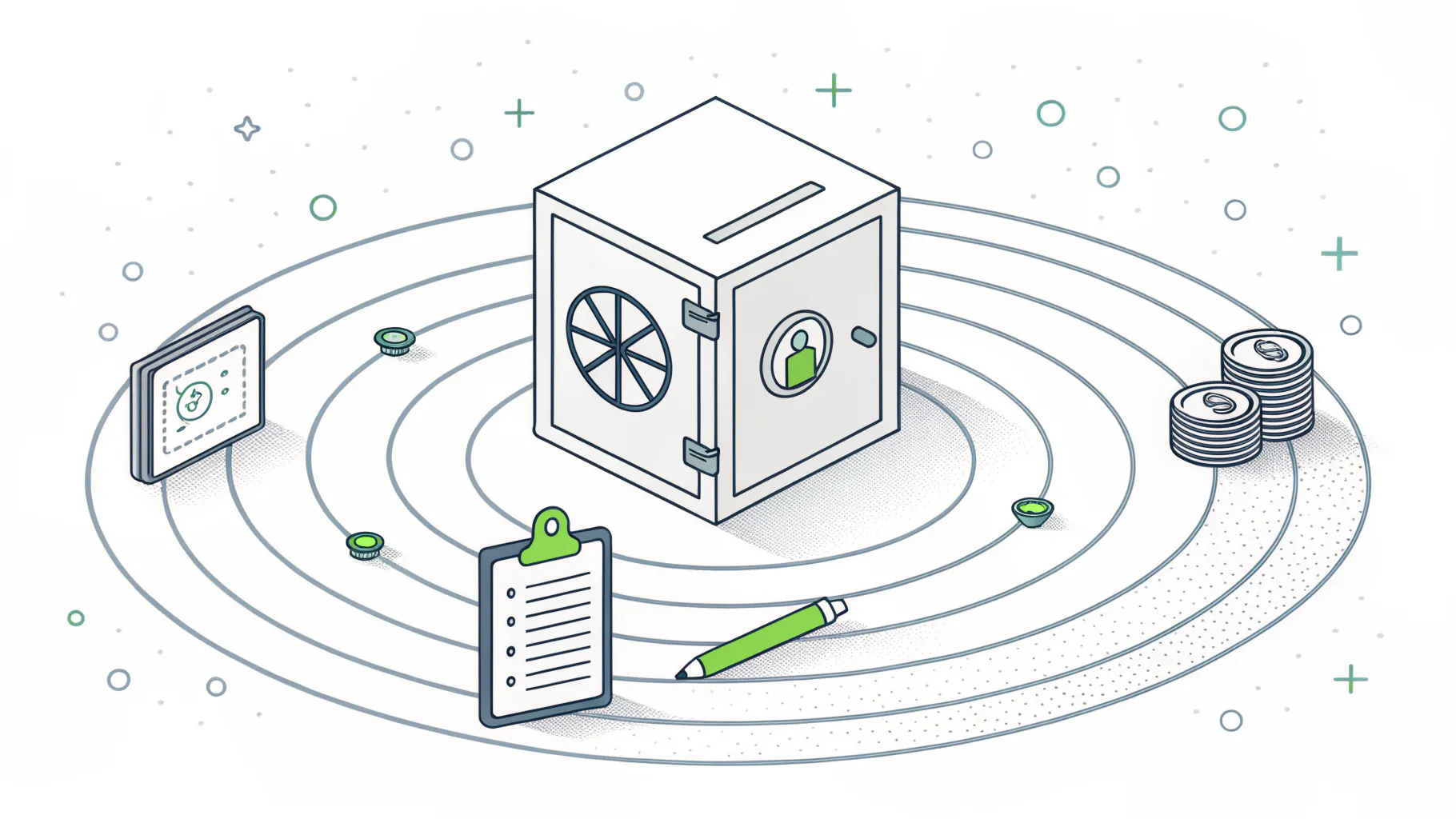
Yes, and the confusion costs money. These three get used interchangeably by vendors trying to sell you all of them. They're not the same thing, and knowing which one you actually need keeps you from overbuying.
Short version. IAM governs everyday access for everyone. PAM guards the keys to the kingdom. IGA proves to an auditor that the first two are working.
- IAM (Identity and Access Management) handles authentication and authorization for every user and system in the organization. Its one job is getting the right people in and keeping the wrong ones out.
- PAM (Privileged Access Management) covers elevated accounts, admin rights, root access, and session monitoring. It exists to guard the handful of accounts that can change everything and do the most damage.
- IGA (Identity Governance and Administration) is access reviews, approvals, audit trails, and policy enforcement. It's for compliance, audit, and risk teams, and it proves your access is correct and can document it.
Think of it as concentric circles. IAM is the whole system. PAM is the locked room inside it for the accounts that could wreck you if compromised. IGA is the paperwork that proves both are doing their job, which is exactly what an auditor wants to see when your compliance requirements come up for SOC 2, CMMC, or PCI. Most growing companies start with IAM, add PAM once they have admins worth protecting, and reach for IGA when a customer or regulator starts asking for evidence.
Why Identity Became the New Perimeter

There used to be a wall around the network. Everything inside was trusted, everything outside wasn't. Cloud apps, remote work, and phones killed that wall years ago. There is no inside anymore. The only thing left to defend is identity, which is why security teams now say identity is the perimeter.
The numbers back it up, and they're not comfortable. IBM's 2025 Cost of a Data Breach report put the average credential-based breach at $4.67M, and those breaches took 246 days on average to find and shut down. Eight months. That's how long an attacker with a valid login can sit inside a network before anyone notices, because to every monitoring tool they look like a normal user doing normal things.
Then there's the part almost nobody has under control. Machines. Every API key, service account, bot, and automated workload is an identity too, and there are far more of them than there are people. Machine identities now outnumber human ones roughly 109 to 1. Worse, 92% of organizations never rotate those machine credentials on a regular cycle, so a key issued three years ago often still works today. Attackers know this. A leaked API key doesn't get tired, doesn't change jobs, and rarely gets revoked.
This is also why security awareness training and IAM belong in the same conversation. One reduces the odds a person hands over a credential. The other limits the blast radius when someone inevitably does. You need both. Neither one alone is enough, and pretending otherwise is how the 246-day breaches happen.
Where IAM Breaks in Real Companies
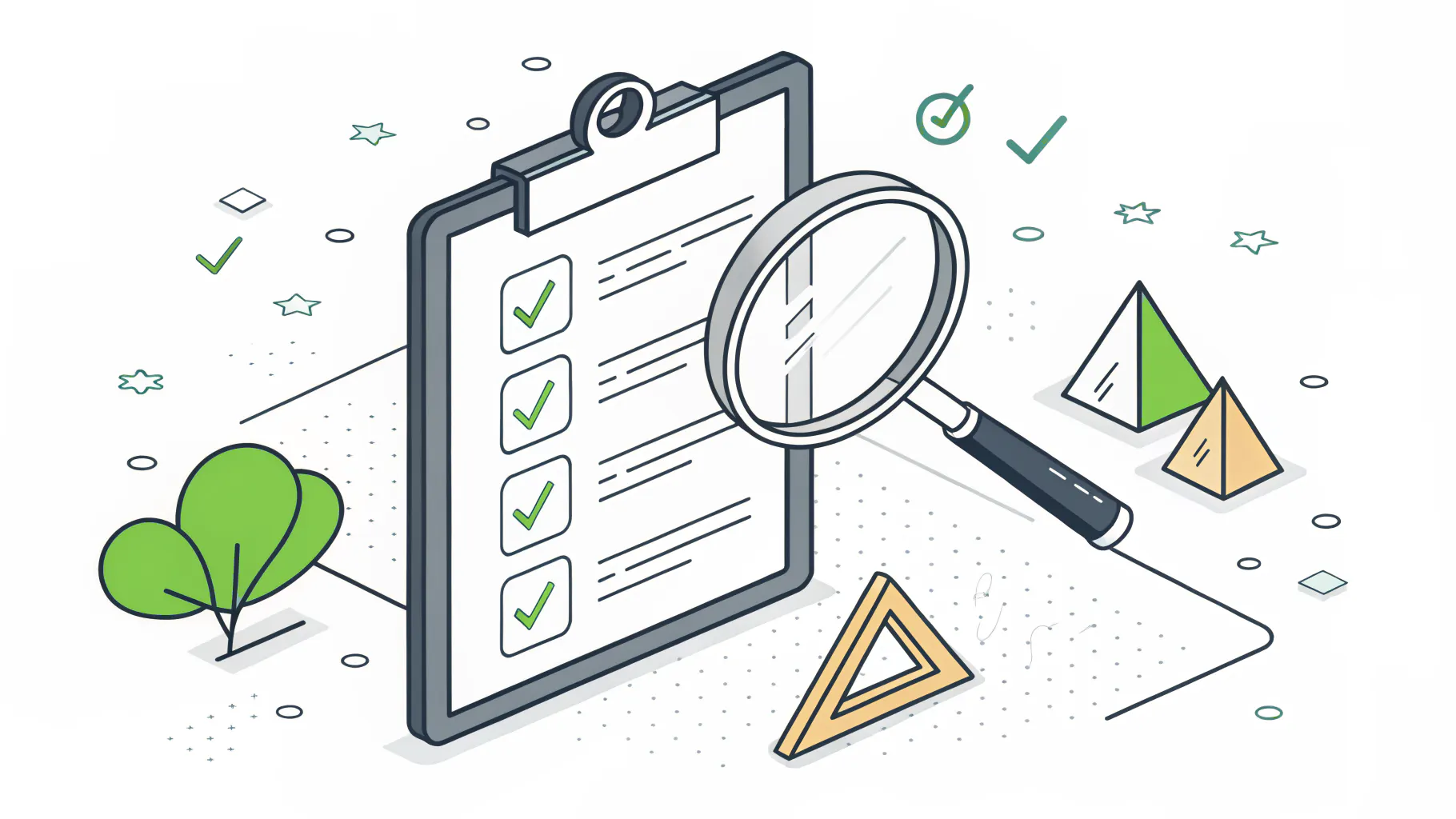
Buying an IAM tool and configuring it well are two very different things. Most of the failures we see aren't technology failures. They're maintenance failures. The system was set up once, worked on day one, and then nobody kept it honest.
Here's what that actually looks like on the ground.
- Privilege creep. Someone changes roles every couple of years, and each time they pick up new access. Nobody ever takes the old access away. Five years in, they can reach half the company and use almost none of it.
- Orphaned accounts. A contractor's login that still works months after the contract ended. These are pure gift to an attacker, and they're everywhere.
- The catch-all Admin role. When broad roles like All Employees or Admin hold most of the permissions, you've technically got role-based access and functionally got none.
- No joiner-mover-leaver process. Access gets added when people arrive and moved when they switch teams, but almost never removed when they leave. The list only grows.
- Machine credentials that never expire. Covered above, and worth repeating because it's the one nobody owns.
The fix isn't glamorous. It's least privilege, applied and then maintained. AWS puts it simply in its own best-practice guidance. Grant the lowest access needed to do the job, and revoke anything above that line. Easy to say. The hard part is the quarterly access review that nobody wants to run, tying access to real job functions instead of convenience, and writing down your data handling policies so the rules survive the person who set them up. That's the un-glamorous work. It's also the work that holds.
Who Needs IAM, and Who's Probably Fine for Now
Not every business needs a formal IAM program tomorrow. I'd rather tell you that than sell you something you can't use yet. If you're a five-person shop with two apps and everyone genuinely needs everything, you've got bigger priorities. Turn on MFA everywhere and move on.
The line moves fast, though. You need real IAM once any of these are true.
- You've crossed roughly 15 to 25 employees and can no longer name everyone's access from memory.
- A customer, insurer, or regulator is asking about SOC 2, CMMC, NIST, or PCI, all of which assume you control access and can prove it.
- You run more than a few cloud apps, so identity is now scattered across a dozen logins instead of one network.
- You've started using AI tools, bots, or integrations that need their own credentials and access.
Miss the window and the cost shows up later, usually as an audit you scramble to pass or a breach that started with an account someone forgot to close. Neither is fun. Both are cheaper to prevent than to explain.
What This Means for Your Business
Identity is where modern security starts. Not the firewall. Not the antivirus. The login. Get IAM right and you shrink the two things that hurt most, the odds of a breach and the damage when one lands. Get it wrong, or set it and forget it, and you've built a system that looks secure right up until an old account or a stale key proves it isn't.
The technology is the easy part. The discipline of keeping access correct as your business changes is the hard part, and it's where most companies need a hand. If you're weighing whether to build that muscle in-house or bring in a vCISO to own the strategy, start by pulling a list of everyone and everything with access to your systems this week. Most teams are unsettled by what they find. That list is the whole reason IAM exists.