Cloud Security: Risks, Controls & Best Practices for 2026
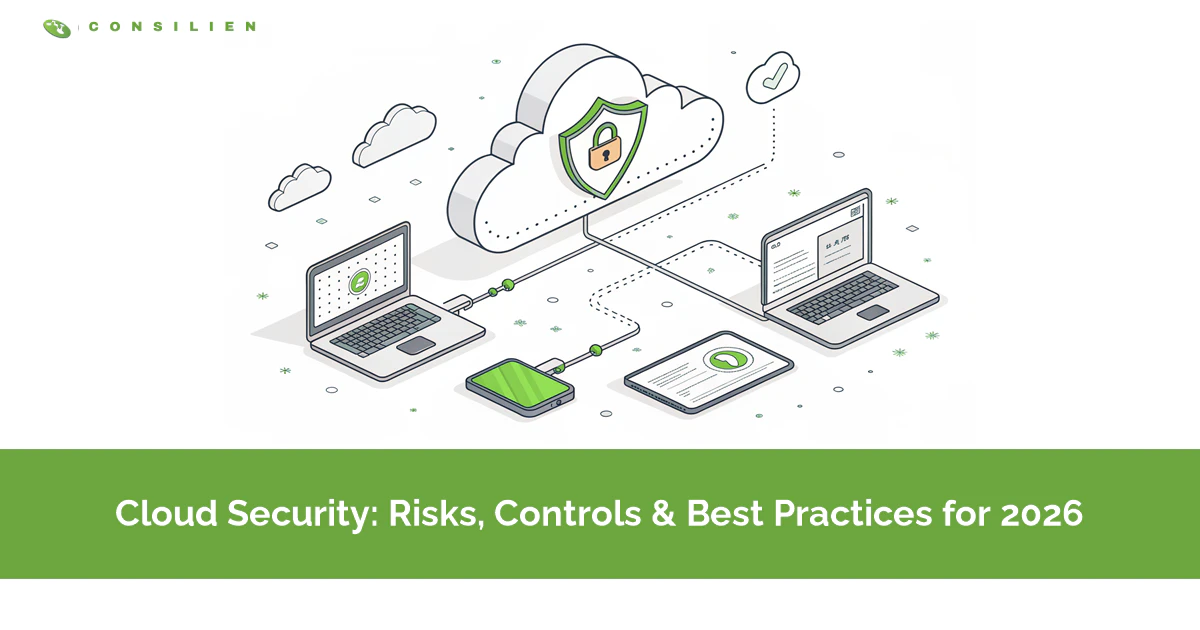
Cloud security protects the data and applications your business runs in Microsoft 365, Azure, and AWS. The catch is that your provider only secures part of it. You own the rest. And that gap, misconfigured access and weak identity controls, is where almost every cloud breach starts. This guide covers what cloud security actually is, the risks that matter, and where a growing company should focus first.
Table of Contents
Cloud security is the controls, policies, and tools that protect data, applications, and infrastructure running in cloud platforms like Microsoft 365, Azure, and AWS. It's a shared job. The provider secures the platform, you secure how you use it.
That last part is where most companies get burned. When you hand your infrastructure to a cloud services provider, you assume they have security handled. They handle the data centers, the hardware, the platform uptime. They do not configure your access rules, turn on multi-factor authentication for you, or decide who can share a folder with the entire internet. That part is yours.
And it's the part attackers count on. In 2025, 82% of intrusions involved no malware at all, according to the CrowdStrike 2026 Global Threat Report. No virus to catch. Someone logged in with credentials that worked, through a door a team left open. So before you buy another tool, it helps to understand what cloud security really is, and who is actually responsible for what.
So What Is Cloud Security, Really?
Cloud security is the practice of protecting cloud-based data, apps, and infrastructure from unauthorized access, breaches, and loss. It combines identity controls, encryption, configuration management, and monitoring across services you don't physically own.
Here's the reframe most vendor pages skip. Cloud security is not a product you buy. It's mostly configuration and identity. The firewall matters. The fancy detection platform matters. But the thing that actually decides whether you get breached is usually a setting nobody double-checked, who has access, what's exposed to the internet, whether MFA is switched on, the unglamorous details that never make the sales demo.
Cloud services come in three shapes, and the security line moves with each one. The NIST definition of cloud computing lays them out. Infrastructure as a Service, like Azure virtual machines, hands you the most control and the most to secure. Platform as a Service sits in the middle. Software as a Service, like Microsoft 365, gives you the least to manage, though never zero. The mistake is assuming SaaS means you manage nothing. You still own your data and your users. Always.
Who Actually Secures Your Cloud?
Under the shared responsibility model, the cloud provider secures the infrastructure the platform runs on. You secure everything you put into it, your data, your user accounts, your access rules, and your configurations.
Amazon calls it security of the cloud versus security in the cloud. The provider owns the first part. You own the second. Both AWS and Microsoft publish the exact split of who handles what, and it's worth reading once before you assume anything, because the line between their job and yours shifts depending on whether you're running raw infrastructure, a managed platform, or a finished application like email.
Here's the operator version of who owns what.
- Physical data centers, servers, power, and cooling. That's the provider, always.
- Network hardware and the virtualization layer. Also the provider.
- Operating system and patching. Split, the provider covers it on SaaS like Microsoft 365, you cover it on IaaS like Azure virtual machines.
- Application settings and sharing rules? Yours.
- User identities, passwords, and MFA. Yours to get right.
- Your actual data, and who can reach it. Always yours.
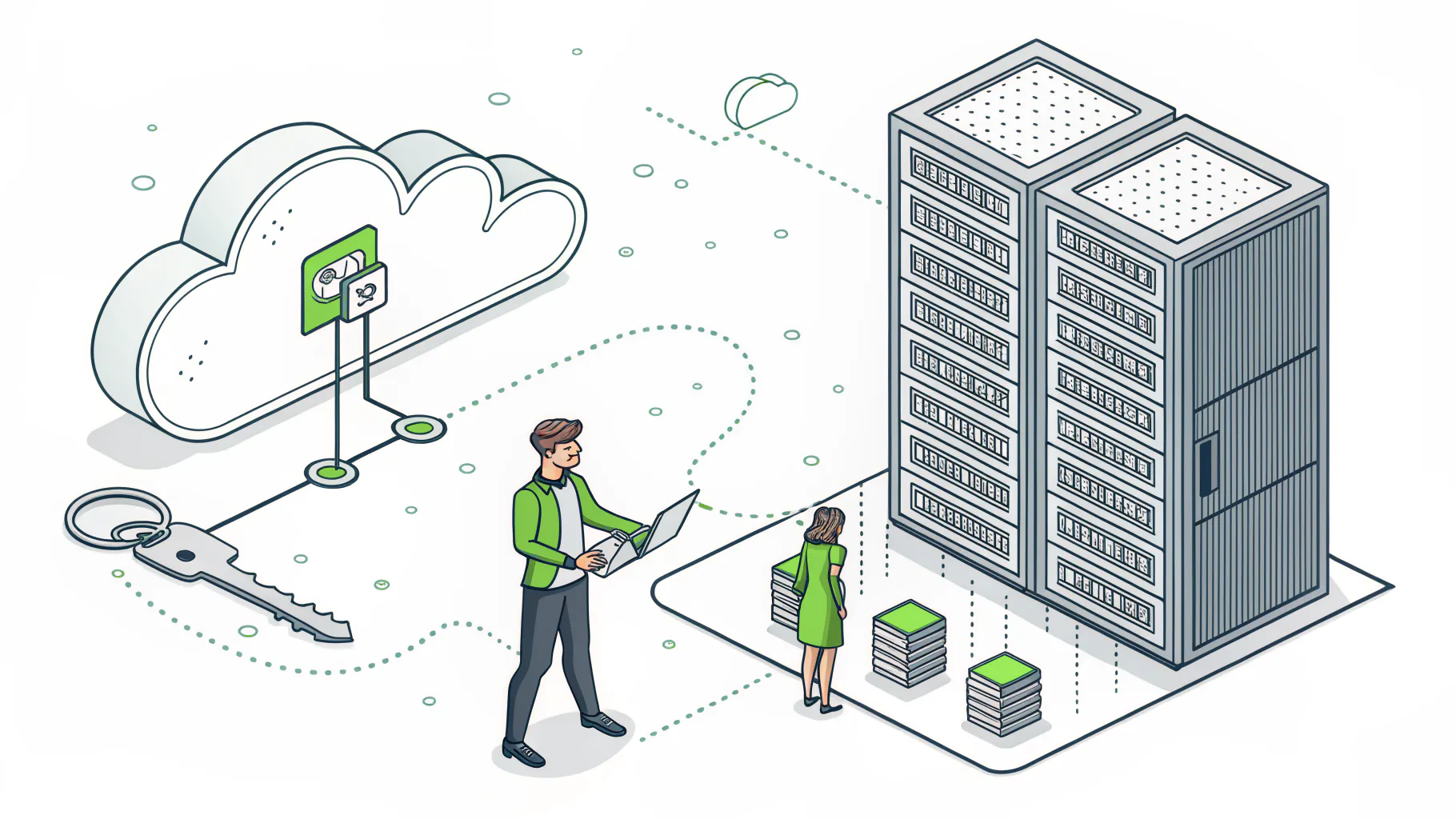
Read that bottom half again. Every row you own is a configuration choice, not a hardware problem, which means the fix is almost never buying more equipment and almost always making sure someone competent owns the settings, reviews them on a schedule, and closes the gaps before an attacker stumbles into them. That's the whole point. The provider gives you a secure building. You still decide whether to lock the doors.
The Real Cloud Security Risks
Most cloud breaches are not exotic. They come from a short list of preventable mistakes that repeat across companies of every size, the same open storage buckets, the same reused passwords, the same admin accounts nobody bothered to protect back when the team was small and everyone was moving fast. If you've seen the inside of a few environments, you've seen all of these.
- Misconfiguration. A storage bucket set to public. A sharing link that never expires. This is the single most common way cloud data leaks.
- Stolen or reused credentials. The 2025 Verizon Data Breach Investigations Report found 22% of breaches start with credential abuse, and 88% of basic web application attacks use stolen passwords.
- MFA gaps. An admin account without multi-factor is an open invitation. Verizon found over a third of organizations still run an IaaS admin account with MFA switched off.
- Shadow data nobody's tracking. Old files, forgotten databases, a test environment full of real customer records.
- Insecure APIs and integrations that quietly expose more than anyone intended.
- Third-party access. A vendor's compromised login becomes your breach, and that category jumped sharply in the latest Verizon data.
Notice what's missing from that list. Malware. Zero-day exploits. The movie-villain stuff. The CrowdStrike report put valid-account abuse at 35% of cloud incidents, and clocked the average time from break-in to spreading across systems at just 29 minutes. Attackers aren't breaking down the wall. They're walking in with a key. Cloud security breaches keep climbing year over year, and ransomware in the cloud is now a standard follow-up move once someone's inside.
What Does a Cloud Breach Actually Cost?
A public cloud data breach cost an average of $4.18 million in 2025, and breaches spanning multiple environments hit $5.05 million, the highest of any setup, per IBM's annual report.
Those are the IBM Cost of a Data Breach 2025 numbers, drawn from 600 breached organizations across 17 industries, and for U.S. companies the average across all breach types reached an all-time high of $10.22 million. Big numbers. And they feel abstract until you translate them.
The ransom or the fine is rarely the expensive part. The cost is downtime. It's the week your team can't access files. The customers who leave. The overtime. The lawyers. For a 40-person distributor, a cloud account takeover doesn't read like $4 million on a spreadsheet. It reads like two weeks of chaos, a very uncomfortable call to your biggest client, and a cyber-insurance renewal that suddenly costs a lot more. Same event. Different math depending on your size. Neither version is cheap.

The Layers of Cloud Security, Explained
Cloud security vendors love their acronyms. CASB, CSPM, CWPP, CNAPP. It reads like alphabet soup, and it scares a lot of owners into buying things they don't understand. Here's the plain-English version of what each layer actually does.
- IAM, identity and access management. Controls who logs in and what they can touch. The foundation everything else sits on.
- MFA, multi-factor authentication. Adds a second proof of identity so a stolen password alone isn't enough to get in.
- CASB, a cloud access security broker, sits between users and cloud apps and enforces rules on what data can move where.
- CSPM, cloud security posture management. Scans your config for mistakes and flags the open storage bucket before an attacker finds it.
- CWPP, cloud workload protection. Protects the things actually running, virtual machines, containers, and serverless functions.
- CNAPP bundles CSPM and CWPP into one platform so you're not stitching separate tools together.
- DSPM, data security posture management. Finds where your sensitive data actually lives across the cloud, including the copies you forgot about.
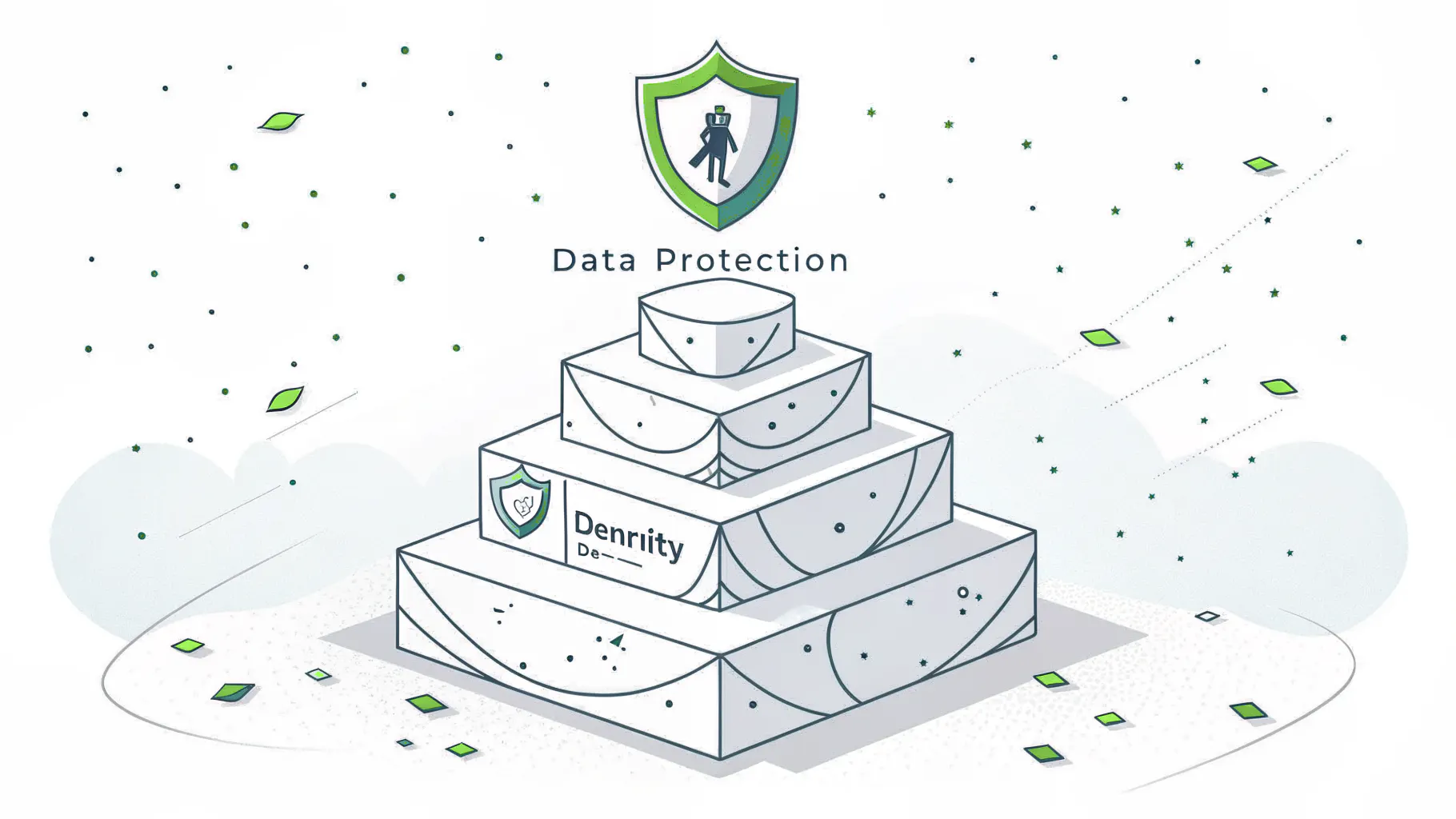
You don't need all of these on day one. Most growing companies get the biggest risk reduction from the top two rows, identity and MFA, done properly, and everything below that only starts to matter once the basics are locked down and you actually have the people to manage more tooling without drowning in the alerts it generates. The rest gets layered in as you scale. Anyone telling a 60-person company it needs a full CNAPP deployment before it has MFA everywhere has the order backward.
How to Actually Secure Your Cloud
The highest-impact cloud security steps are turning on MFA everywhere, enforcing least-privilege access, continuously checking your configuration, encrypting your data, and keeping tested backups. Identity and configuration prevent most breaches.
Best-practice lists tend to run 30 items long and paralyze everyone who reads them. So here's the short version, roughly in order of what stops the most damage for the least effort.
- Turn on MFA for every account. No exceptions, especially admins. This one control blocks the majority of credential attacks.
- Give people the least access they need to do their job. Not more. When someone changes roles, change their access.
- Check your configuration continuously. A CSPM tool, or a person who owns this weekly, catches the public bucket before it's a headline.
- Encrypt data at rest and in transit. Most platforms offer it. Turn it on.
- Adopt a zero trust posture. Verify every request instead of trusting anything already inside the network.
- Keep backups you've actually tested. A backup you've never restored is a hope, not a plan.
- Log and monitor access, because you can't respond to what you can't see.
If this feels like a lot to own internally, that's a fair reaction. It is. This is where managed cybersecurity earns its keep, having someone whose actual full-time job is making sure MFA stays on across every account, configurations stay clean as the environment changes, and the logs get watched by a person who knows what a problem looks like before it becomes an incident. For companies running heavily in Azure, a managed Azure hosting setup folds a lot of this into the service instead of leaving it on your plate.
Cloud Security for Small and Mid-Size Businesses
Attackers do not skip you for being small. They target small companies because the doors are usually easier. A 20-person firm and a 500-person firm face the exact same automated scans crawling the internet for the same open configurations, the same exposed logins, the same forgotten test environment, and the bots running those scans have no idea how many employees you have and could not care less. The difference is that the bigger company usually has someone watching. The smaller one usually doesn't.
So who actually needs to bring in help? If you're running Microsoft 365 or Azure with 20 to 500 users and nobody on staff owns cloud security as their real job, you have a gap. Maybe a serious one. That's the honest read.
Bias disclosed, we do this for a living, so weigh that. If you already have a mature internal security team with the time and tools to watch your cloud, you may just need a configuration audit and a second opinion, not a full engagement. Not everyone needs an MSP. But if cloud security is currently nobody's job, or it's the thing your one overloaded IT person does between help-desk tickets, that's the situation attackers find easiest. Compliance frameworks like SOC 2, CMMC, or PCI are a separate discipline from cloud security. Related, and usually built on the same controls, but they're their own compliance readiness work, not something bundled into day-to-day IT.
Where to Start
Cloud security comes down to three ideas. The provider secures the platform, but you secure how you use it. Most breaches come from configuration and identity, not sophisticated malware. And the fix is usually less about buying and more about someone owning it. Start with MFA on every account and an honest look at who can access what, because that single afternoon of unglamorous cleanup closes more real risk than any six-figure tool you could put on a purchase order this quarter. That's not a sales pitch. It's just the order the math actually runs in.
If you're moving more of your business into the cloud and want a clear read on where you're exposed, speak to a cloud security expert and get an honest look at your current setup.