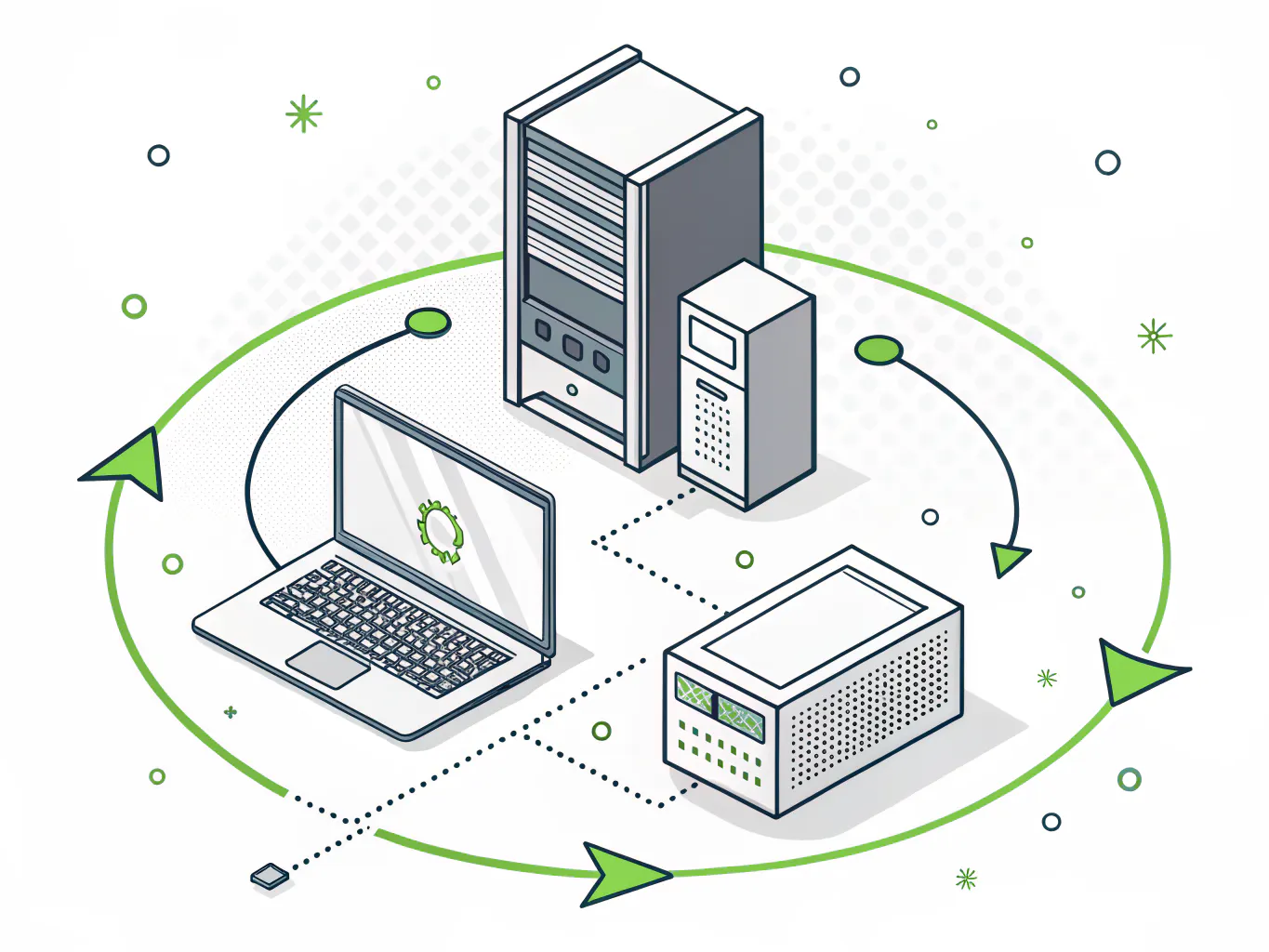
Hardware as a Service (HaaS) bundles business computers, servers, and network gear into one monthly per-device fee. Consilien buys, configures, secures, supports, and replaces the equipment on a fixed refresh cycle. You stop writing capital checks.
The devices sit at your office, your plant, or your warehouse. We own the lifecycle behind them, from the purchase order to the certified drive wipe four years later.
Nobody plans a hardware refresh. They postpone one.
Then a Tuesday arrives where 60 machines cannot take a security update, the CFO wants a capital number, and somebody has to explain why this was not in the budget.
A company runs fine on owned equipment right up until the fleet ages past the point where patching still works. Nothing breaks all at once. It degrades. A laptop takes four minutes to boot. A plant workstation drops off the domain twice a week. The controller's machine crashes during month-end close and everyone treats it as bad luck instead of a 5-year-old drive doing exactly what 5-year-old drives do.
The total is rarely the problem. The timing is. A refresh you plan is a line item. A refresh you are forced into is an emergency, and emergencies get bought at retail with no time to standardize anything.
Consilien runs hardware programs alongside IC24 managed IT for companies between 20 and 500 users, nationwide, from our Torrance headquarters. Manufacturers. Distributors. Logistics operators. Professional services firms. The kind of places where somebody's job depends on a machine nobody has looked at since 2021.
The refresh you deferred just became a deadline
Windows 10 stopped receiving updates on October 14, 2025. That is not a warning about the future. It already happened.
Microsoft's Extended Security Updates program is the bridge, and it is priced to make sure you do not stay on it. Commercial ESU runs $61 per device for year one. The price doubles every consecutive year. It is cumulative, so if you skip year one and buy year two, you pay for both. It caps at three years. And technical support is not included.
Run the math on a single machine.
| Windows 10 ESU |
Per device |
Running total |
What you get |
| Year 1 (Nov 2025 forward) | $61 | $61 | Critical and important security updates only |
| Year 2 | $122 | $183 | Same, and you must buy Year 1 to qualify |
| Year 3 (final year) | $244 | $427 | Same. Program ends here |
| Year 4 | Not available | n/a | No updates at any price |
Pricing from Microsoft's Windows 10 ESU documentation, updated November 2025. Commercial and educational volume licensing.
$427 per device to keep a machine you already own limping toward a wall. On 80 machines that is roughly $34K spent on nothing but time, and at the end of it you still have to buy the hardware.
And a large share of those machines cannot be upgraded anyway. Windows 11 requires TPM 2.0, Secure Boot, UEFI firmware, and a CPU on Microsoft's supported list. Most business machines bought before 2018 fail at least one of those. It is not a software problem you can fix with a reinstall. The chip either has the feature or it does not.
A fleet that powers on every morning reads as fine. Then the inventory comes back and a large share of the machines sit on CPU generations Windows 11 will refuse to install on. That is a purchase, not a patch, and it tends to land in a quarter nobody planned for it.
What hardware as a service actually is
Hardware as a Service is a procurement model where your IT provider owns and manages the equipment, and you pay a fixed monthly fee per device instead of buying it outright. The hardware sits at your site. The provider handles purchasing, configuration, support, replacement, and disposal under a service agreement with defined terms.
That is the definition IBM and TechTarget both land on, and it is the one we use.
You will also see this sold as IT lifecycle management services. The two overlap almost entirely. Lifecycle management is the process of planning, buying, deploying, maintaining, refreshing, and retiring equipment on a schedule. HaaS is that same process with the ownership and the capital sitting on the provider side of the line.
HaaS is usually not cheaper than buying. Over four years, straight dollar-for-dollar, buying good hardware with cash and running it hard is often the lower number. What HaaS changes is the shape and the certainty. You trade a lumpy six-figure capital ask every three or four years for a flat operating expense that does not move, and you offload the labor of managing 200 devices through their entire life.
If your company has capital available, a disciplined refresh cycle you actually follow, and internal staff with time to image and track devices, buying is fine. Genuinely fine. Most companies we talk to have none of those three.
Not every device is a laptop
A quote built around office laptops stops working the first time it meets a food processor with 14 workstations on a wet production floor.
Device classes fail differently, and they need different refresh cadences.
| Device class |
Typical refresh |
How it actually fails |
What the program includes |
| Office and knowledge worker | 3 to 4 years | Slow degradation, storage and battery. Users complain before hard failure | Standard image, encryption, MDM enrollment, spare pool |
| Shop floor and plant workstation | 4 to 5 years | Dust, heat, vibration, power events. Fails suddenly and stops a line | Sealed or industrial chassis, UPS, hot spare on site |
| Warehouse scanner, kiosk, terminal | 3 years | Physical damage and battery death. High replacement volume | Bulk spares, staged swap, no per-incident scramble |
| Server, switch, firewall | 5 years, or vendor end-of-support | Silent. You find out during an audit or an outage | Lifecycle tracked against vendor EOL dates |
Manufacturers and distributors carry all four classes. That is the actual complexity. An office-only provider will quote you a per-seat number and then discover there are 22 devices in the plant nobody counted, because they are not in the domain and no one has a login for them.
Where does the workload sit? Where does it fail? Who notices first? Those three questions decide the cadence, not a spreadsheet default.
For workloads that do not need to live on local hardware at all, hosted infrastructure is often the cheaper answer. We will tell you that instead of selling you a device.
The contract questions nobody answers on their website
These are the terms that decide whether a hardware program works for a given company. They are easier to read now than during a sales call.
Why companies run hardware through Consilien
We publish our managed IT pricing. IC24 starts at $1,800 per month and IC24 Security Plus at $2,400 per month, both flat rate, both listed on our managed IT page where anyone including our competitors can read them. We take the same approach to hardware. You get a per-device number and what sits behind it before you are asked to decide anything.
Security is set at the image, not bolted on after. Encryption, MDM enrollment, and baseline hardening happen before the device reaches a user, which is the only point in a device's life where getting it right is cheap.
That inventory also feeds compliance readiness, and worth being clear here, compliance is a separate Consilien engagement rather than something bundled into managed IT. The asset data helps. It is not the whole control.
We standardize on Dell, Lenovo, and Cisco, with Datto for backup. Consilien has been running IT for middle-market companies out of Torrance since 2001, which is long enough to know which models generate support tickets and which ones quietly do their job for four years.
Common questions about hardware as a service