Data Loss Prevention Services

Stop sensitive data from leaving through email, endpoints, and cloud apps, without burying your team in false alarms.

Data loss prevention services find your sensitive data, classify it, and enforce rules that stop it leaving through email, endpoints, and cloud apps. Consilien runs DLP as a managed program, starting with the licensing you already pay for.

Companies in the 20 to 500 user range rarely have a tool problem. They have an unconfigured tool, no agreed definition of what counts as sensitive, and nobody watching the alerts. We fix that in order, and we do it without turning your staff against the security team in week one.

Three questions come up in almost every first conversation about this.

If someone emailed your full customer list to a personal Gmail account tomorrow, would anything stop them? Would you find out? How long would it take?

For companies between 20 and 500 users, the honest answers are usually no, no, and eventually. Eventually meaning a customer calls, or a contract manager asks a question you cannot answer, or your cyber insurance carrier asks for evidence of data controls during renewal and you go quiet.

Getting that wrong costs more every year. IBM 2026 Cost of a Data Breach research puts the US average at $11.5M, the highest of any country in the study. That number gets waved away as an enterprise problem. It is not. The controls that would have caught the leak cost roughly the same whether you have 60 employees or 6,000, because the work is deciding what matters and writing the rule, not buying capacity, and a 60-person engineering firm losing its drawing library is out of business in a way a Fortune 500 losing the same volume of data simply is not.

None of this works in isolation. DLP sits inside a broader managed cybersecurity program, and it holds up only when it is wired into the rest of it. On its own it is a set of rules. Connected to identity, email, and endpoint management, it is a control.
25 years
Running IT and security programs for manufacturers, distributors, and professional services firms since 2001.
20 to 500 users
The company size this program is built for, nationwide.
1-year opt-out
On a standard 3-year agreement, with 60 days notice. In writing.

Check what you already own first

Before anyone quotes you a platform, look at your Microsoft 365 bill. Seriously. Pull it up.

DLP is not a separate purchase for most companies running Microsoft 365. Business Premium and E3 already include policy enforcement for Exchange Online, SharePoint, and OneDrive. That covers a real share of the ways data actually leaves a mid-market company. Licensed. Sitting there. Set to zero active policies in nearly every tenant we open for the first time, because turning it on requires somebody to first decide what sensitive means at your company, and that decision has no owner.

Your Microsoft 365 plan DLP you already have What still needs a license change
Business Basic or Business StandardNo Purview DLP policy engine on the base planMove to Business Premium or E3 to get Exchange, SharePoint, and OneDrive DLP
Business PremiumExchange Online, SharePoint, OneDriveEndpoint DLP, Teams DLP, trainable classifiers
E3Exchange Online, SharePoint, OneDriveE5 Compliance add-on for endpoint, Teams, auto-labeling, and Insider Risk Management
E5, or E3 plus E5 ComplianceAll of the above, plus endpoint DLP, Teams DLP, trainable classifiers, and Adaptive ProtectionNothing. Configuration is the only gap.

E5 Compliance, sold as an add-on to an E3 base, covers the endpoint and Teams side without paying for the full E5 jump. Whether that math works depends on how many people in your company actually touch regulated or contract-restricted data, and the answer is almost always a much smaller number than the license count, because the drawings live with engineering, the pricing lives with sales leadership, and the PII lives with HR and finance. Sometimes it is 12 people out of 200. You license those 12.

The invoice usually is not the problem. The configuration is.

Where data actually leaves

Data loss prevention is a set of controls that identify sensitive information, watch where it moves, and block or flag transfers that break policy. It covers data sitting in storage, data moving across the network, and data in use on a laptop. Encryption protects the contents of a file. DLP governs the movement.

Four channels account for nearly all of it.

Channel How data leaves What a policy looks like What gets missed
EmailMisdelivery, forwarding to personal accounts, attachments to outside domainsWarn or block on messages carrying card numbers, SSNs, CUI markings, or labeled files leaving the tenantEncrypted attachments and files renamed to dodge extension rules. Pairs with email security
EndpointUSB drives, printing, screenshots, uploads to personal Dropbox or Google DriveRestrict copy to removable media, control printing of labeled documents, block uploads to unapproved cloud domainsPersonal devices that were never enrolled in management
Cloud and SaaSOversharing links in SharePoint and OneDrive, third-party app connections, sync to personal accountsAuto-label sensitive libraries, restrict anonymous link creation, alert on external sharing of labeled contentApps a department signed up for without telling IT
Network and on-premiseFile servers, FTP, unmanaged shares in a plant or warehouseInspect traffic in motion and scan shares for sensitive content at restAnything cloud-only tools cannot see, which on a plant floor is usually most of it

Network DLP, the piece people ask about by name, matters most where there are on-premise file shares and engineering data that never touches the cloud. Manufacturers. Engineering firms. Anyone still running a plant file server. If your drawings live on that server, the cloud-only tools miss them entirely, which is worth knowing before you sign a subscription that inspects Microsoft 365 traffic beautifully and has no visibility into the one share where your intellectual property actually sits.

One thing that surprises people. The single most common loss event is not a hacker or a disgruntled employee. It is misdelivery. Right file, wrong recipient, autocomplete filled in the address before anyone looked. No malice, no compromised system, nobody doing anything they would describe as unusual, and it still lands as a reportable disclosure under most regulatory frameworks and most cyber insurance policies, which is why a plain email rule that pauses the send and asks the sender to confirm catches more real exposure in a year than a firewall change ever will.

Why DLP programs get switched off in month two

Alert fatigue kills more DLP deployments than any technical limitation.

It goes the same way almost every time. A company buys the tool, turns on the templated policy set, and enforcement goes live across every user on day one. By the end of week two the help desk has 400 tickets, the sales team cannot send a quote to a customer, and the CFO who approved the spend is asking why the security project is stopping people from working. Policies get loosened. Then loosened again. Six months later the tool is running in a mode where it catches nothing, the renewal comes up, and somebody in the budget meeting asks what exactly this line item has ever prevented.

Microsoft ships a fix for this and hardly anyone uses it. Purview DLP policies can run in simulation mode, which logs what a rule would have blocked without actually blocking anything. Weeks of real data on your own environment, before a single person gets interrupted. That is how you find out that your finance team legitimately emails spreadsheets full of account numbers to your bank about 30 times a month, that your engineering lead sends drawings to a contract shop in Vernon every Friday, and that both of those are normal business, so you write the exception in advance instead of learning about it from an angry ticket.

Sequencing is the other half of it. Companies deploy enforcement before anyone has decided what is sensitive. You cannot write a rule for confidential data if three executives have three different definitions of confidential.

Classification first. Enforcement second. Backward, and you spend a quarter unwinding it.

What is included in a managed DLP program

A managed DLP program is mostly the unglamorous work sitting between buying software and having a control that holds up in an audit.

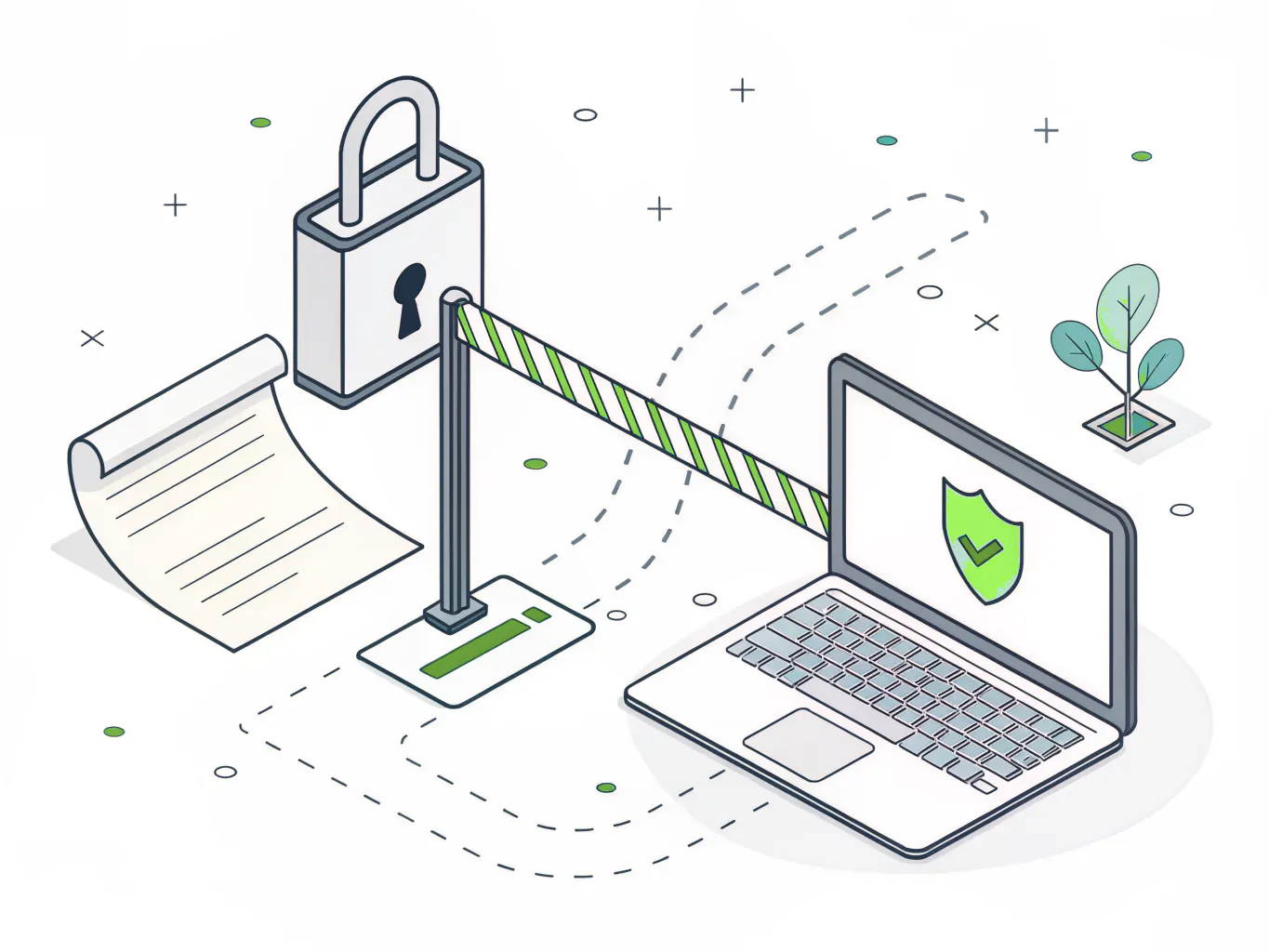
Illustration of a sensitive document passing through a data loss prevention policy checkpoint

The first 90 days

Five stages, with day ranges, so you know what happens after you call and when anything actually starts blocking.

1

Days 1 to 10, Discover

We inventory your licensing, scan the tenant and file shares, and produce a map of where sensitive data sits today. You get the map whether or not you continue.

2

Days 11 to 25, Classify

Working sessions with your leadership to agree on what is sensitive and why. Every rule written later inherits the definitions you settle on here. It is a business conversation, not a technical one. Everyone wants to skip it.

3

Days 26 to 45, Simulate

Policies go live in simulation mode. Nothing blocks. We collect real traffic against real rules and find the exceptions your business actually needs.

4

Days 46 to 70, Enforce

The tuned policies move into enforcement, starting with email and the highest-risk data types. Narrow first, then widen. Your people hear what is coming, and why, before anything blocks.

5

Days 71 to 90, Tune

Alert volume comes down as we close false positives and adjust thresholds. You get a monthly report and a named person who reviews it with you.

The numbers worth knowing before you decide

Speed of containment moves the cost more than anything else. And almost nobody is fast.

The Ponemon Institute 2026 Cost of Insider Risks report found the average organization takes 67 days to contain an insider incident. Only 13% get contained inside 30 days. The financial gap between those two groups is not small. Incidents closed in under 30 days averaged $14.2M in total annual cost. Past 90 days, $21.9M.

Negligent insiders, meaning ordinary employees making ordinary mistakes rather than anyone acting maliciously, accounted for 13.8 incidents per organization per year at an average of $747,107 each. Not attackers. Staff.

The Verizon 2026 Data Breach Investigations Report adds a newer wrinkle. 15% of observed attack techniques are now assisted by generative AI. Every DLP policy written before 2024 is blind to that channel.

Our side of the ledger is thinner but concrete.

25 years running IT and security programs for manufacturers, distributors, and professional services firms. A standard 3-year agreement with a 1-year opt-out on 60 days notice, which means you are not locked into a program that is not working. And a maturity standard, CIMS, that defines what good looks like at each stage rather than leaving it to whoever configured the tool last.

[NEEDS PROOF POINT: a DLP-specific client outcome, ideally alert volume from X to Y within 60 days, or N policies moved into enforcement in under 90 days at a named industry client with headcount.]

Consilien is a quality IT partner that has done a great job keeping our business up and running. Charles Warren, Financial Analyst, Interactive Health. A compliance and managed IT relationship running roughly 14 years.

[NEEDS SOCIAL PROOF: a data protection or compliance specific client quote would carry more weight here than a general managed IT quote.]

Good fit, bad fit

This is a strong fit if you are:

  • A company between 20 and 500 users running Microsoft 365, handling something a customer or regulator would care about losing.
  • A manufacturer with drawings and CUI, a distributor with customer pricing, or a professional services firm with client financials.
  • Facing a SOC 2, PCI DSS, CMMC, or NIST obligation on the horizon.
  • Running multi-site operations where nobody has full visibility across locations.

Three situations where it is the wrong call:

  • Under 20 users. The licensing math rarely justifies a managed program. Turn on the DLP policies included in your existing plan and revisit it when you grow.
  • You have a full-time security team already running Purview policies and working the alert queue. You do not need us for this. You need budget for headcount.
  • If ransomware locking the plant floor worries you more than a file quietly walking out the door, spend the money on backup and disaster recovery first and come back to this next fiscal year.
Illustration comparing a mid-market company and a small business evaluating DLP services

What usually gets asked before signing

This is going to cost more than the tool.

Sometimes yes. Software runs $12 to $30 per user per month depending on the vendor and how much coverage you turn on, and a managed program adds the people who design the policies and work the alert queue, which is genuinely the larger line item and also the only part that determines whether any of it does anything. The comparison that matters is not tool versus tool. It is a configured control versus an unconfigured one. One of those costs the same as the other and protects nothing.

We already have Microsoft 365 and IT says we are covered.

Worth checking. Licensed and configured are different states. The Microsoft Purview portal will tell you which one you are in within about ten minutes, and we will run that check with you before you commit to anything, because a page that tells you to buy something you already own is not worth reading.

Our people are going to hate this.

They will if you deploy it the way most companies do. The simulation phase exists specifically so that the exceptions your business genuinely needs get written before enforcement, not after a complaint. Pair it with security awareness training so people understand what changed and it lands very differently.

What if it does not work out?

Standard agreement runs 3 years with a 1-year opt-out on 60 days notice. Most providers will not put that in writing. We do, because a program that is not delivering should not need a lawyer to exit.

How does this fit with our audit?

DLP evidence feeds directly into compliance readiness work. Access controls, data handling, and monitoring show up as requirements in nearly every framework, and having the reporting already running is the difference between an assessment and a scramble.

Data you can actually find

We map where regulated and contract data lives before writing a single rule.

Policies that survive contact

Simulation first, narrow enforcement second, so the program does not get switched off.

Alerts someone reviews

Our team works the queue and tunes the rules, monthly, with a named contact.

Evidence when the auditor asks

Reporting mapped to SOC 2, PCI DSS, CMMC, or NIST as you go.

Common questions about data loss prevention

How is DLP different from encryption?


Encryption protects the contents of a file. DLP governs where that file is allowed to go. Encrypt a spreadsheet and an authorized employee can still email it to a personal account, and the recipient opens it fine. DLP is the control that stops the send, or flags it, based on what is inside the file and where it is headed. Both matter. They solve different halves of the problem.

Find out what your licensing already covers

Every month without controls is another month of data moving with no record of where it went. Insider incidents that drag past 90 days cost organizations $21.9M on average, and the clock starts the day the file leaves, not the day somebody notices.